Screen gallery
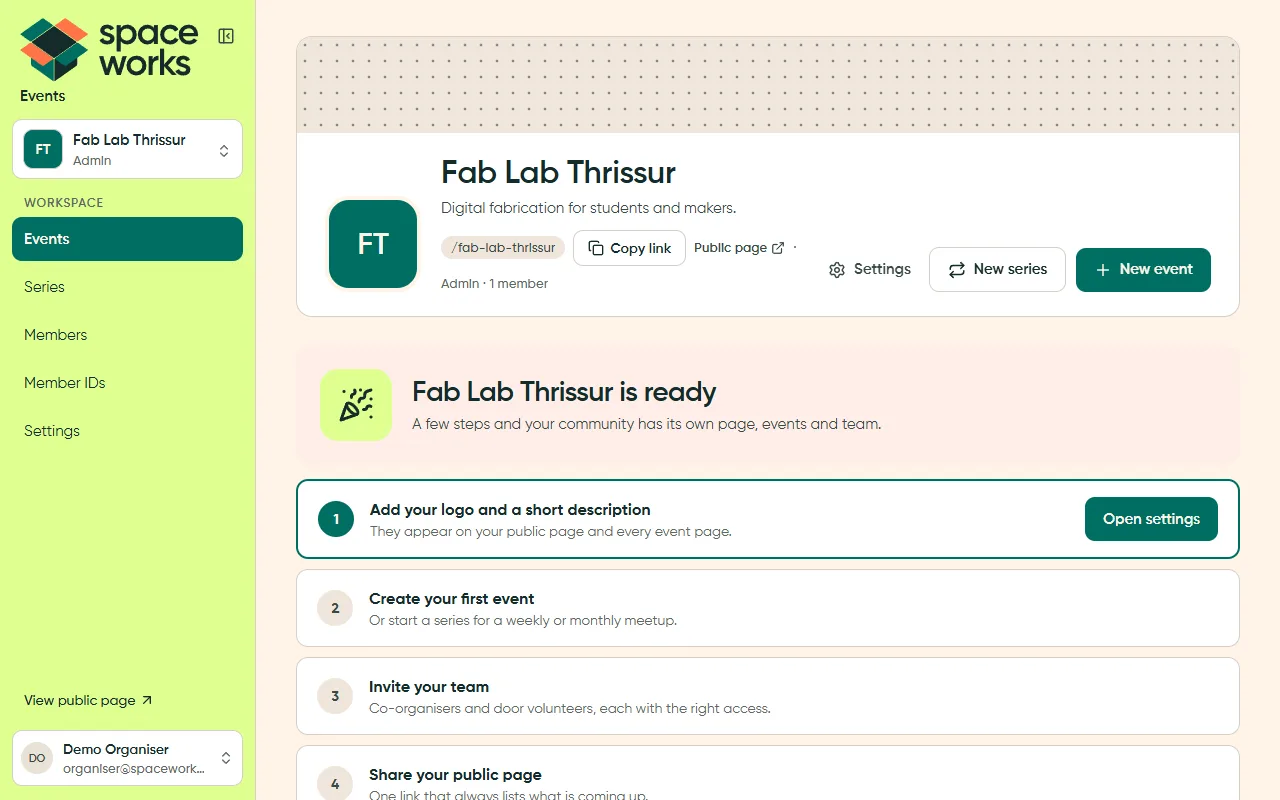
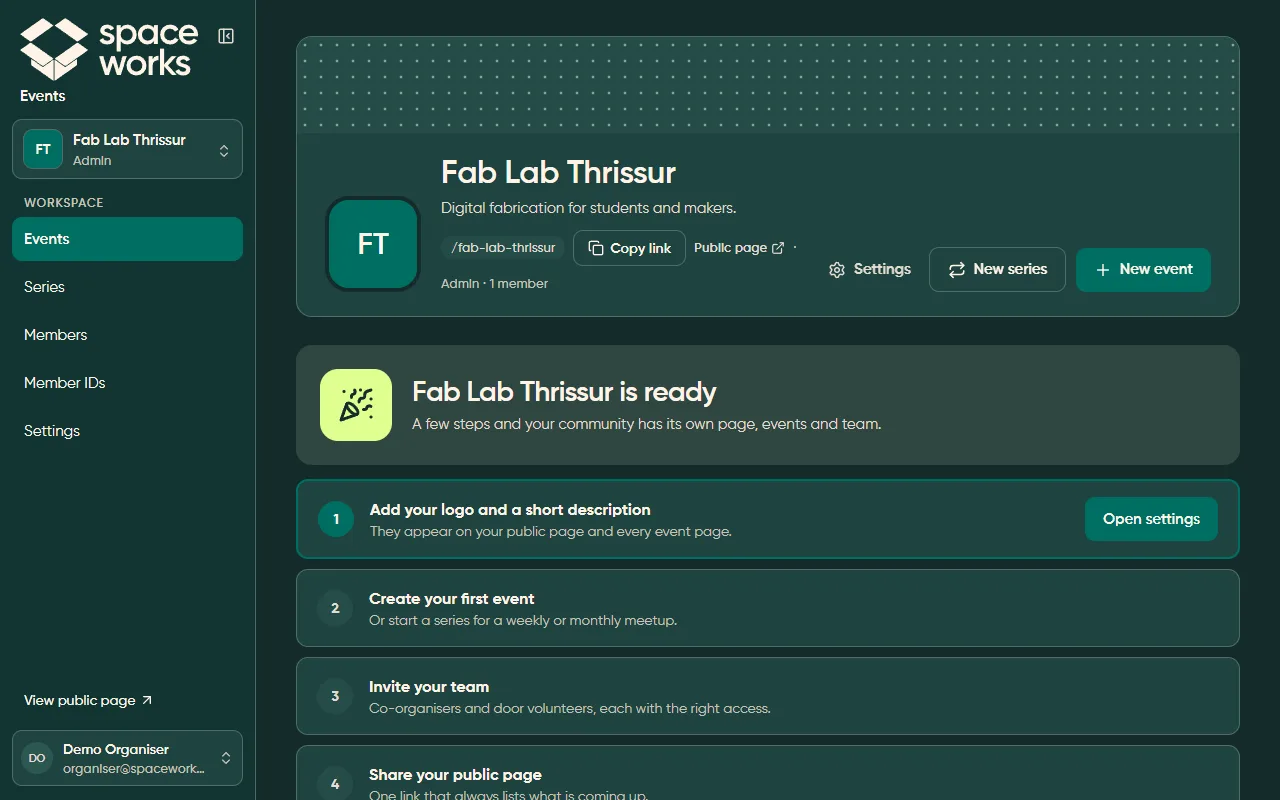
Every screen is the app shell plus exactly one layout from the closed set. The screens
below come from Space Works Events with demo data. The files are in
screenshots/ux/.
L1 + L2 · App shell and dashboard
Section titled “L1 + L2 · App shell and dashboard”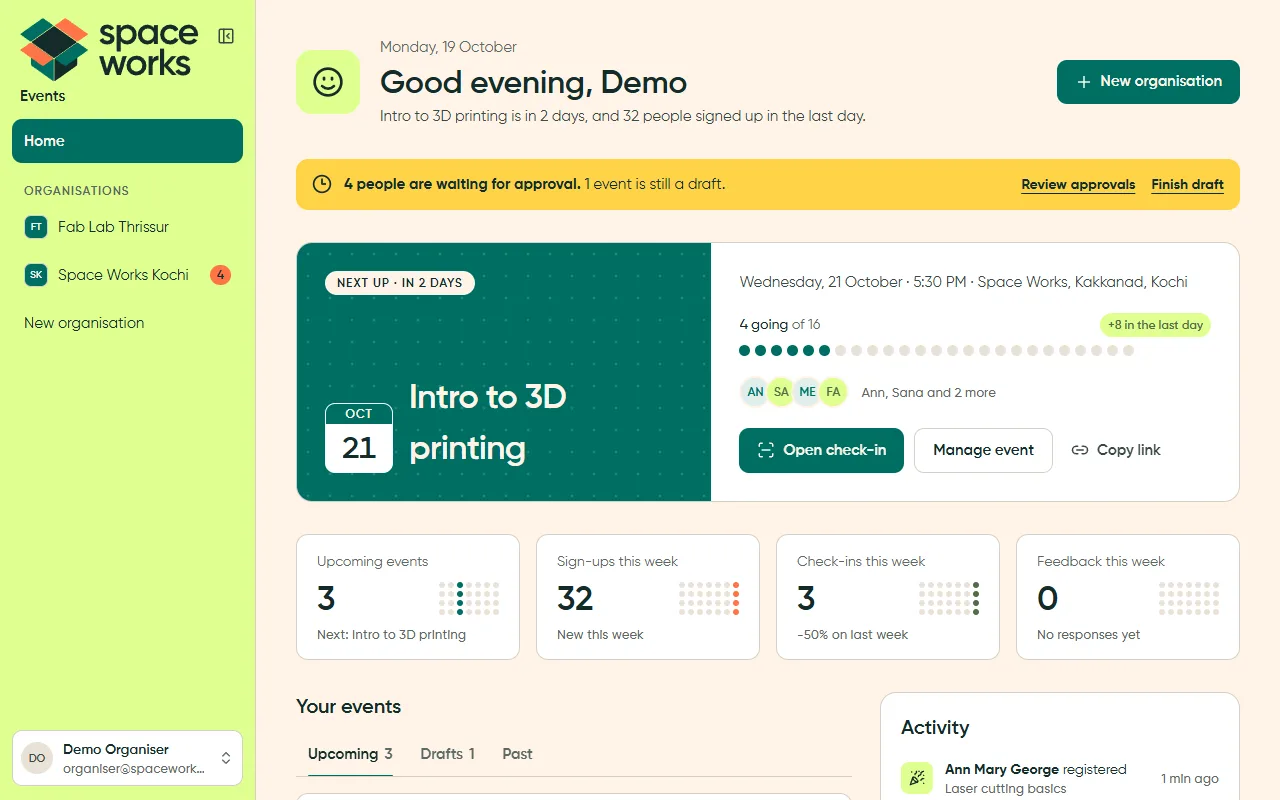
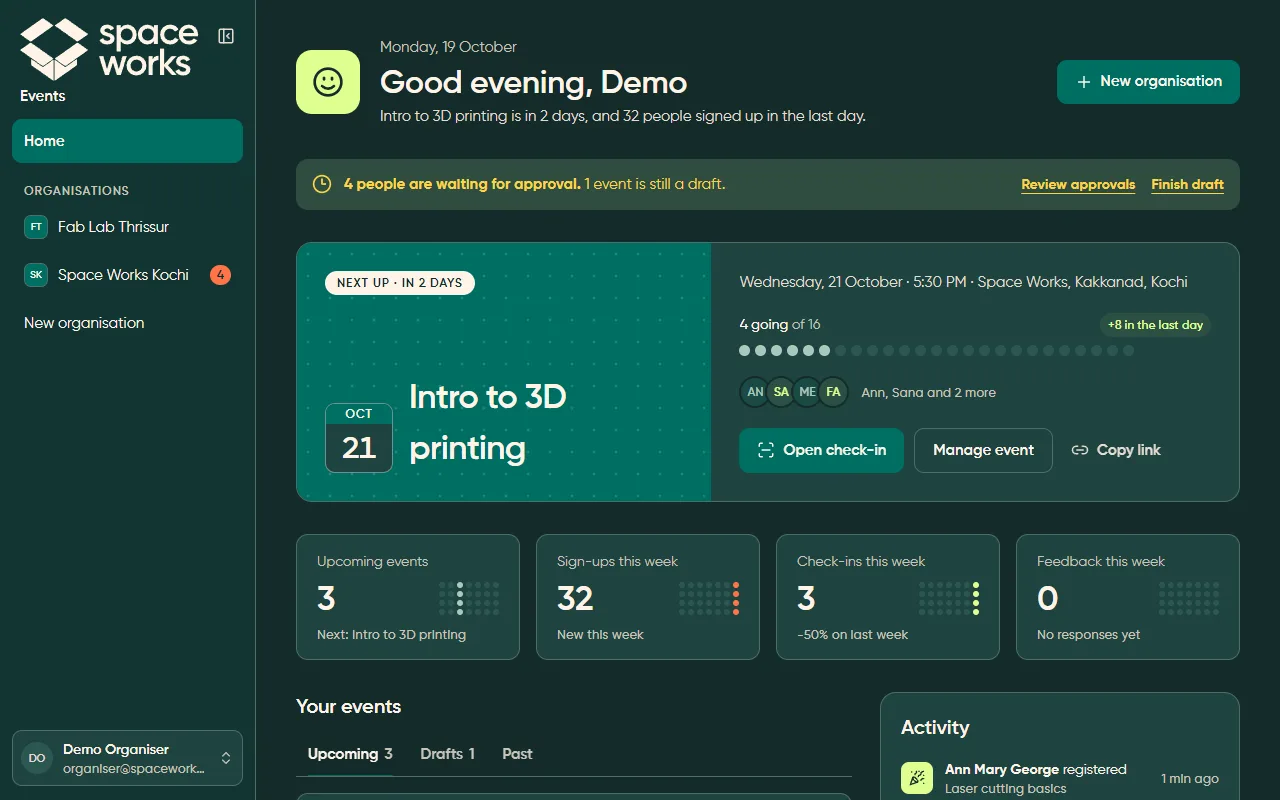
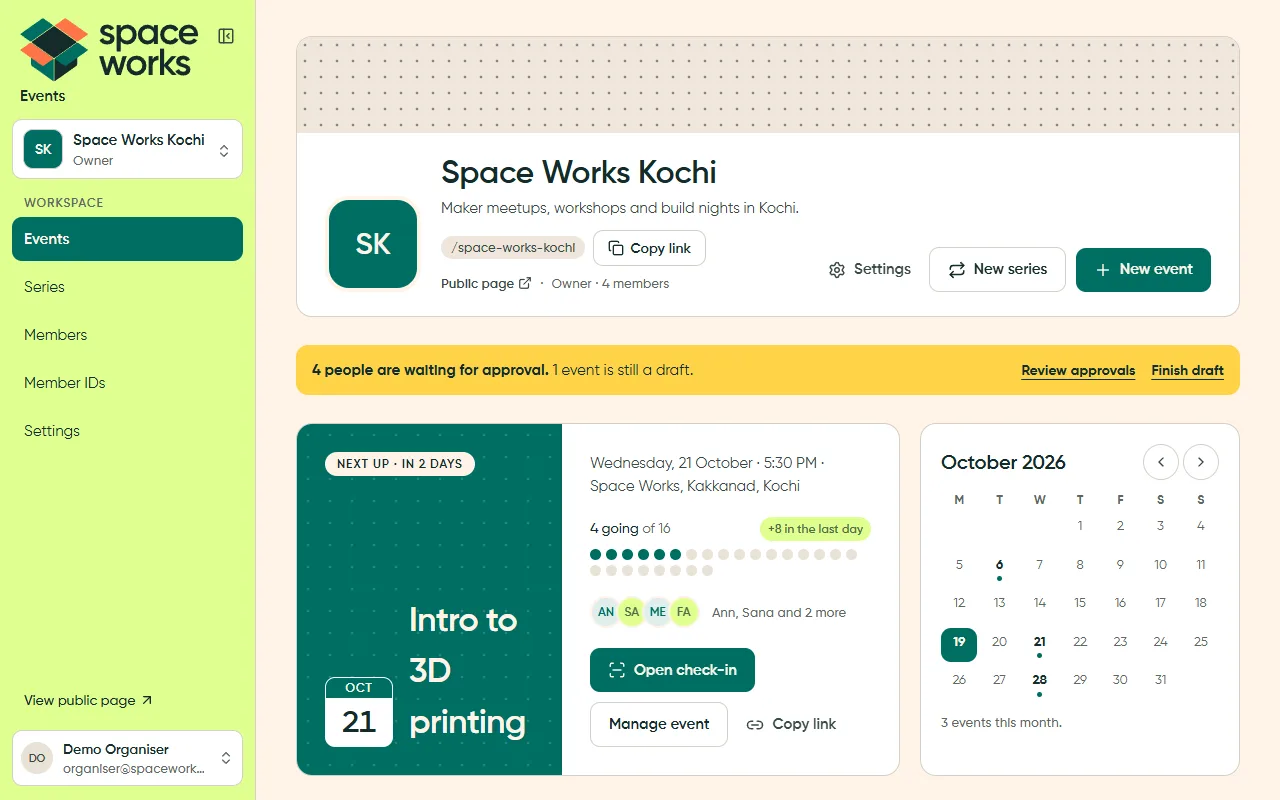
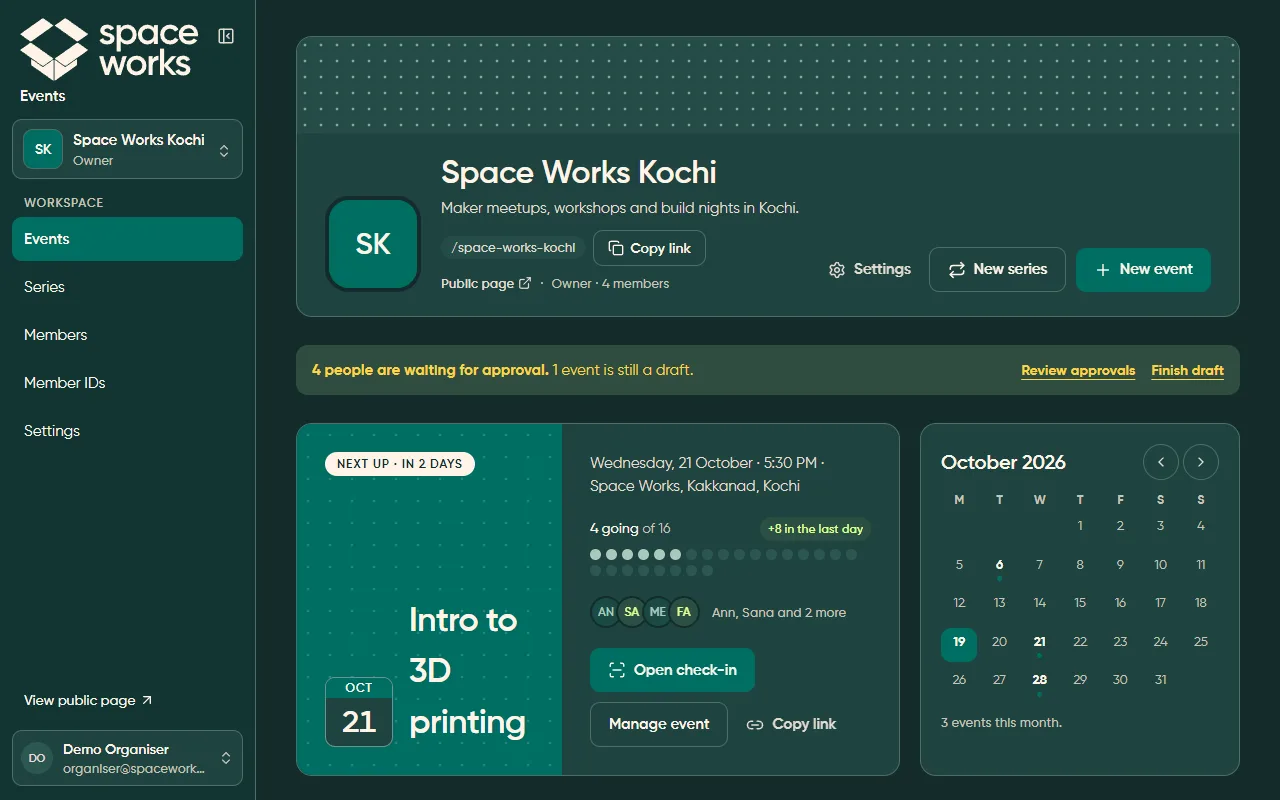
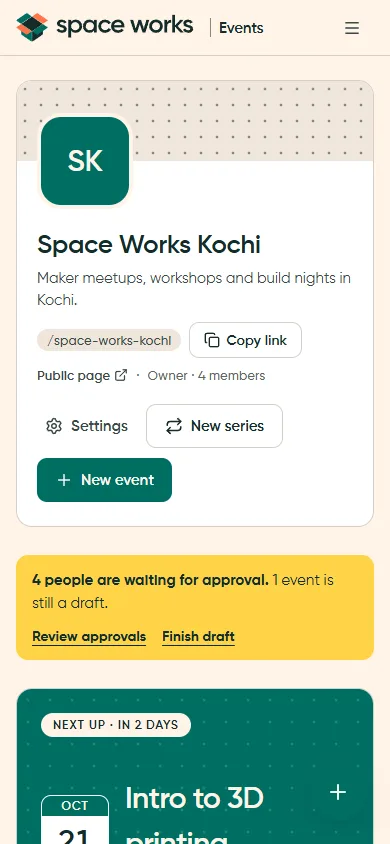
The phone capture is light theme. The dark desktop comparison above remains available at every screen size.
L3 · List
Section titled “L3 · List”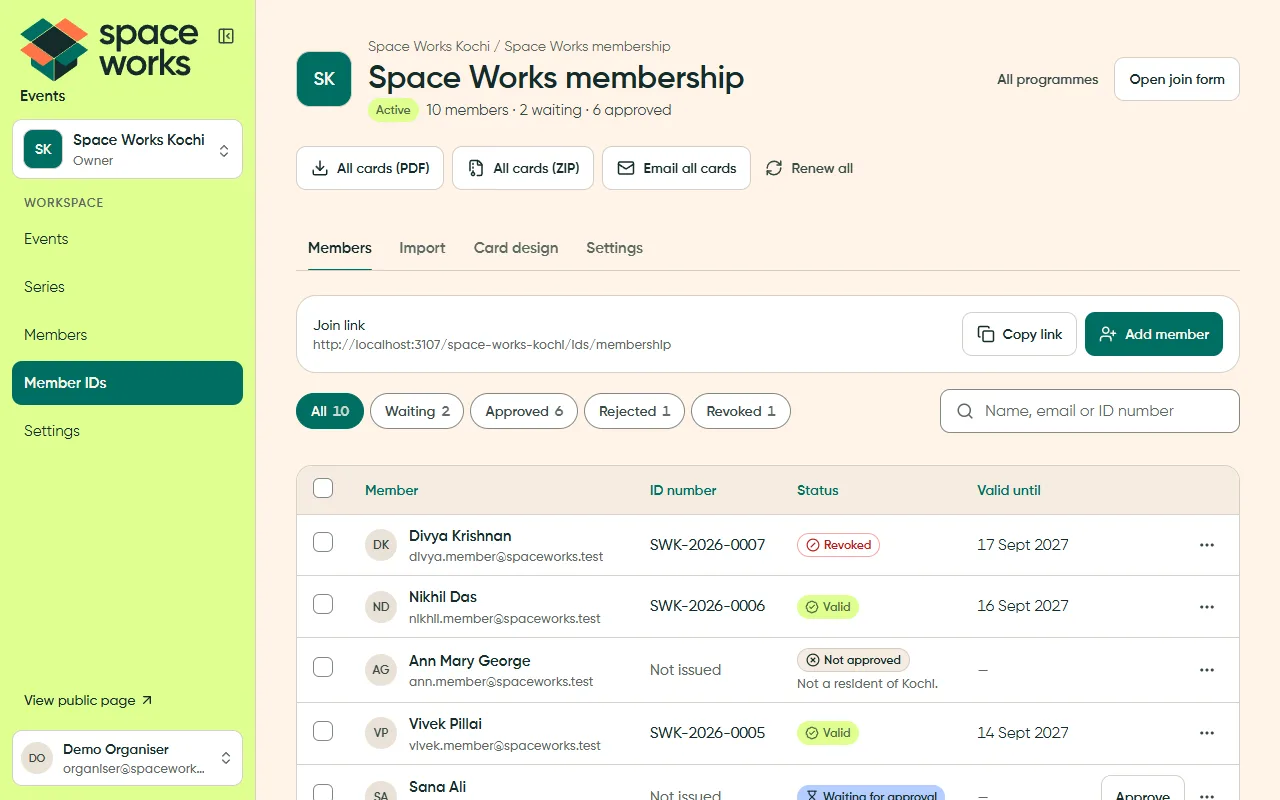
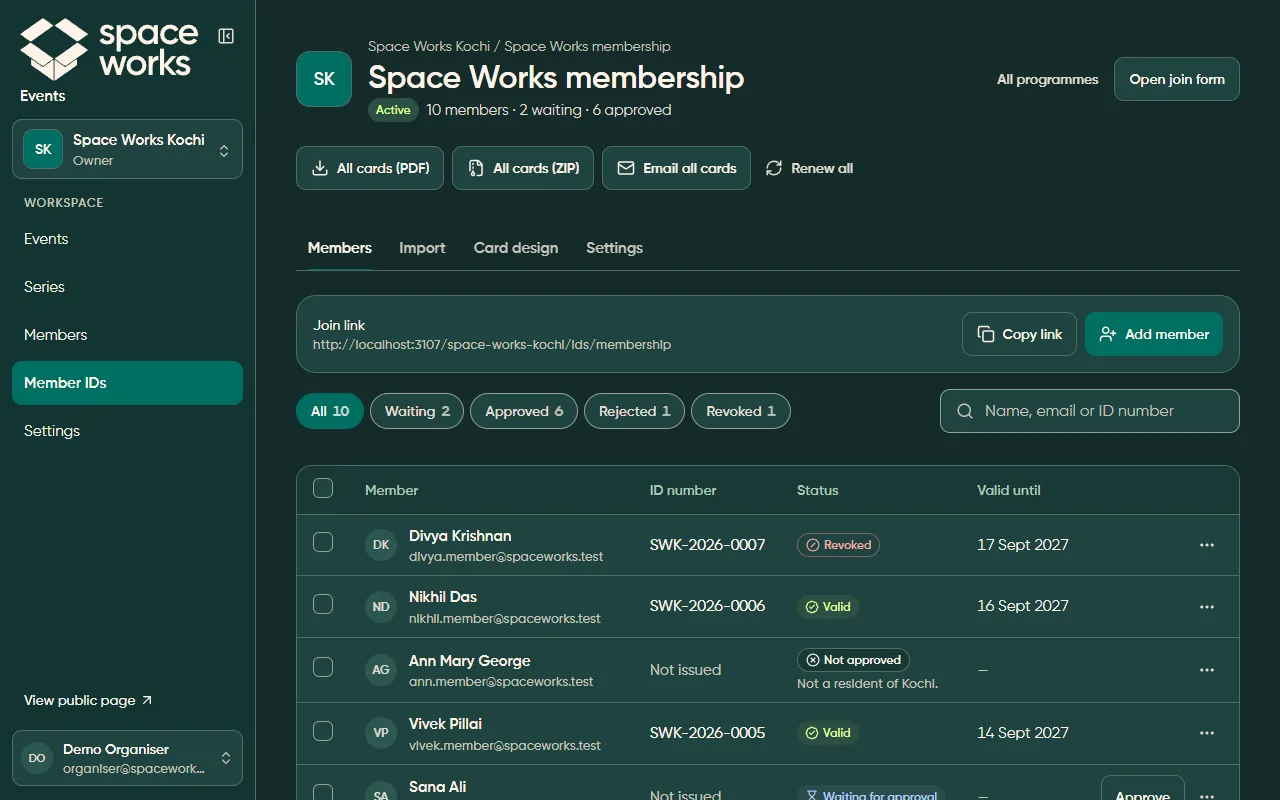
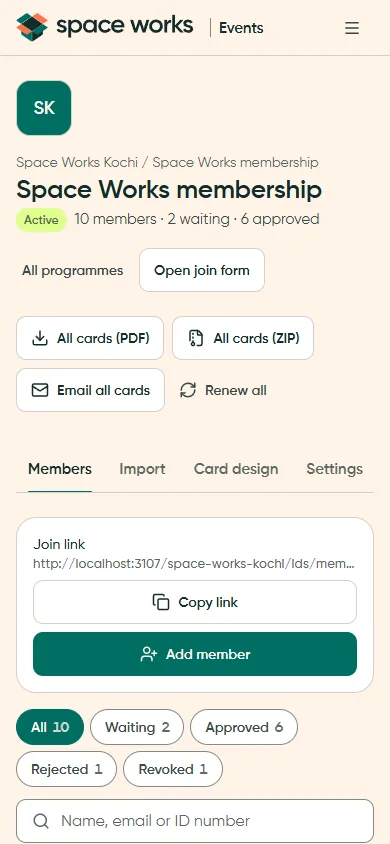
The phone capture is light theme. The dark desktop comparison above remains available at every screen size.
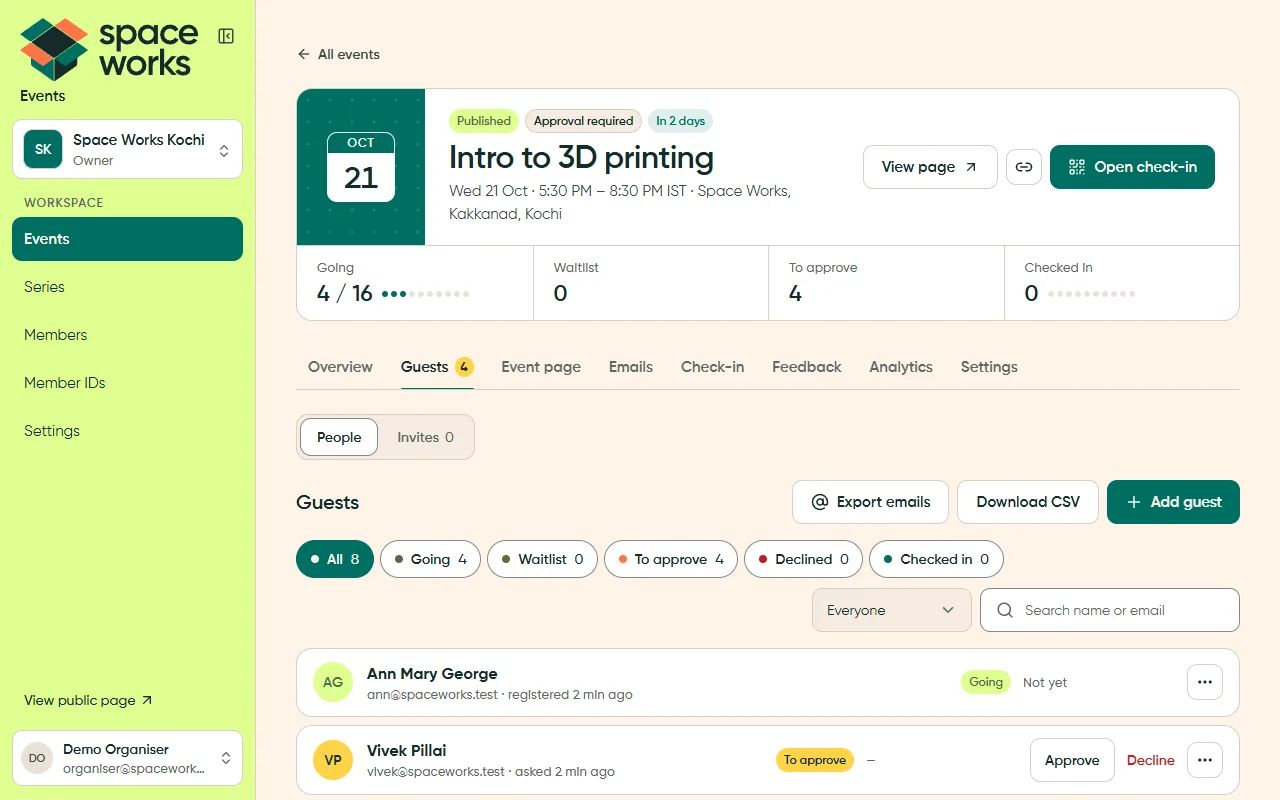
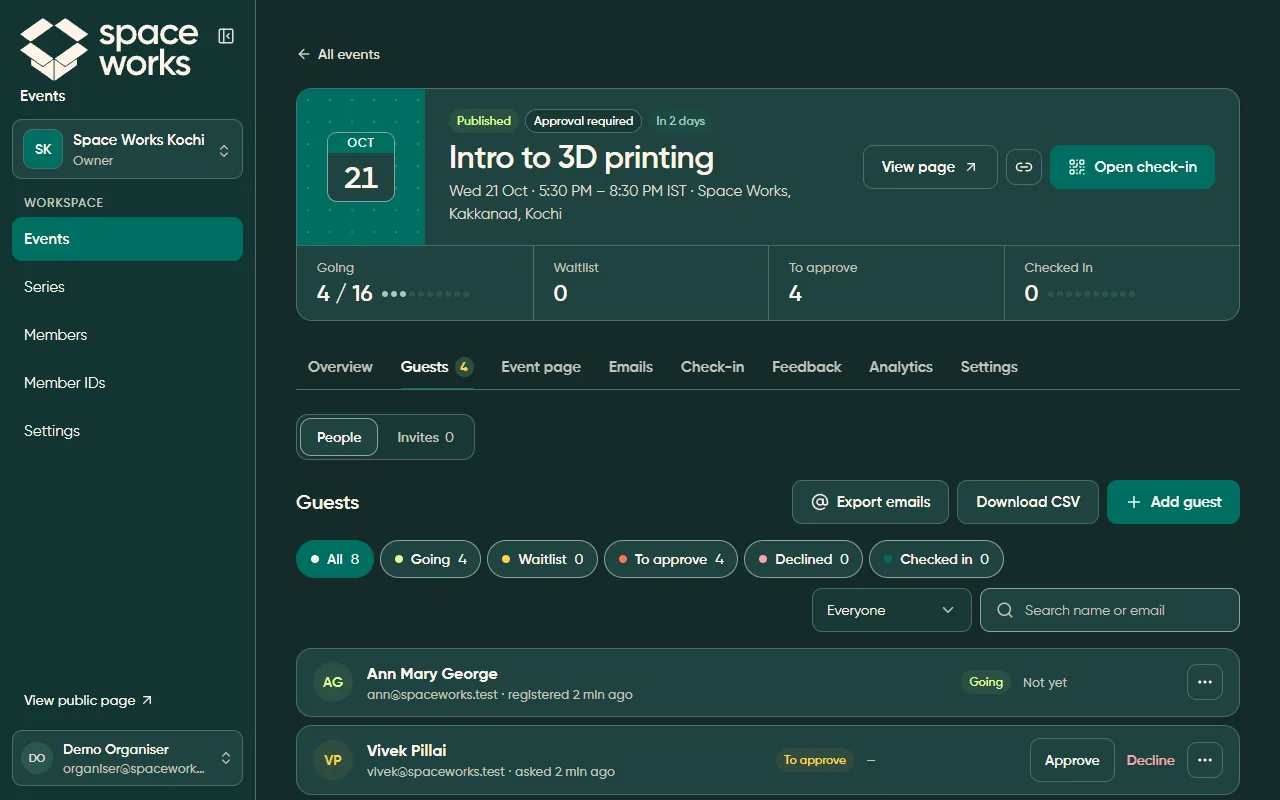
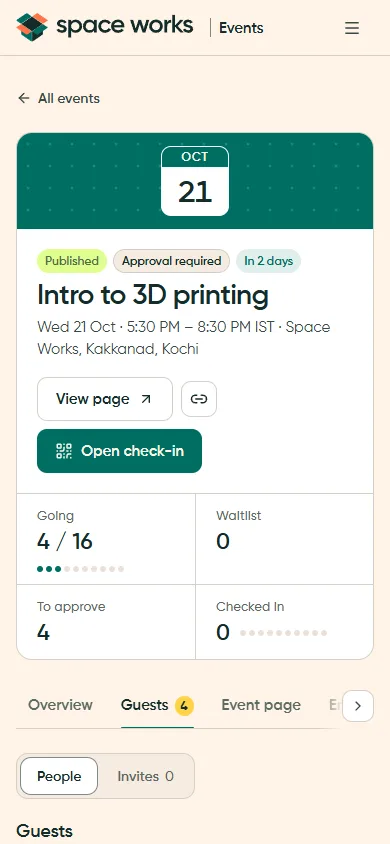
The phone capture is light theme. The dark desktop comparison above remains available at every screen size.
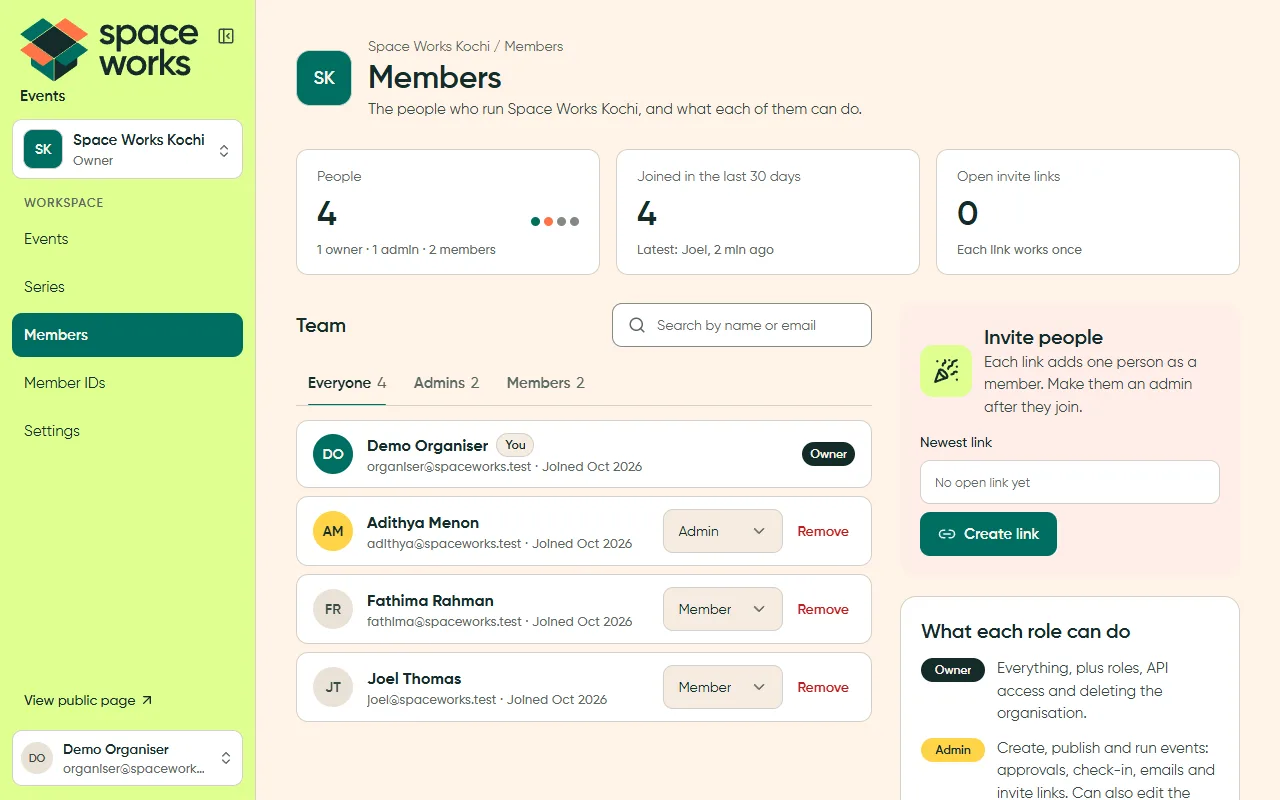
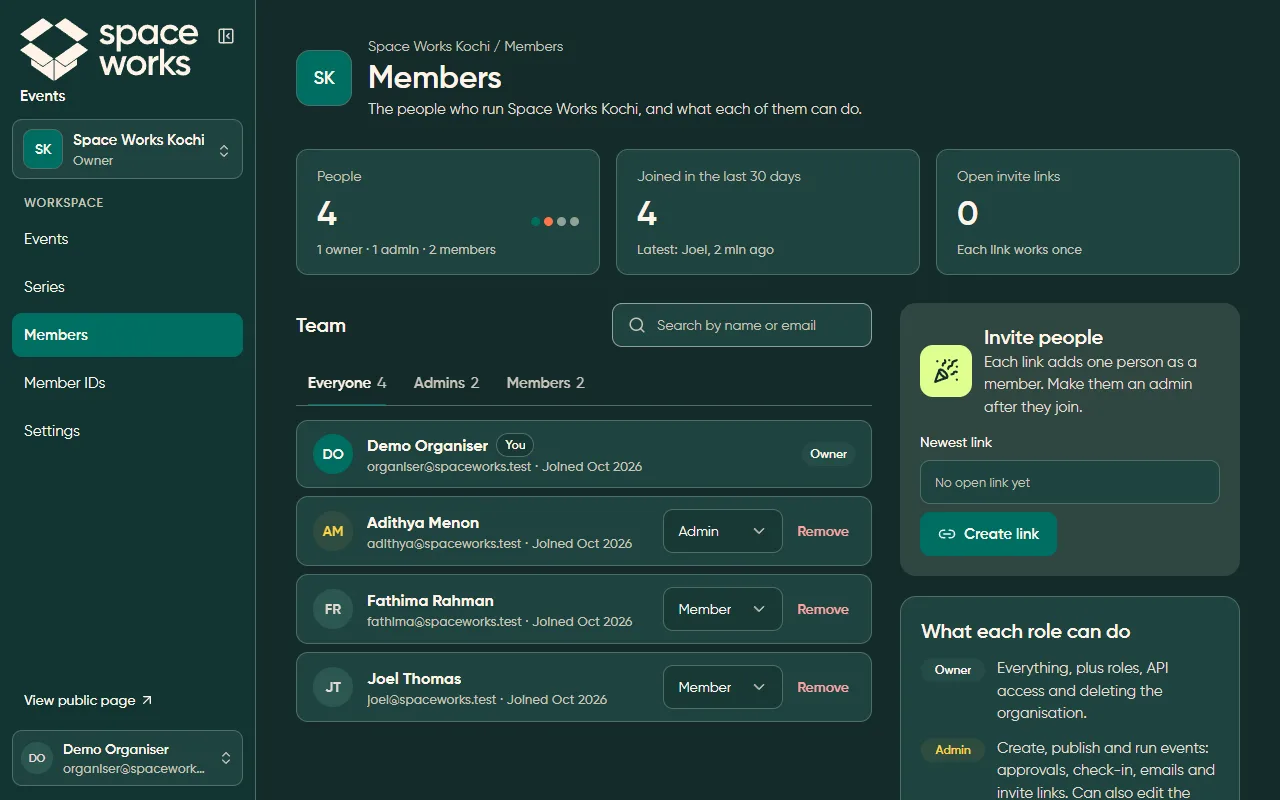
L4 · Detail
Section titled “L4 · Detail”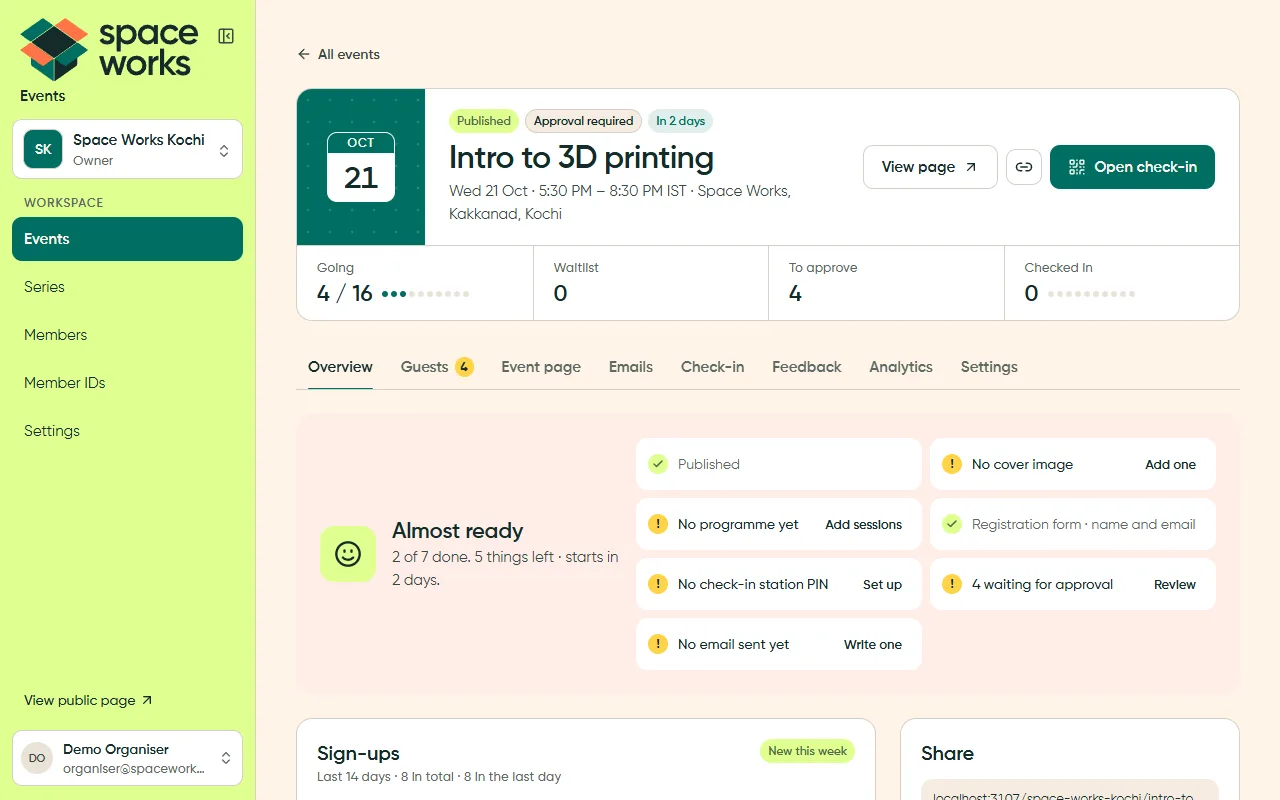
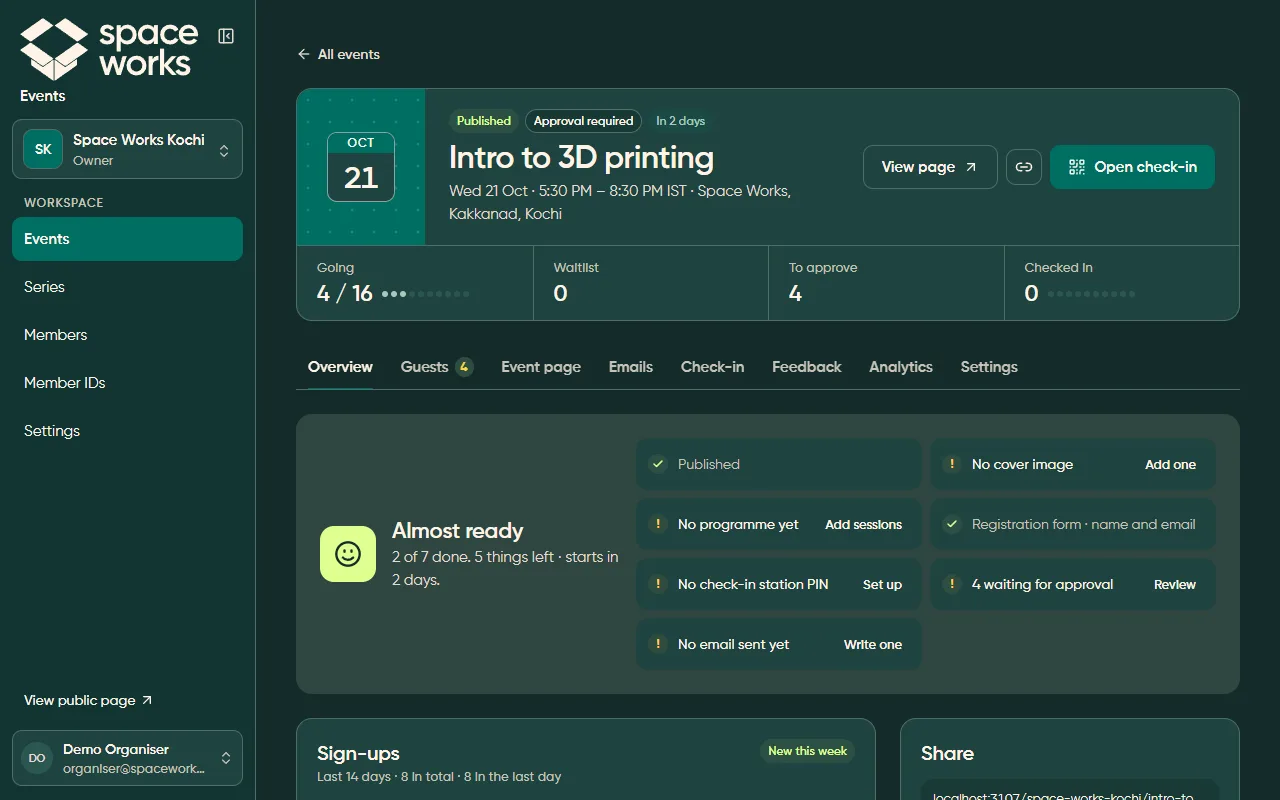
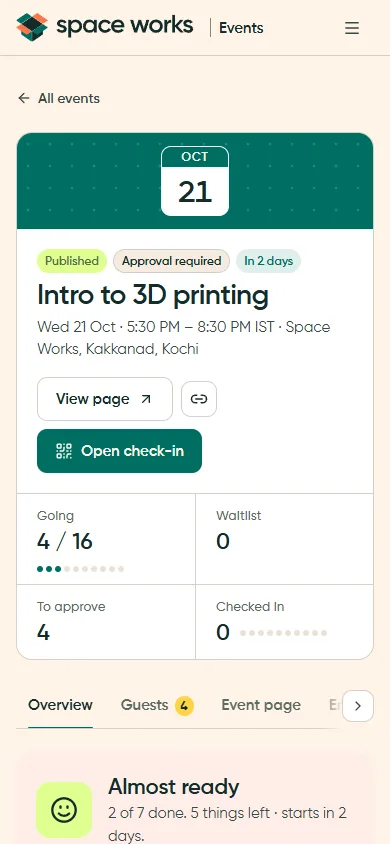
The phone capture is light theme. The dark desktop comparison above remains available at every screen size.
L5 · Settings
Section titled “L5 · Settings”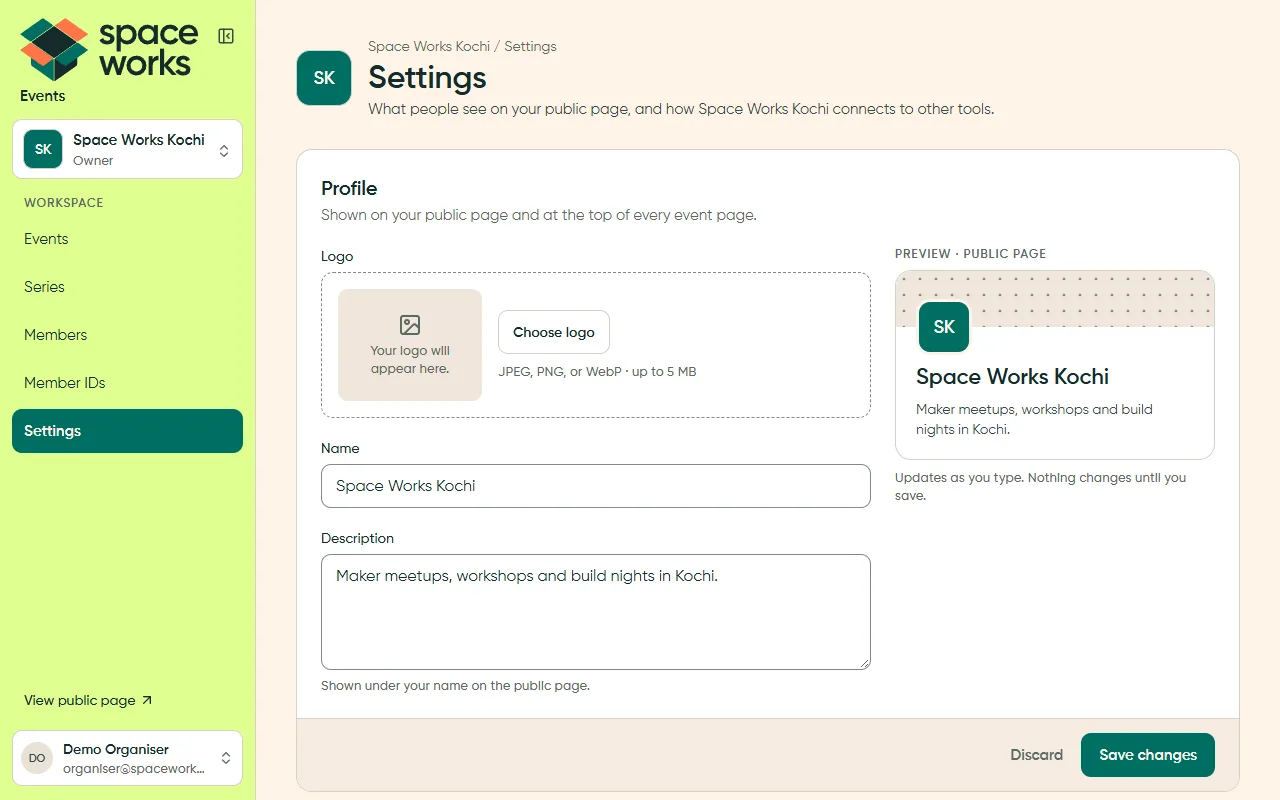
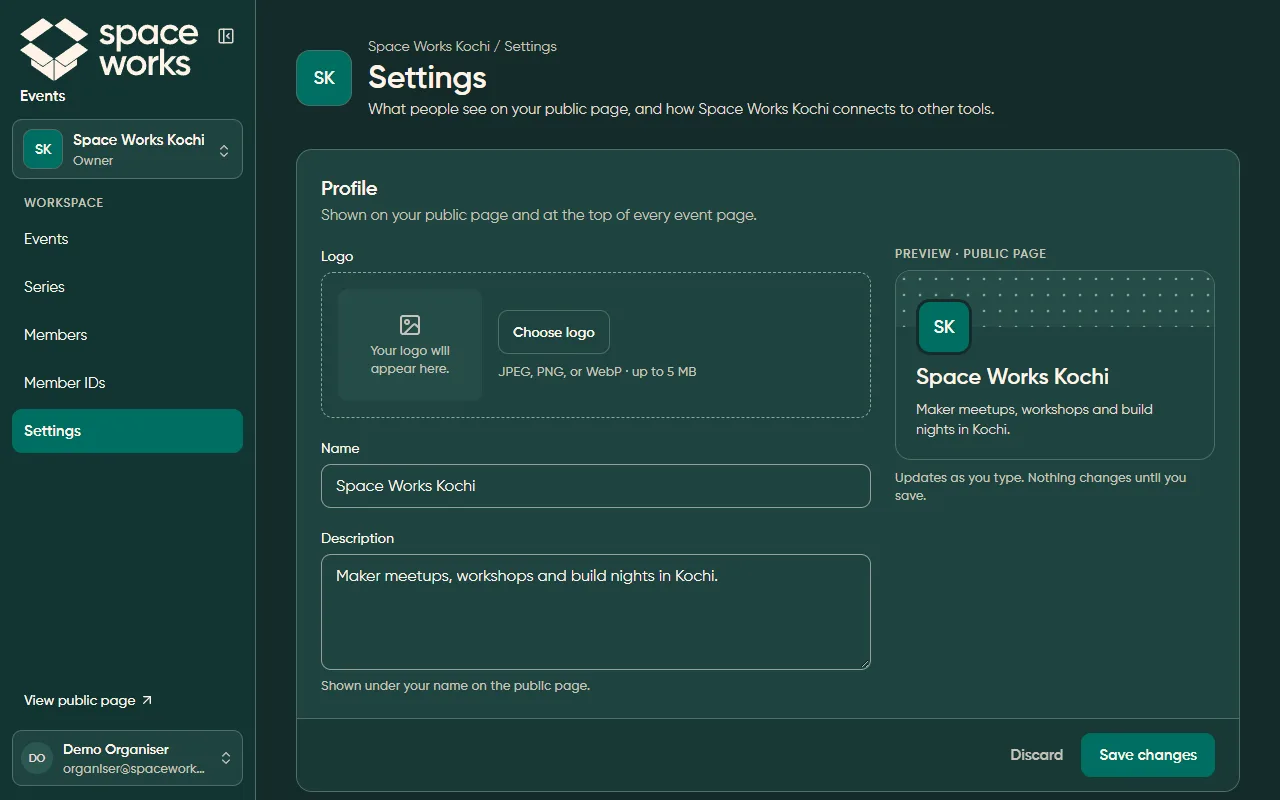
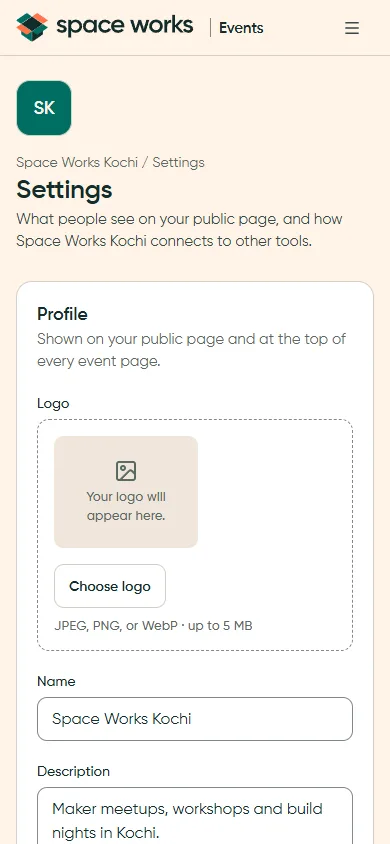
The phone capture is light theme. The dark desktop comparison above remains available at every screen size.
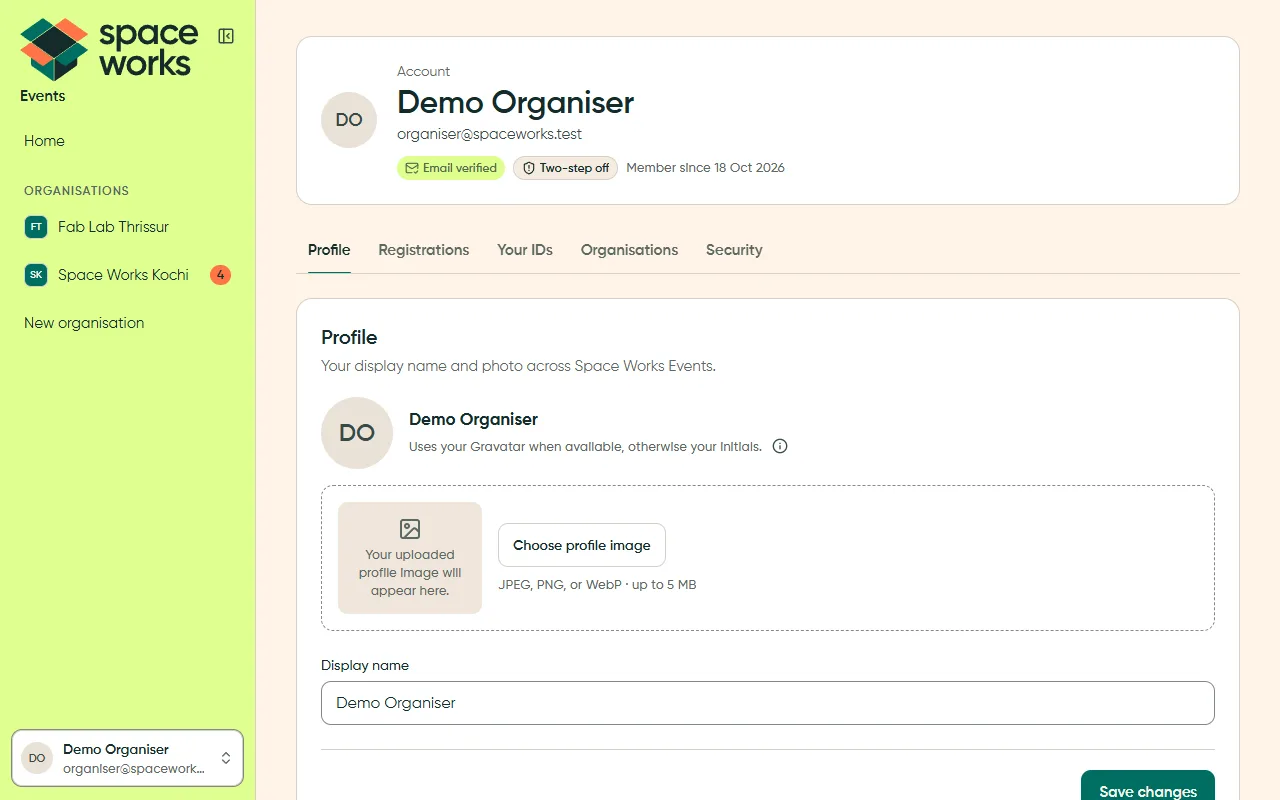
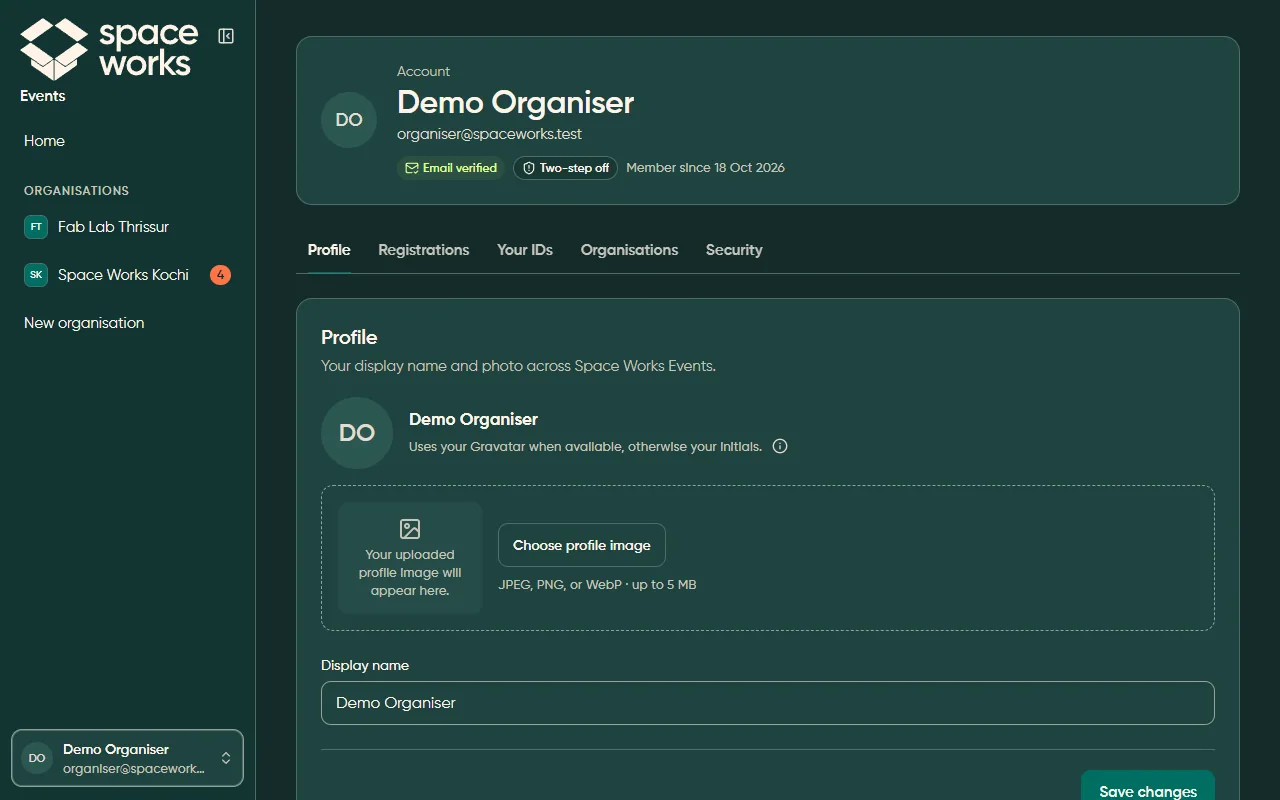
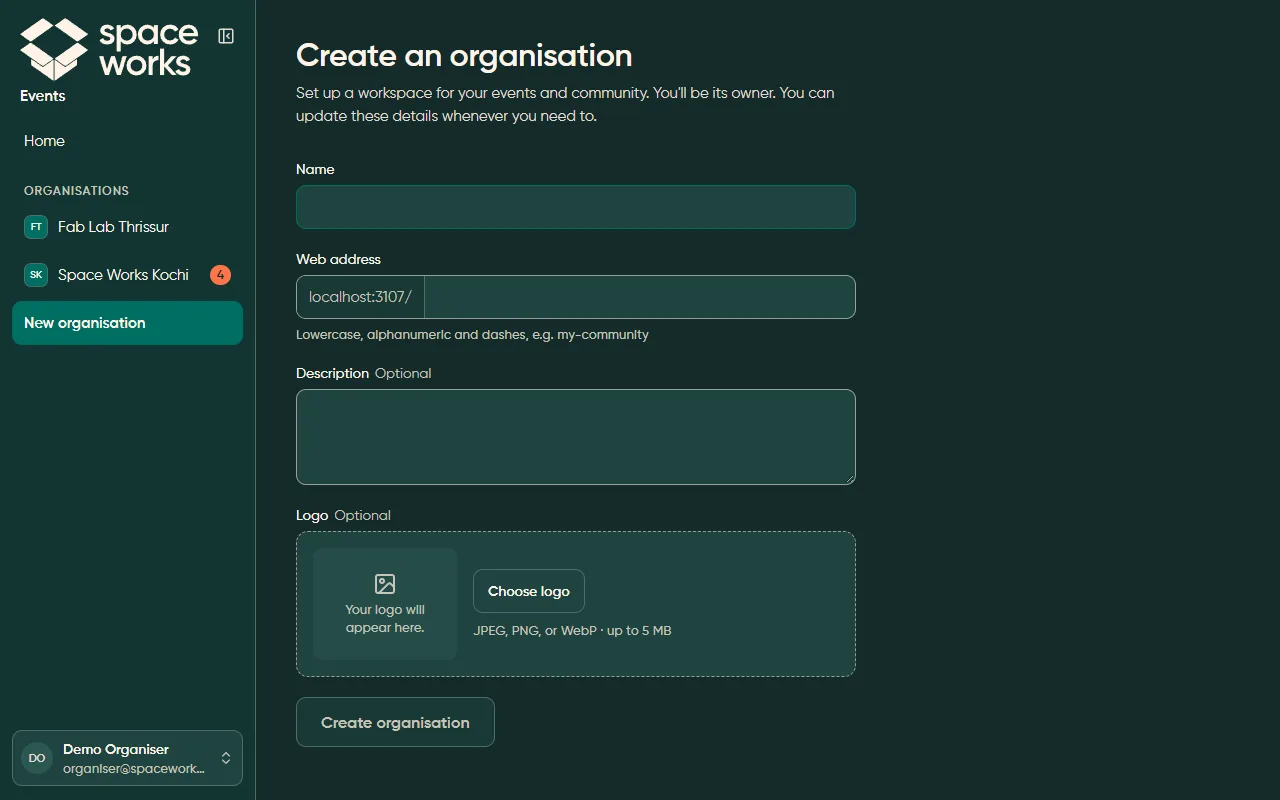
L6 · Form page
Section titled “L6 · Form page”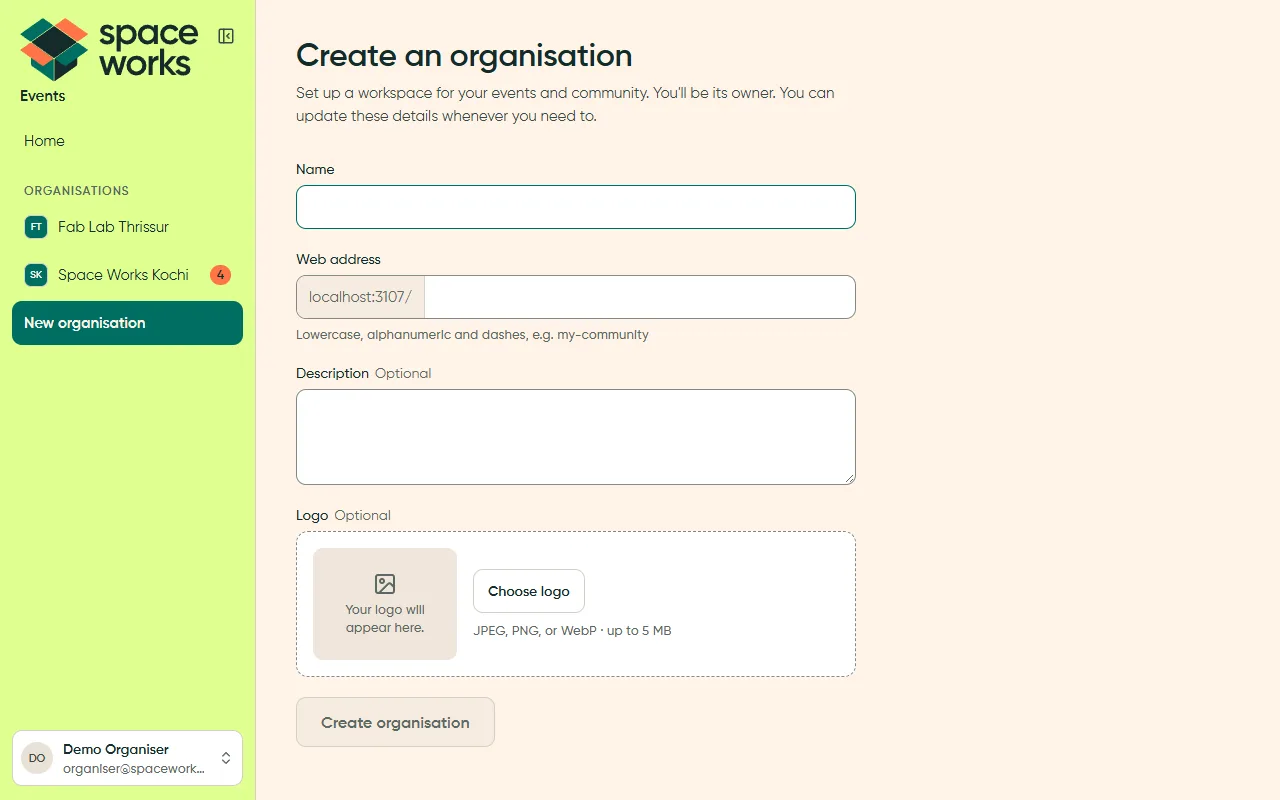
L7 · Flow
Section titled “L7 · Flow”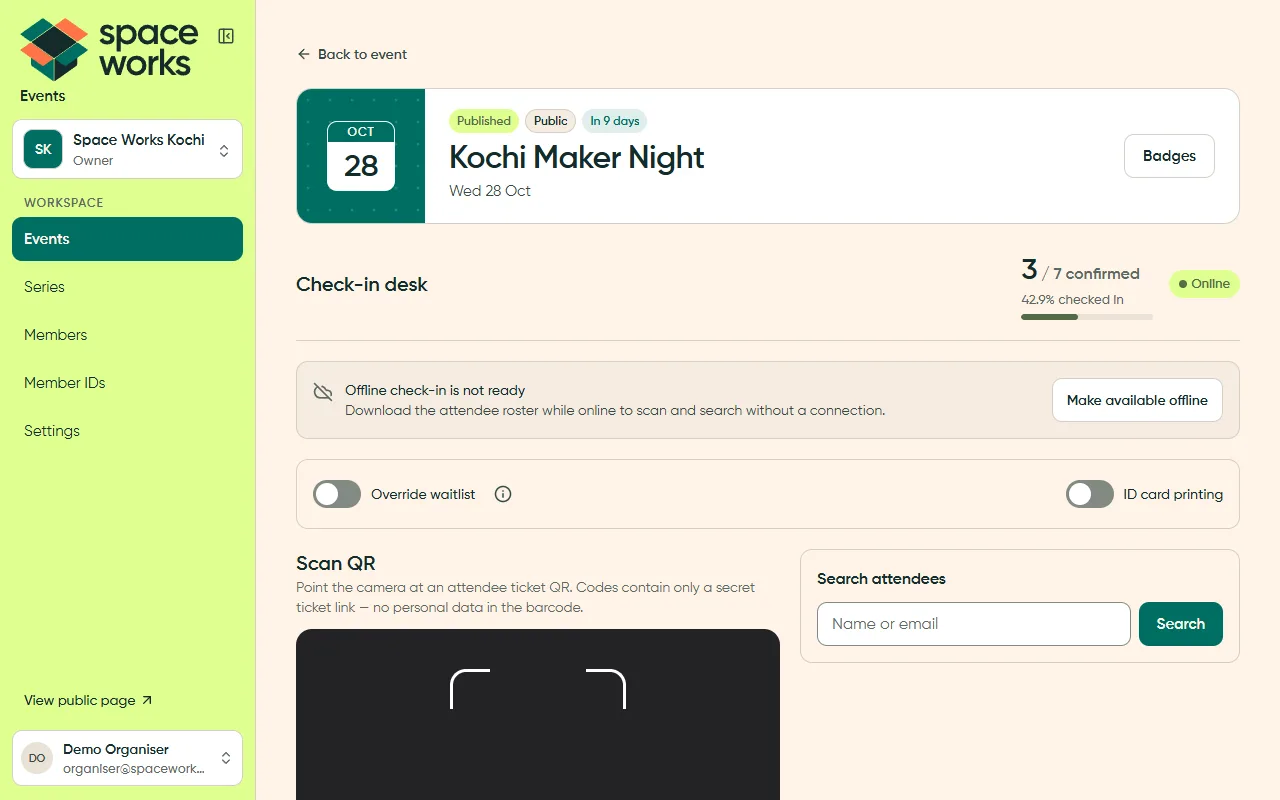
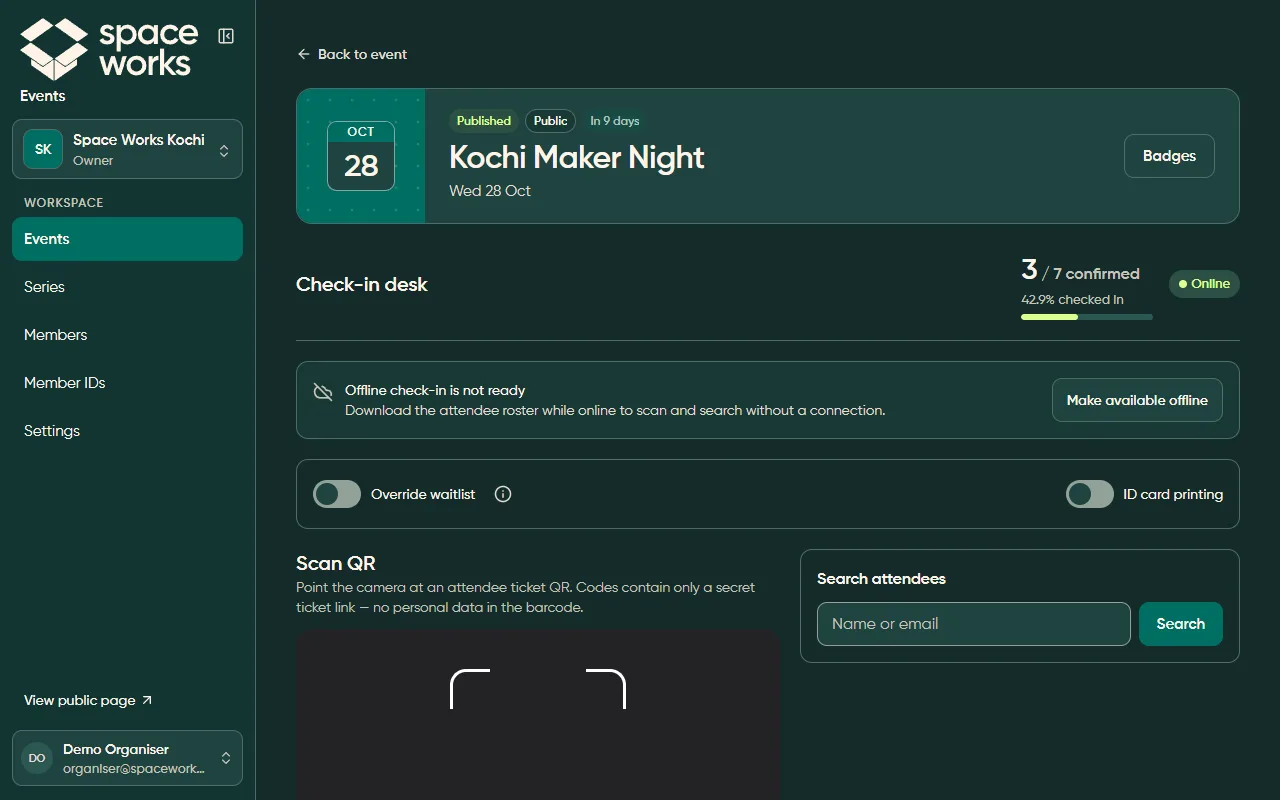
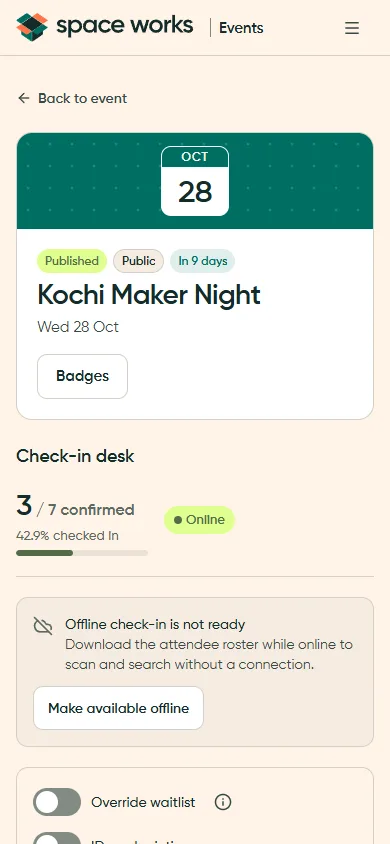
The phone capture is light theme. The dark desktop comparison above remains available at every screen size.
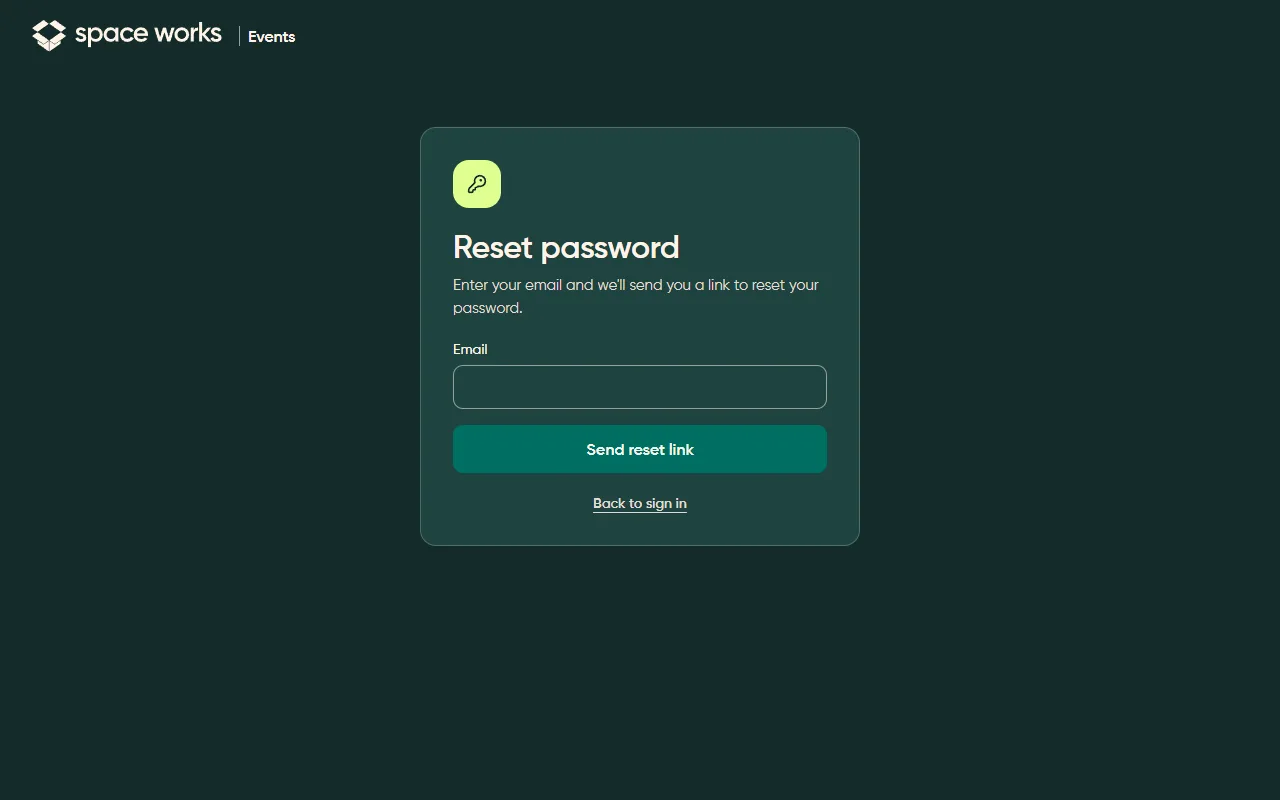
L8 · Auth and centred card
Section titled “L8 · Auth and centred card”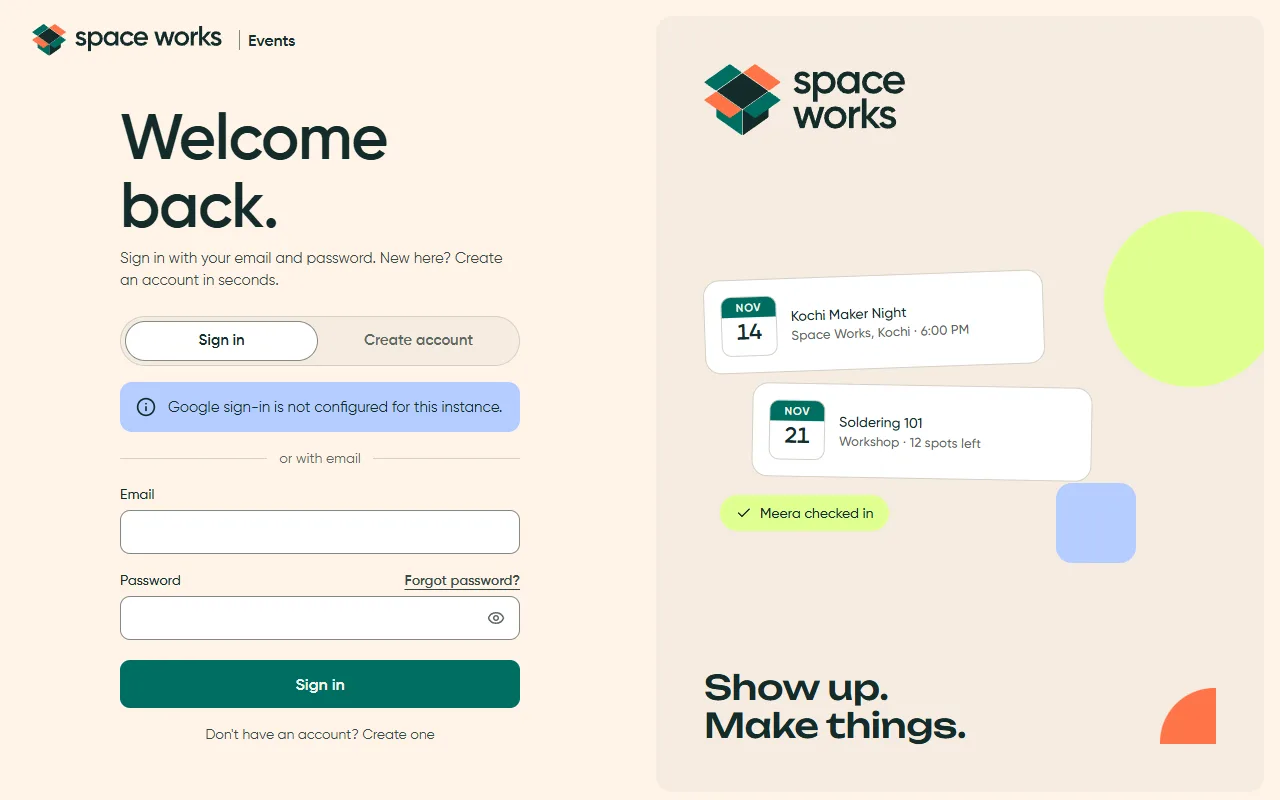
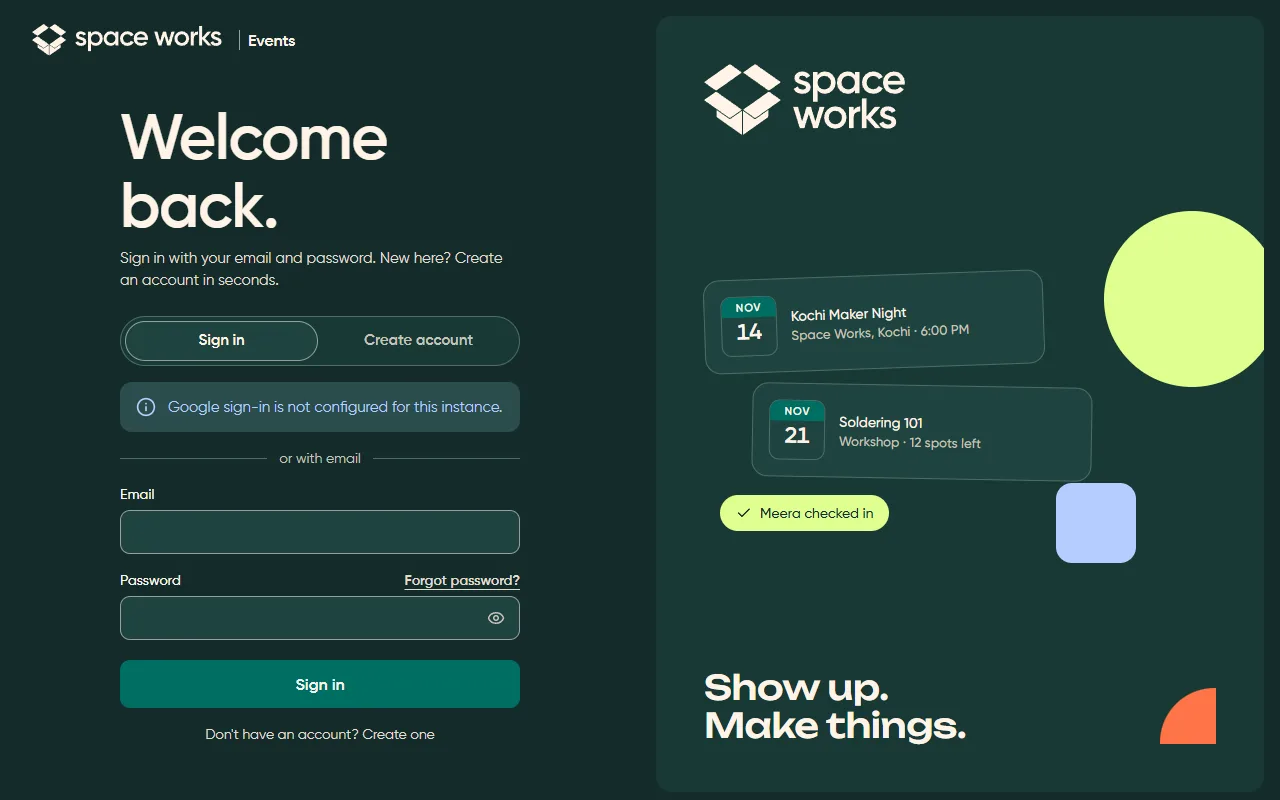
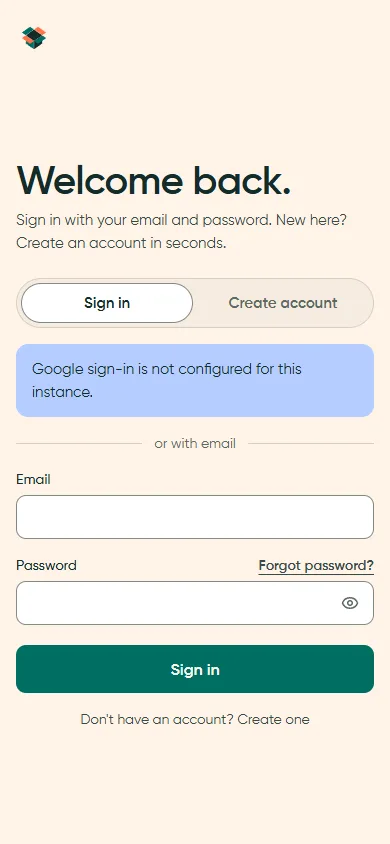
The phone capture is light theme. The dark desktop comparison above remains available at every screen size.
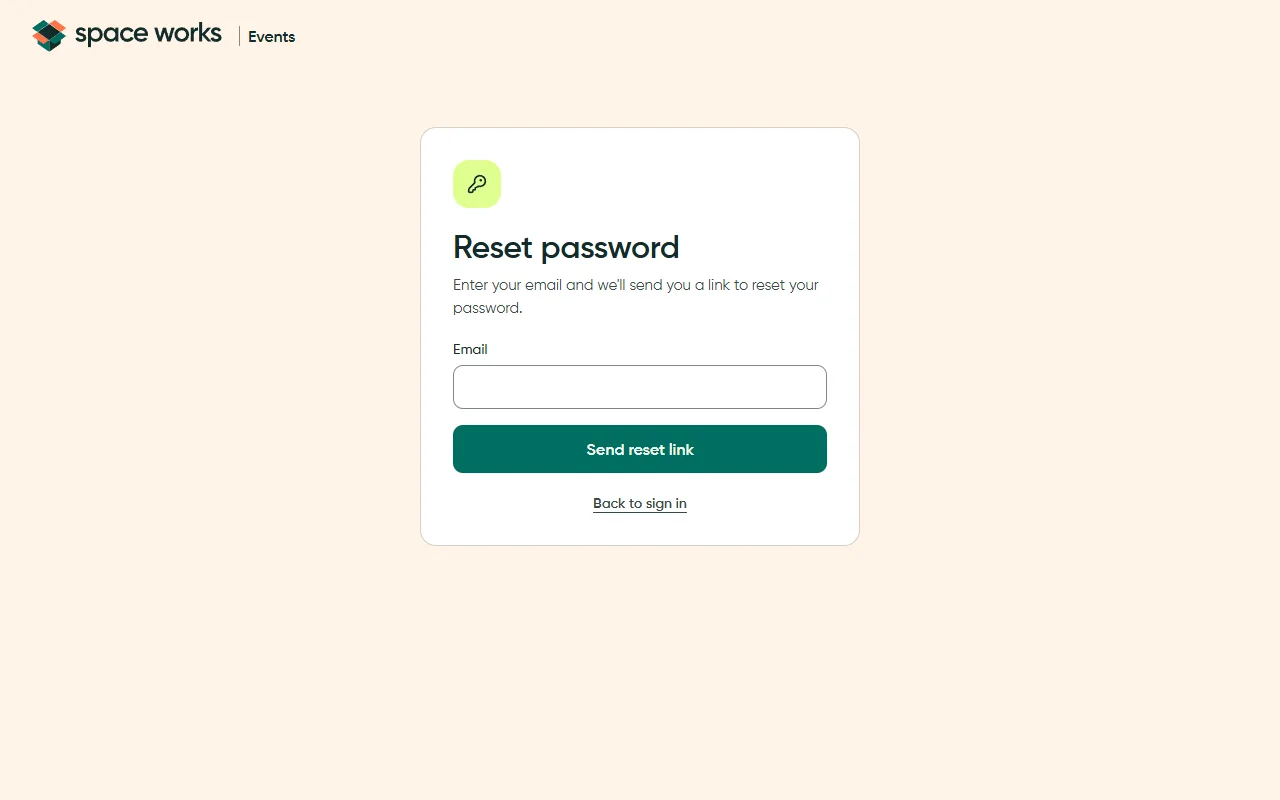
L9 · Public and public detail
Section titled “L9 · Public and public detail”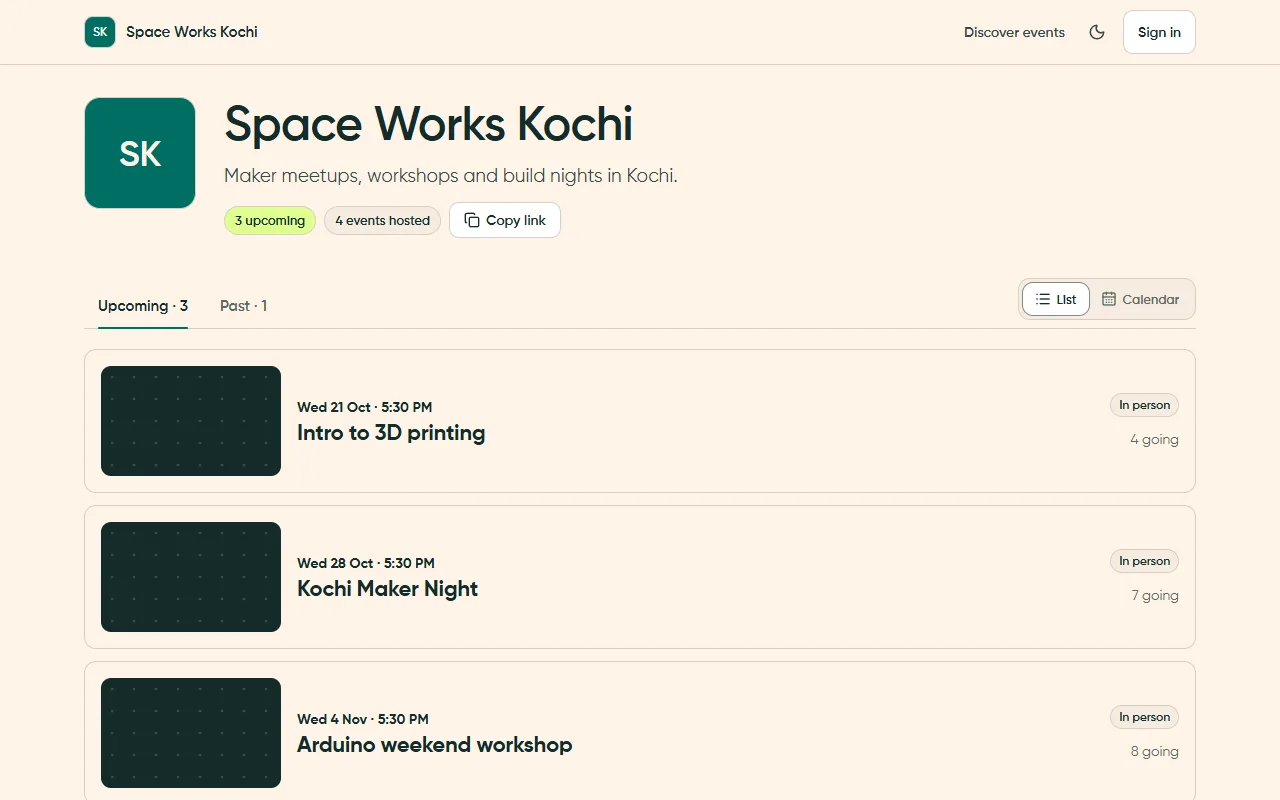
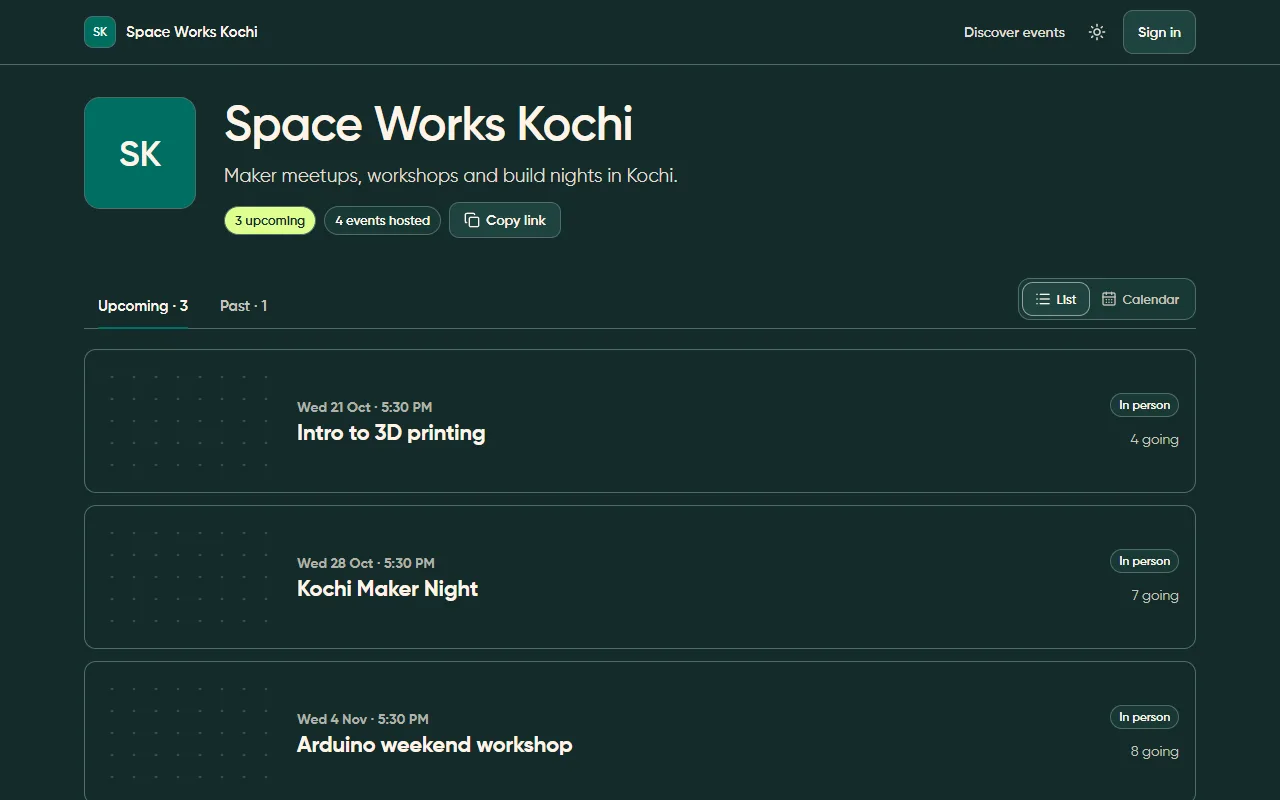
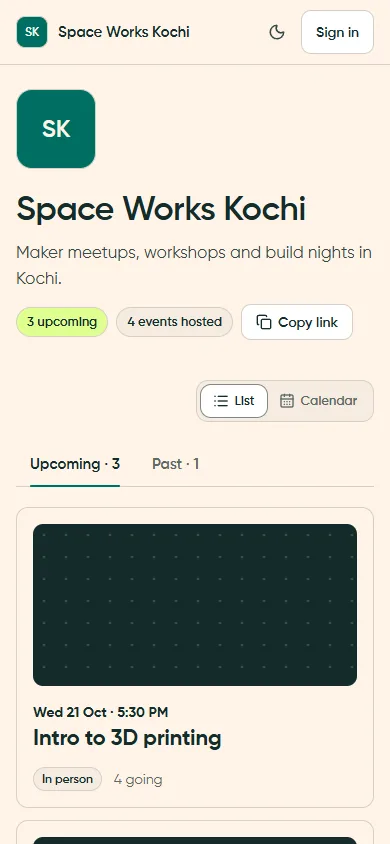
The phone capture is light theme. The dark desktop comparison above remains available at every screen size.
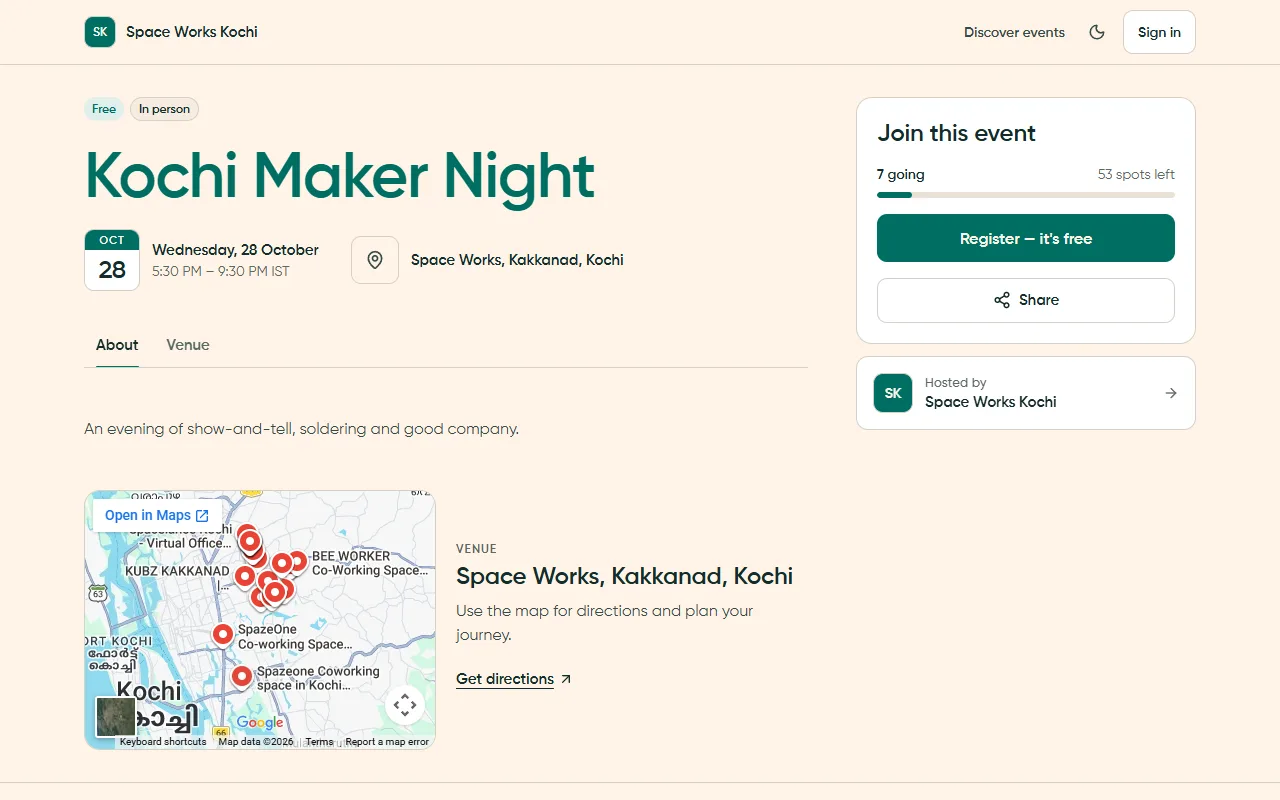
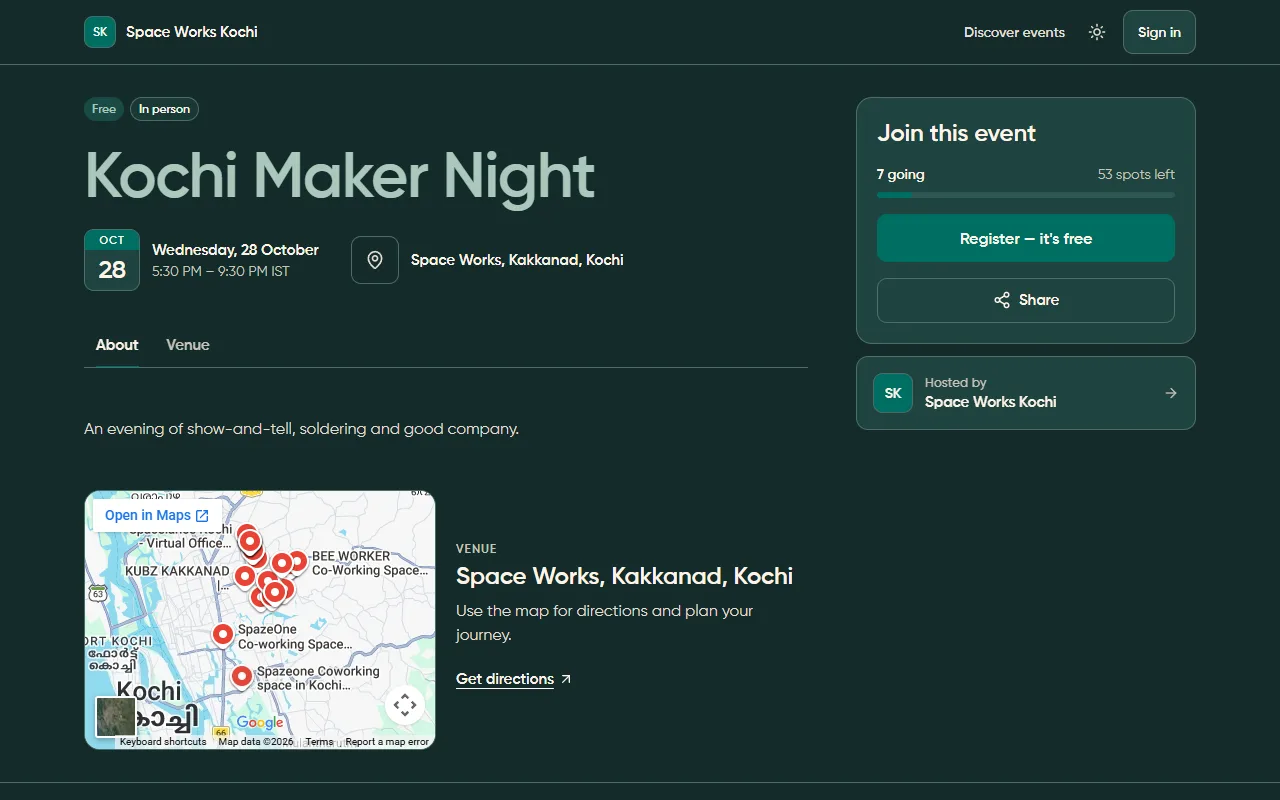
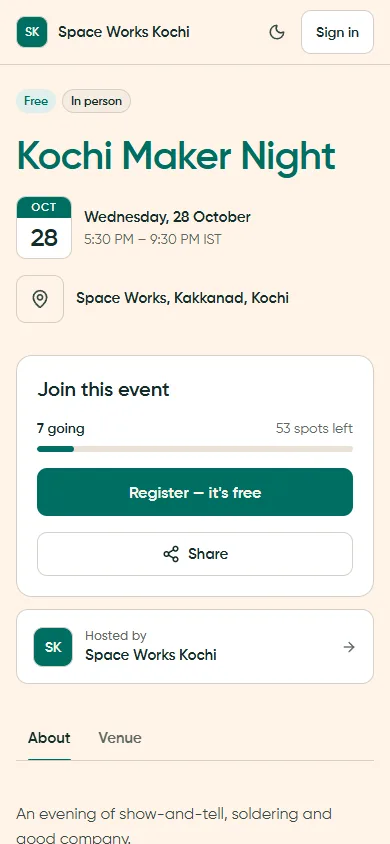
The phone capture is light theme. The dark desktop comparison above remains available at every screen size.
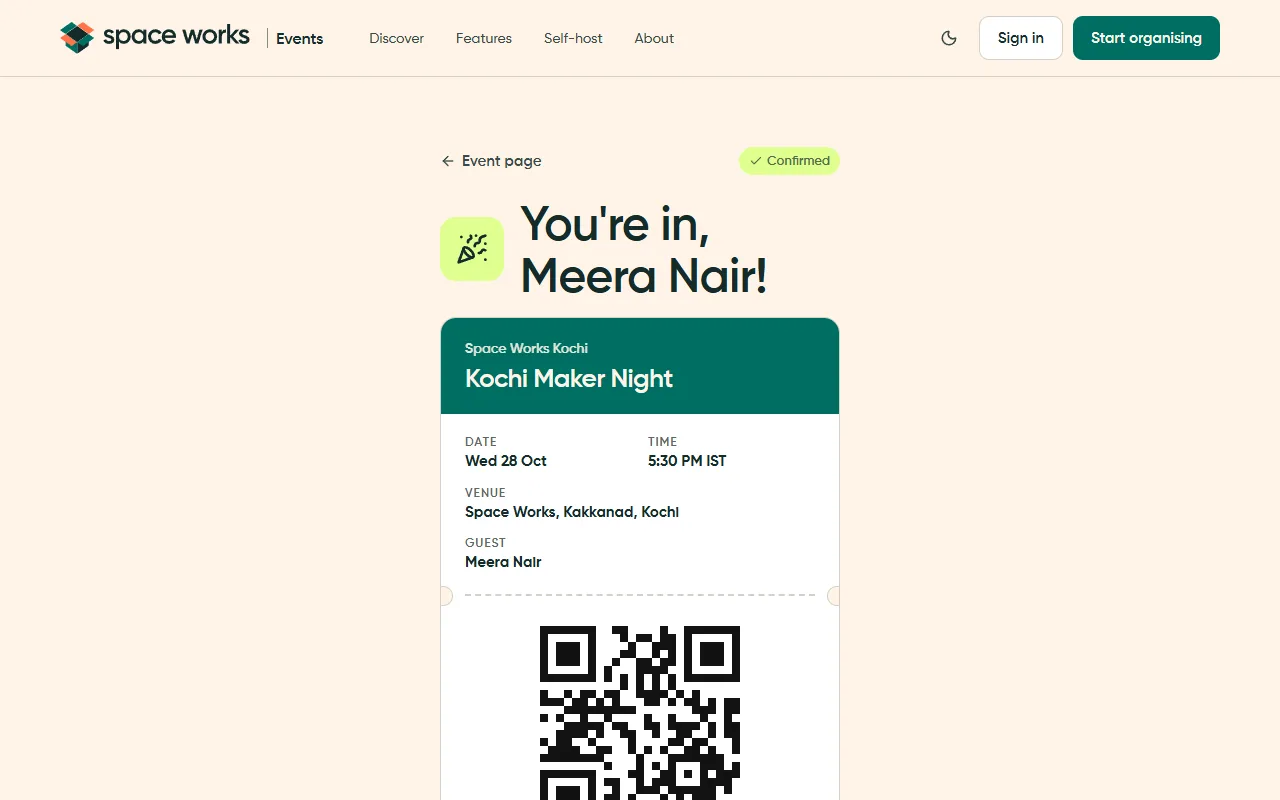
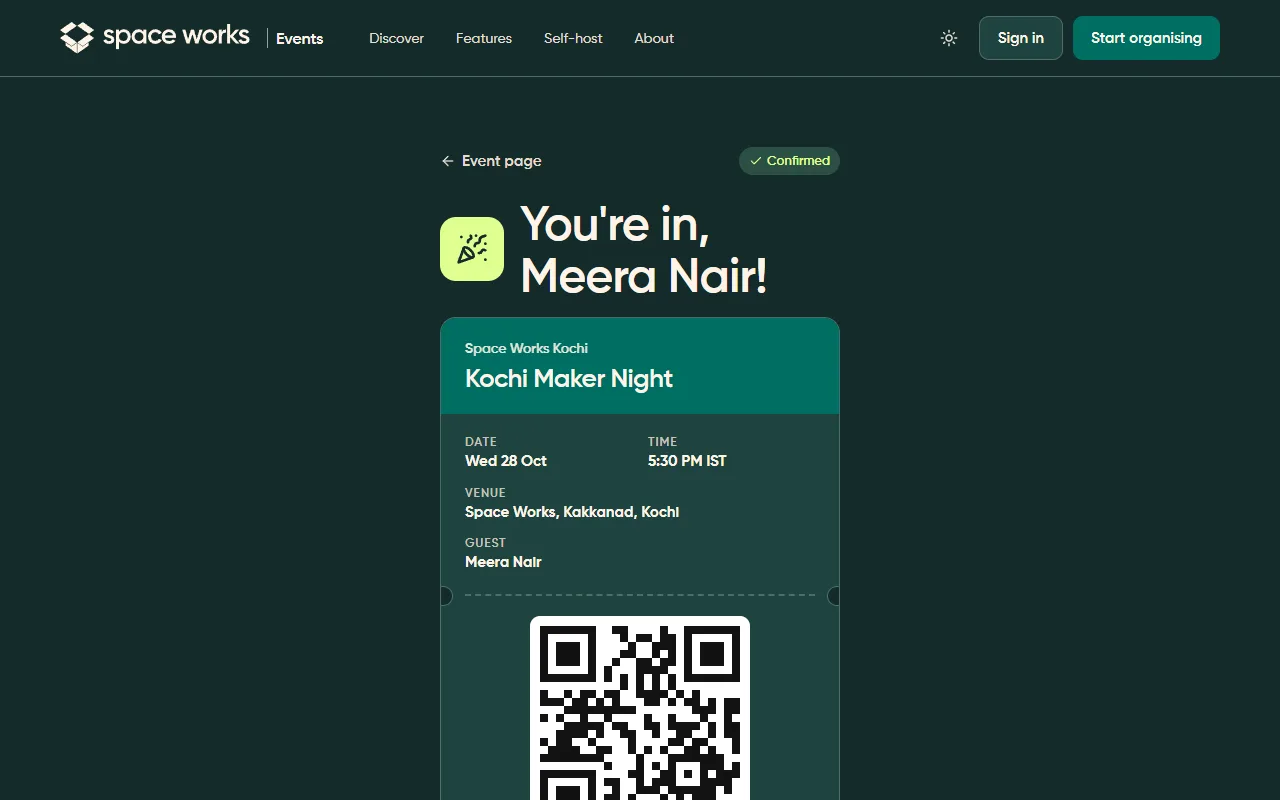
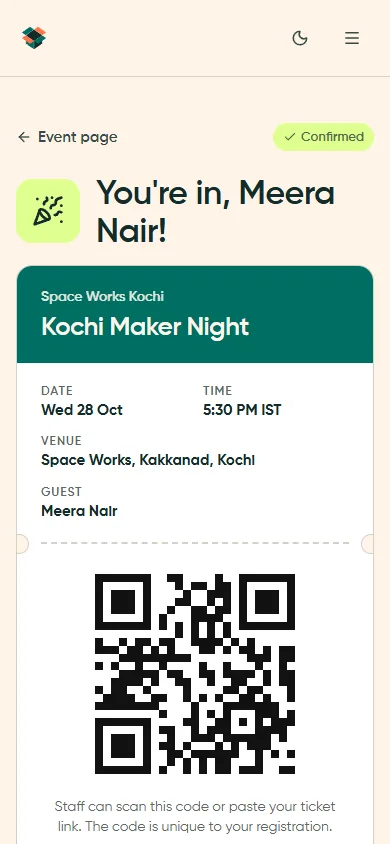
The phone capture is light theme. The dark desktop comparison above remains available at every screen size.
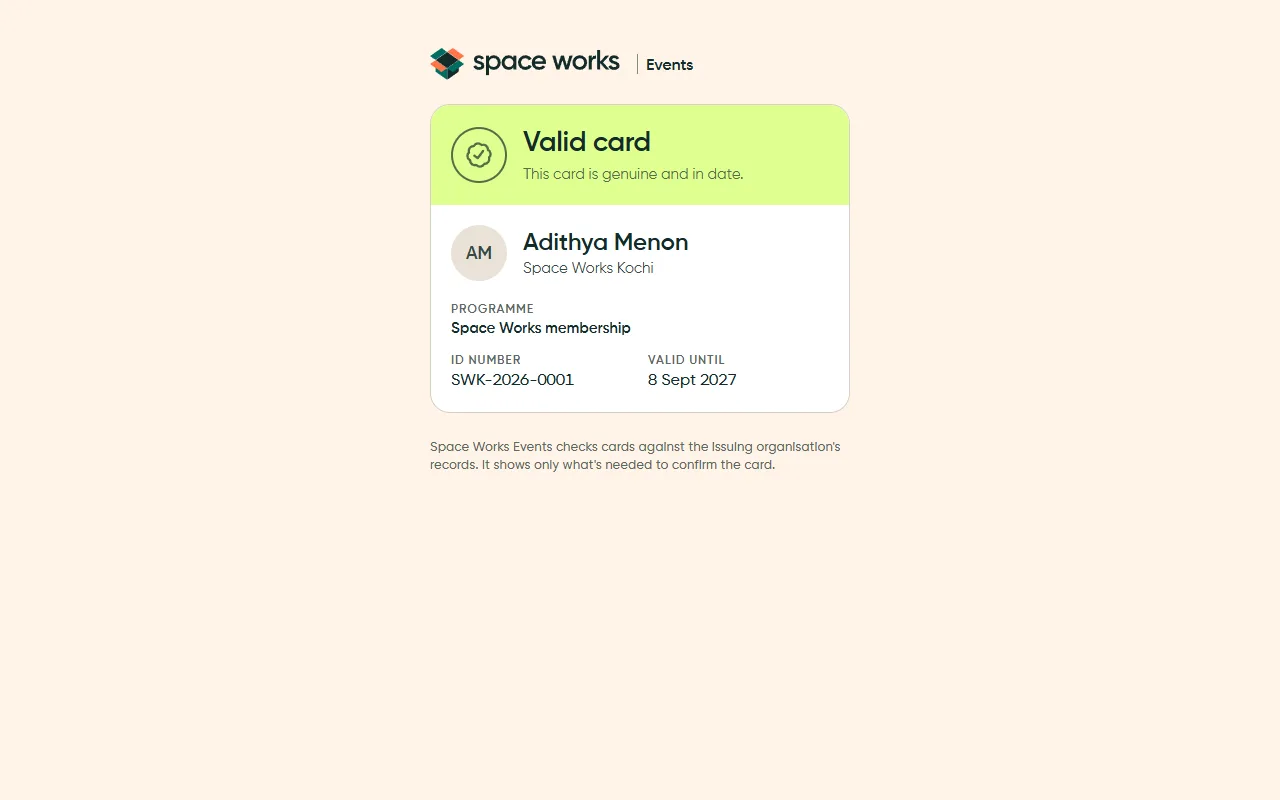
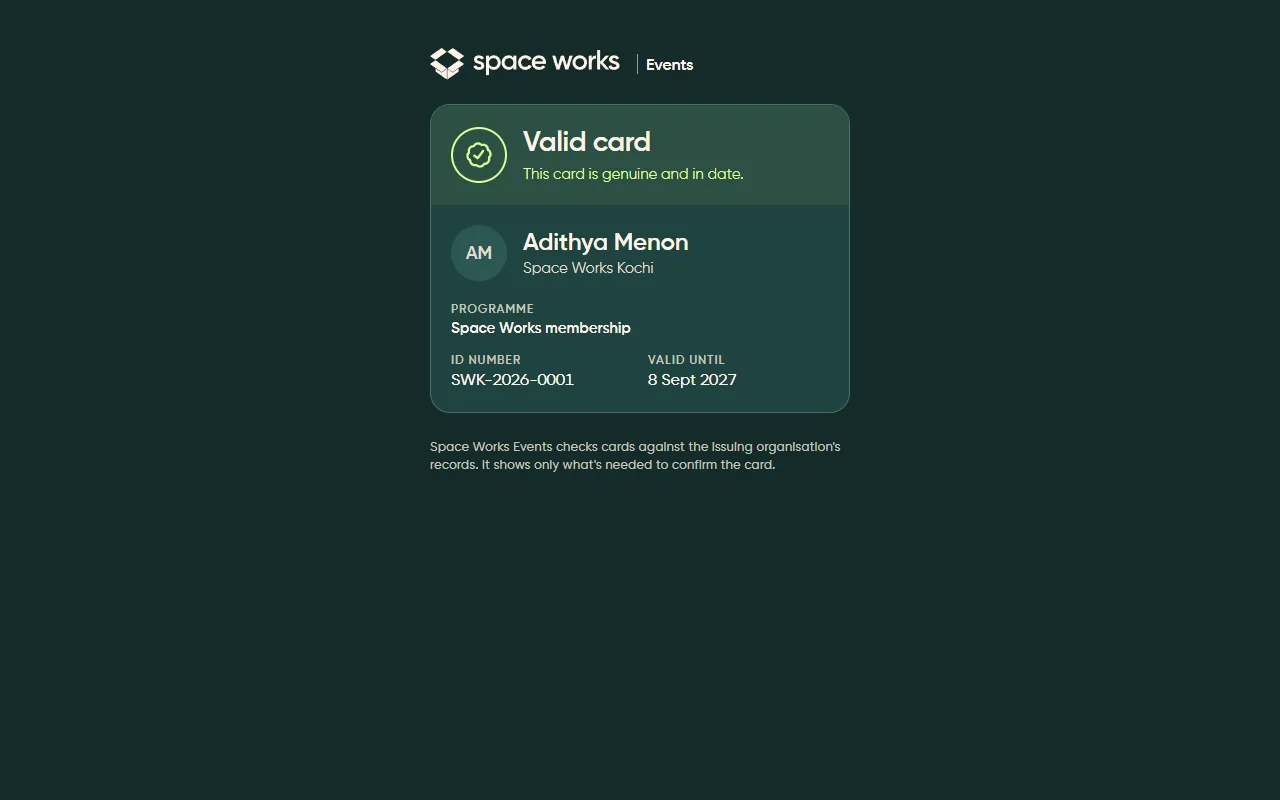
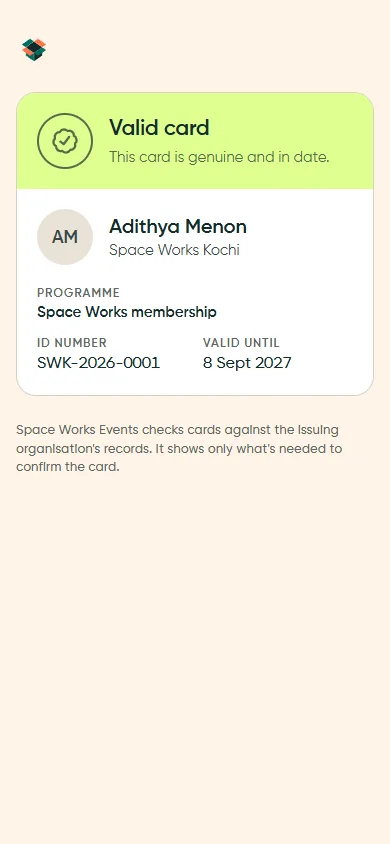
The phone capture is light theme. The dark desktop comparison above remains available at every screen size.
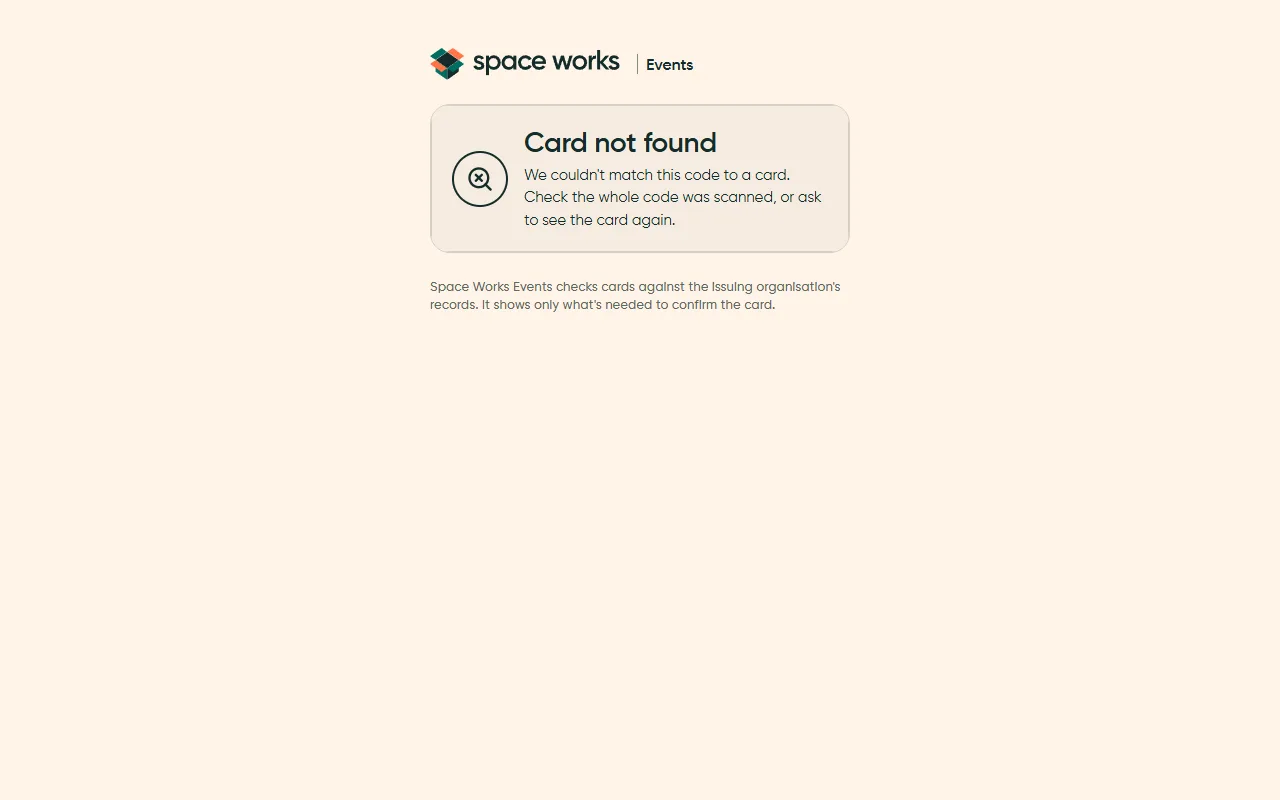
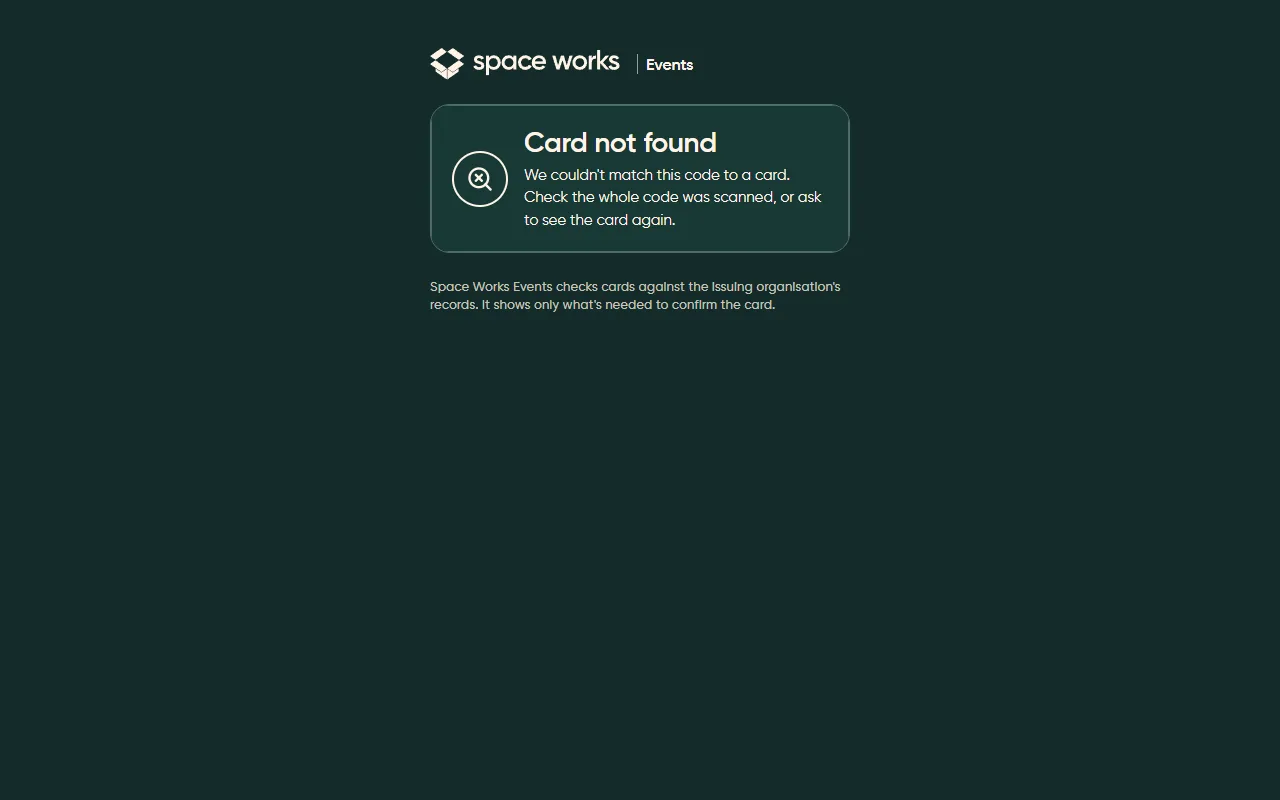
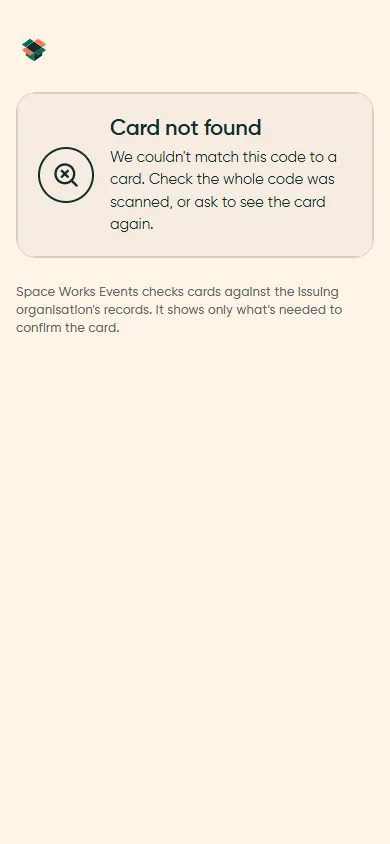
The phone capture is light theme. The dark desktop comparison above remains available at every screen size.