Page enter


Live demo
Section titled “Live demo”The page below is the real demo.html from the kit. Use its “Toggle dark” button for the dark theme.
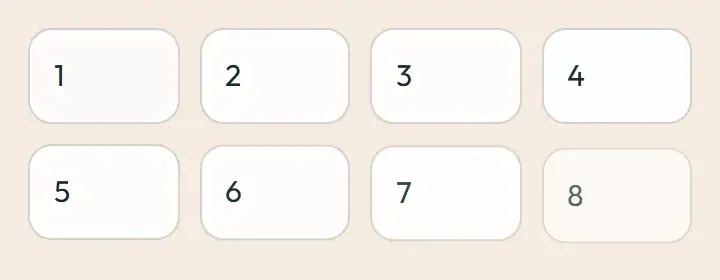
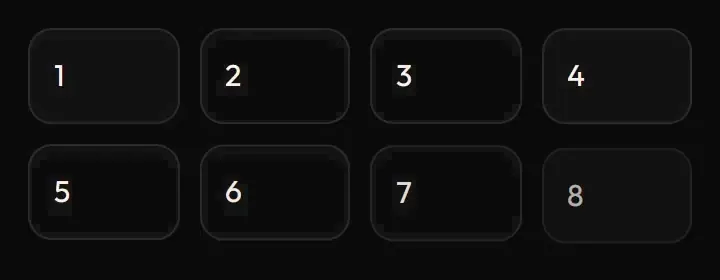
Current rule (v2.0.1, 2026-11-13): First-mount animation is an explicitly documented page-arrival exception. Children follow their parent; eight-card staggering uses fast/4 (30 ms). Replay while running is ignored, so it cannot restart mid-flight. Refetches do not replay. Supersedes the retained implementation/timing claims below; see docs/current-rules.md#cr-motion-01 and motion-flow.
How content arrives when a page or panel first appears: a list or dashboard that assembles in order (stagger), the sign-in brand panel (facets and showcase cards), and the landing page’s areas panel and story proof. Each runs once and never on hover.
Open demo.html in a browser (it links ../../tokens/tokens.css) and use “Toggle dark” to check both themes.
| File | What it is |
|---|---|
page-enter.css |
Stagger rise, facet and showcase entrance, areas panel wipe and proof rise, verbatim from the app. The areas panel animation is applied to .sw-hub-area-panel. |
demo.html |
A standalone page with the live animation in light and dark, replayable. |
react/ |
Copies of the real app files (see react/README.md for the imports to replace). |
previews/ |
Animated WebP and GIF previews, light and dark (regenerated by scripts/make-previews.mjs). |
Where the app uses it
Section titled “Where the app uses it”- Stagger:
components/layouts/StaggerGroup.tsx(classsw-staggerfromlayouts.css) on dashboards and first-load lists, first eight children only. - Facets and showcase:
components/BrandFacets.tsxandstyles/fields.csson the sign-in and centred-card layouts (layouts/AuthLayout.tsx). - Areas panel and story proof:
features/hub/landing/AreasSection.tsx,StorySections.tsx,features/hub/hub.csson the public landing page. - Handover wizard steps reuse the shared fade and rise tokens (
features/staff/handover/HandoverWizard.tsx).
First load of a list reads as assembled in order, so the eye knows where to start; the sign-in panel gives the brand a single quiet entrance; switching an area swaps panel and proof so the change is noticed. It is page-level motion, once, so it never competes with input.
Timing, easing and distance
Section titled “Timing, easing and distance”Current rule (v2.0.1, 2026-11-13): The retained table/snippet below records the original app copy. Use the current executable files and the complete flow recipe for decision 399; see current rules.
| Animation | Duration | Easing | Distance |
|---|---|---|---|
sw-stagger-rise |
200 ms, 30 ms between children (first eight) | ease-out |
6 px rise |
sw-facet-in |
640 ms, delay 120 ms (second facet 200 ms) | cubic-bezier(0.32,0.72,0,1) |
translate 8 px, 6 px |
sw-rise (showcase cards) |
480 ms, delays 0, 120, 240 ms | cubic-bezier(0.32,0.72,0,1) |
translate 12 px |
sw-hub-step-in (areas panel) |
360 ms | cubic-bezier(0.16,1,0.3,1) (enter) |
clip-path wipe, top to bottom |
sw-hub-proof-in |
360 ms | enter | 6 px rise |
Trigger
Section titled “Trigger”Mount or first load. The stagger class is dropped after 600 ms (and only applied when interface effects are on and the path is not kiosk, scanner, checkout or payment), so refetches, pagination and tab changes never replay it. The areas panel replays when the selection changes (keyed remount).
Reduced motion
Section titled “Reduced motion”Everything is inside no-preference, so the final layout shows at once.
Dark theme
Section titled “Dark theme”Colour-neutral. The sign-in brand panel is an island-dark in light and part of the black family in dark; its artwork has dark variants.
Do and don’t
Section titled “Do and don’t”- Do run once, at page level.
- Do stagger at most eight children.
- Do not replay on refetch, pagination or tab change.
- Do not run on hover or on kiosk, scanner, checkout or payment screens.
- Do not use the individual
translateproperty substitutes if the element already usestransformfor a tilt (the showcase usestranslatefor exactly that reason).
Copy-paste usage
Section titled “Copy-paste usage”Current rule (v2.0.1, 2026-11-13): The retained table/snippet below records the original app copy. Use the current executable files and the complete flow recipe for decision 399; see current rules.
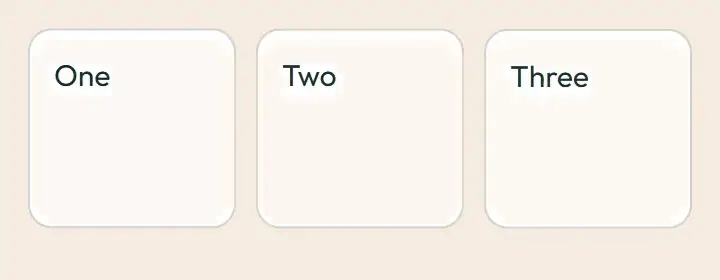
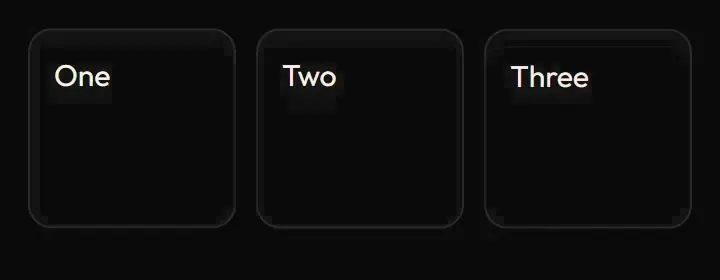
<link rel="stylesheet" href="page-enter.css"><div class="sw-stagger"> <!-- first 8 children rise in 30 ms apart --> <article>One</article><article>Two</article><article>Three</article></div>Remove the sw-stagger class after about 600 ms so it never replays. For the areas panel, give the panel the class sw-hub-area-panel and remount it (change its key) when the selection changes.
Every other animation in the product, and the rules behind them: ../../docs/motion.md. Index of the kit: ../README.md.
Flow contract (decision 399)
Section titled “Flow contract (decision 399)”First-mount animation is an explicitly documented page-arrival exception. Children follow their parent; eight-card staggering uses fast/4 (30 ms). Replay while running is ignored, so it cannot restart mid-flight. Refetches do not replay.
Complete rules, sequencing, keyboard and verification. The demo includes real static posters and explicit image Play/Pause controls.
Local token steps for batch 1B
Section titled “Local token steps for batch 1B”These aliases are local additions; global tokens are unchanged. Promote through the token batch when adopted.
| Local custom property | Definition |
|---|---|
--sw-local-duration-150 |
calc(var(--sw-dur-fast) * 1.25000000) |
--sw-local-duration-200 |
calc(var(--sw-dur-base) * 1.11111111) |
--sw-local-duration-210 |
calc(var(--sw-dur-base) * 1.16666667) |
--sw-local-duration-30 |
calc(var(--sw-dur-fast) * 0.25000000) |
--sw-local-duration-360 |
calc(var(--sw-dur-slow) * 1.50000000) |
--sw-local-duration-480 |
calc(var(--sw-dur-slow) * 2.00000000) |
--sw-local-duration-60 |
calc(var(--sw-dur-fast) * 0.50000000) |
--sw-local-duration-640 |
calc(var(--sw-dur-slow) * 2.66666667) |
--sw-local-duration-90 |
calc(var(--sw-dur-fast) * 0.75000000) |
Source
Section titled “Source”Copied from motion/page-enter/ on every build: the stylesheet, demo.html, react/ copies of the app files and the previews/.