

Mascot
Meet Patch
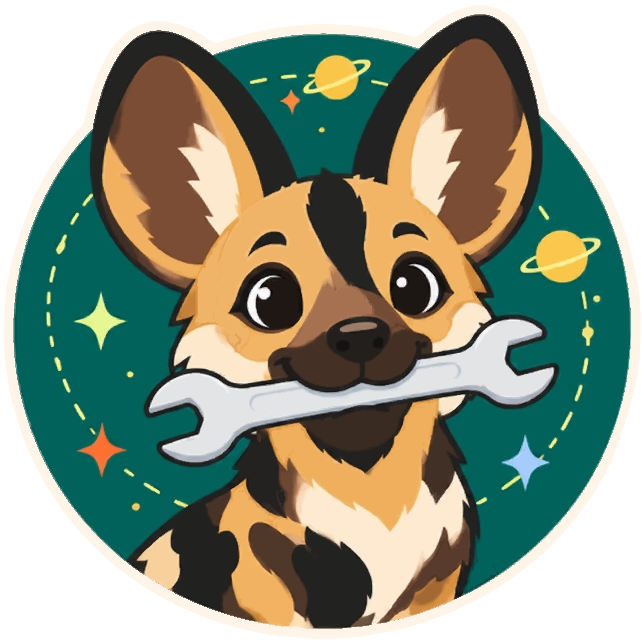
Section titled “Meet Patch”Patch is an African painted wolf (African wild dog) with huge round ears and a patchwork coat. It carries a wrench in its mouth, like a dog bringing back a stick: borrow it, use it, bring it back.
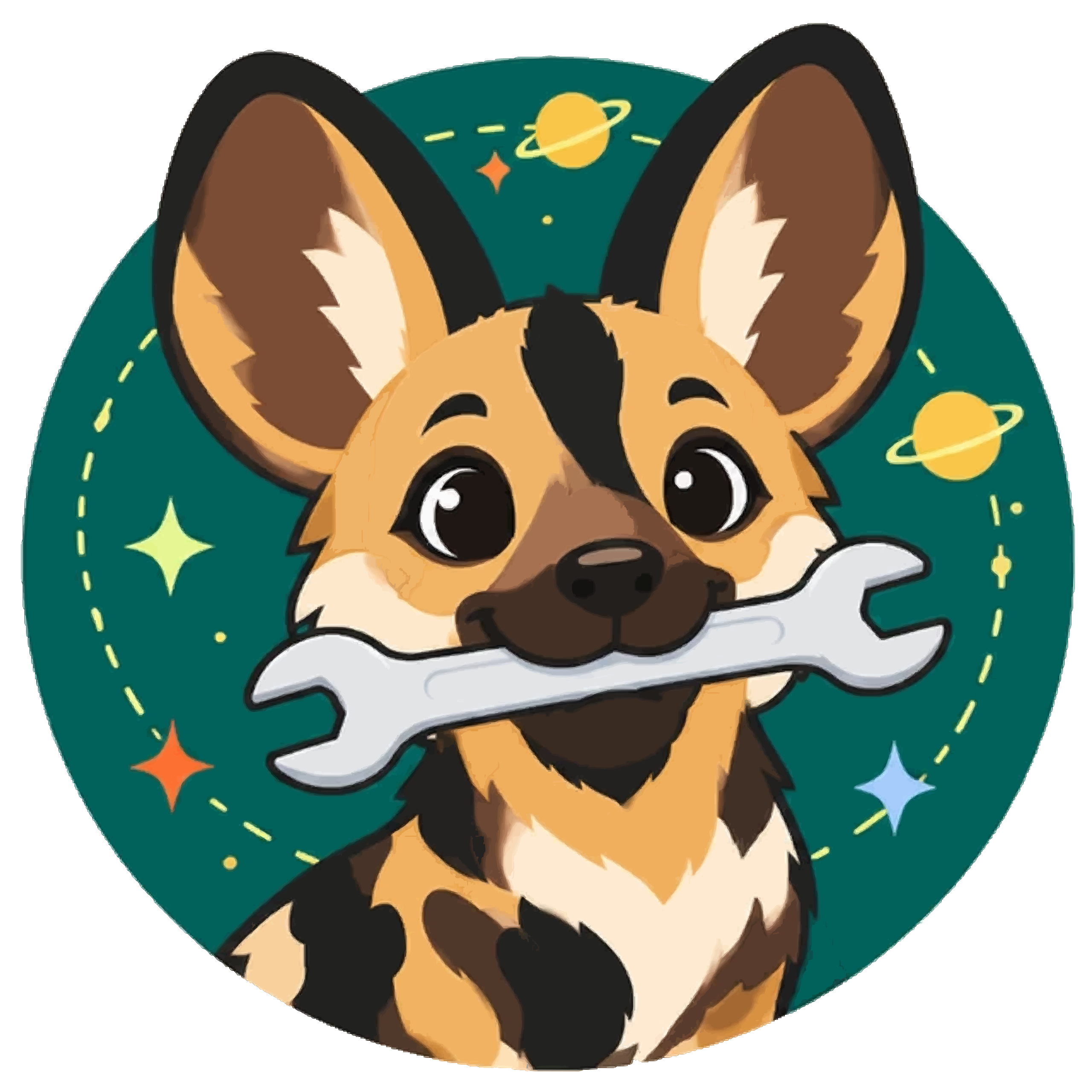


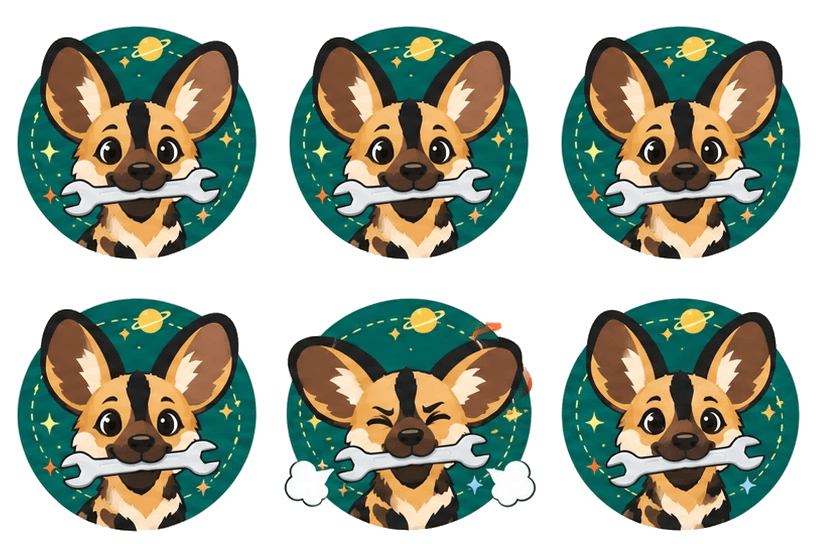

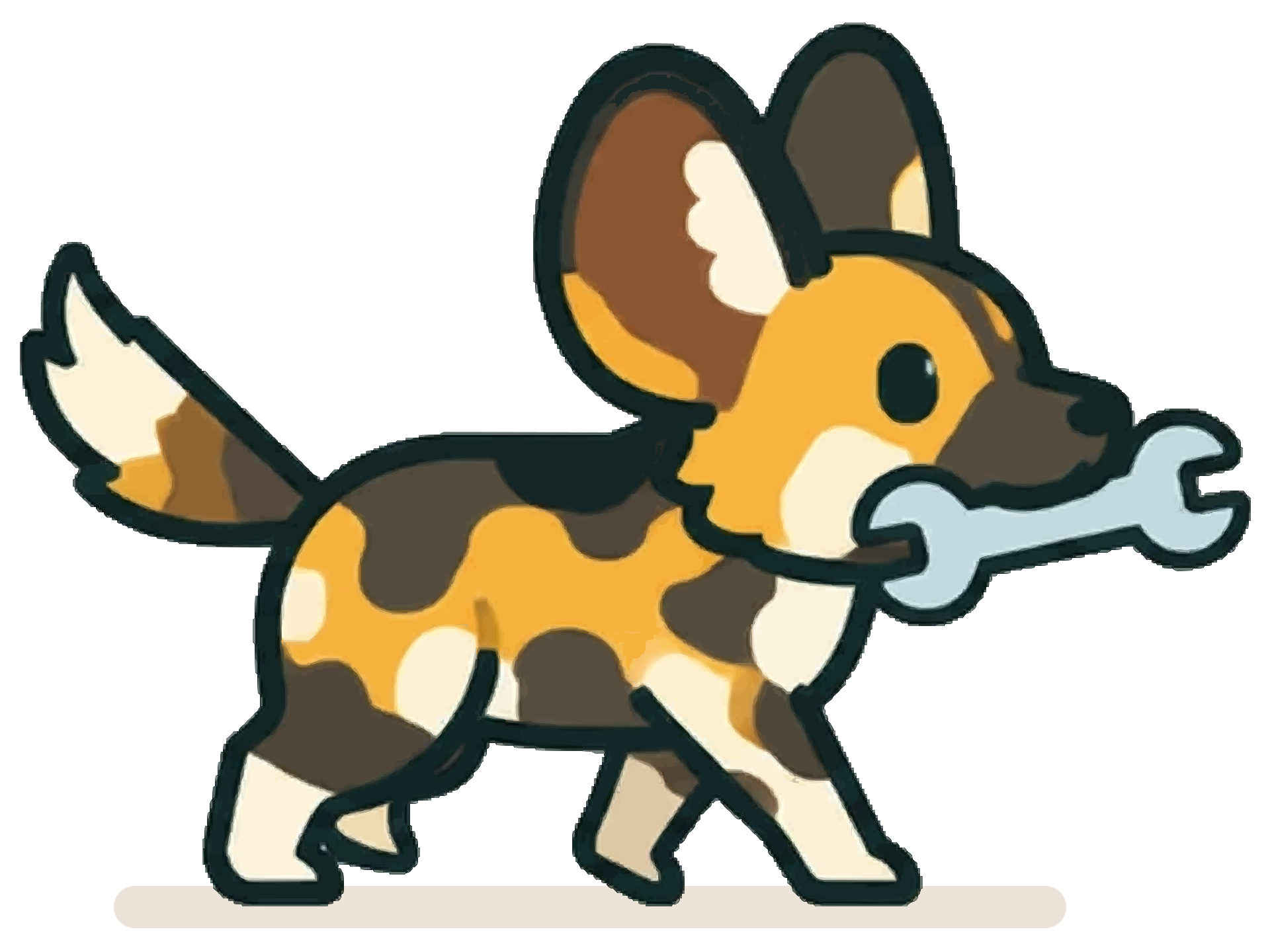

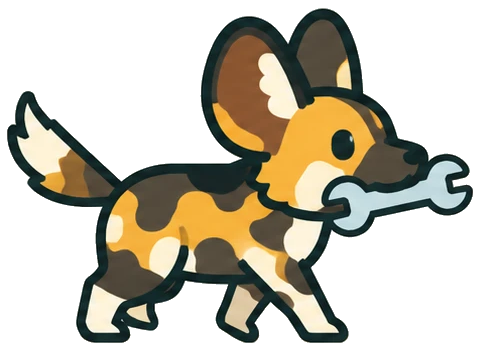



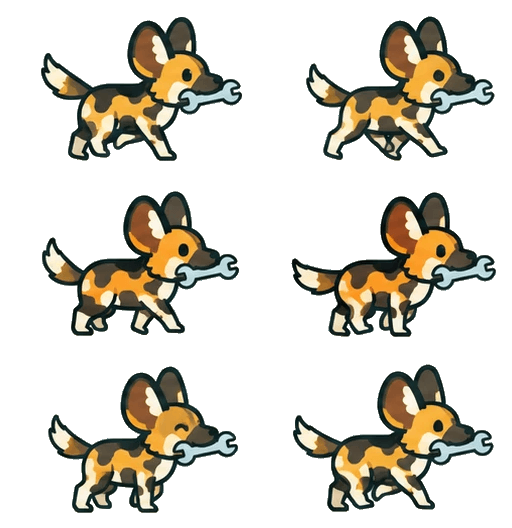



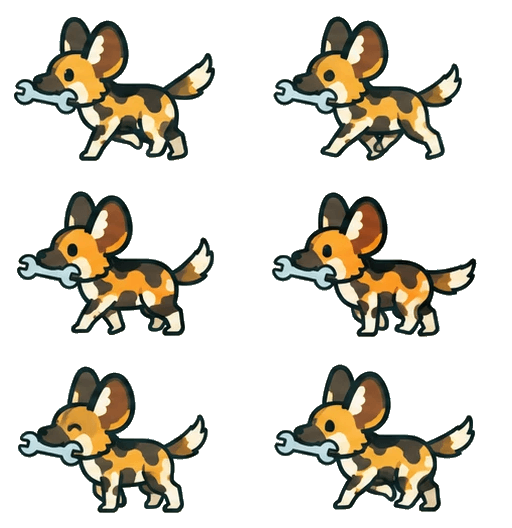

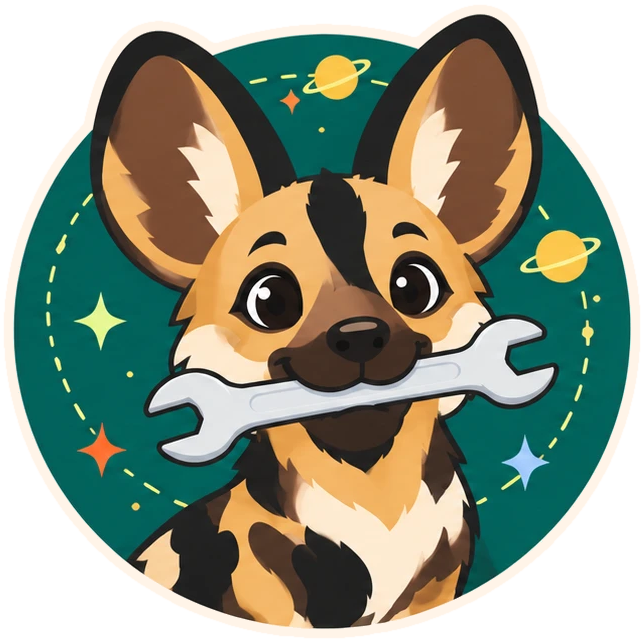


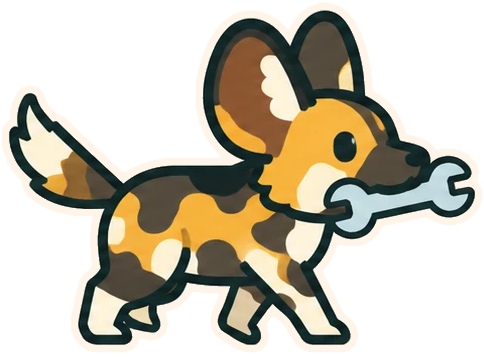



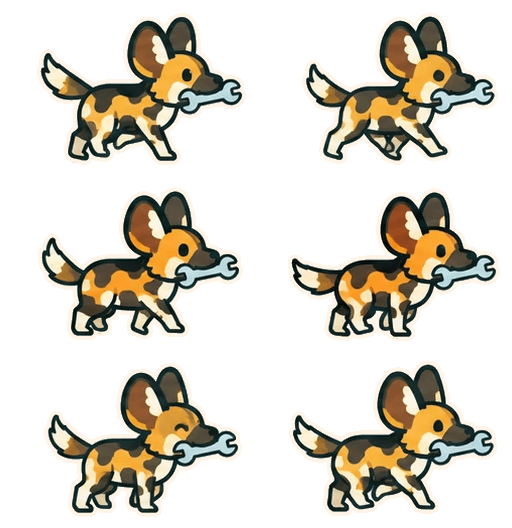


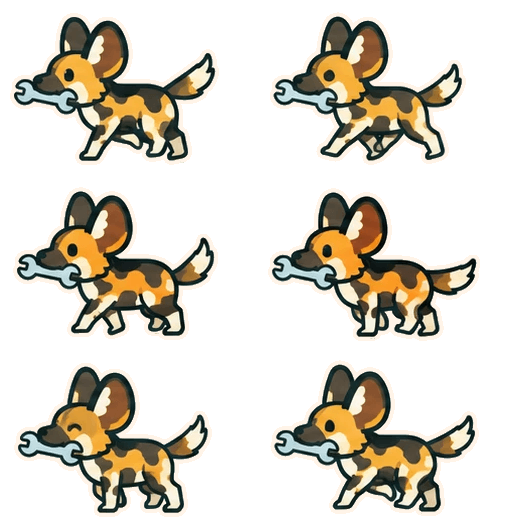

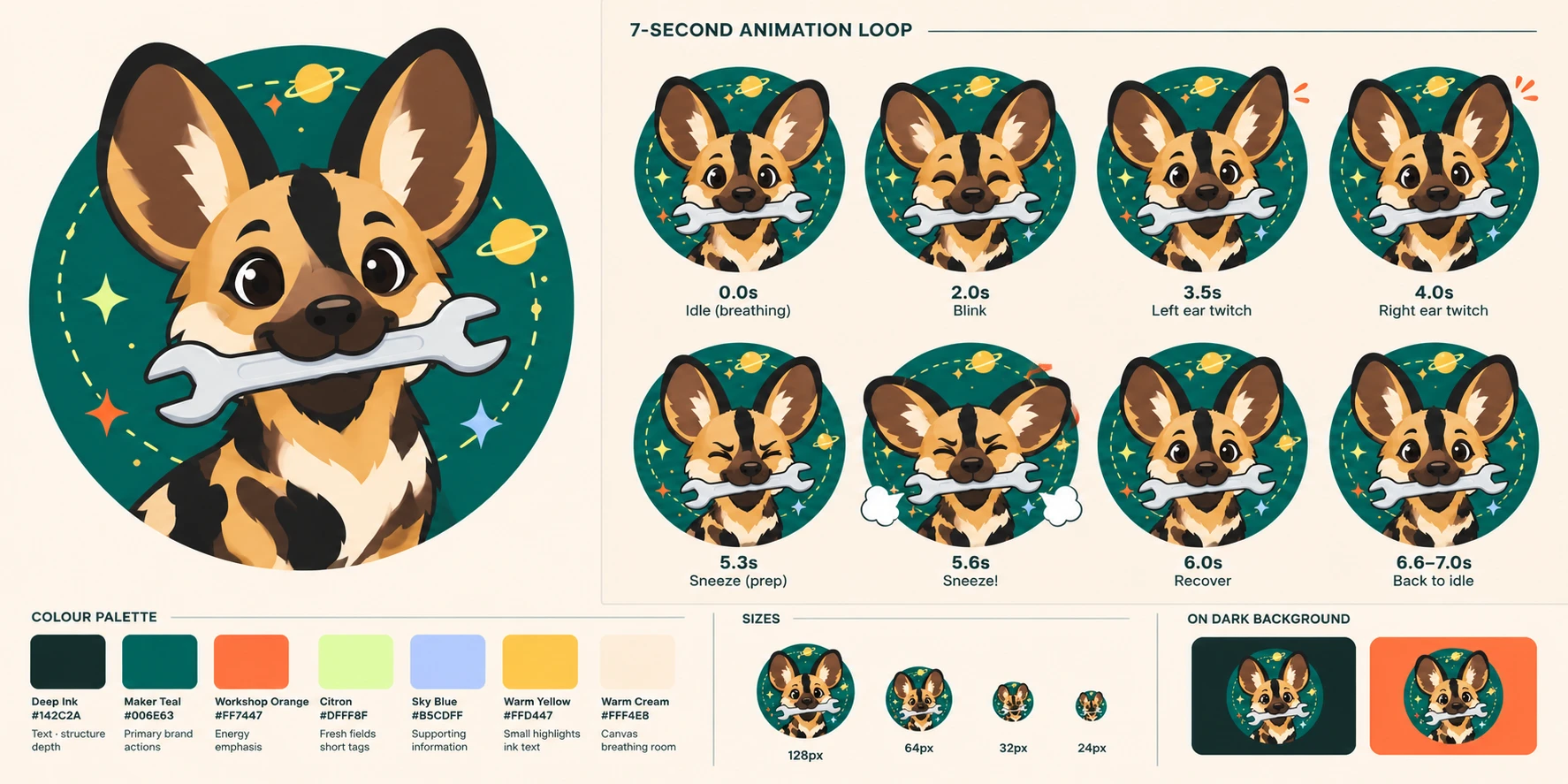
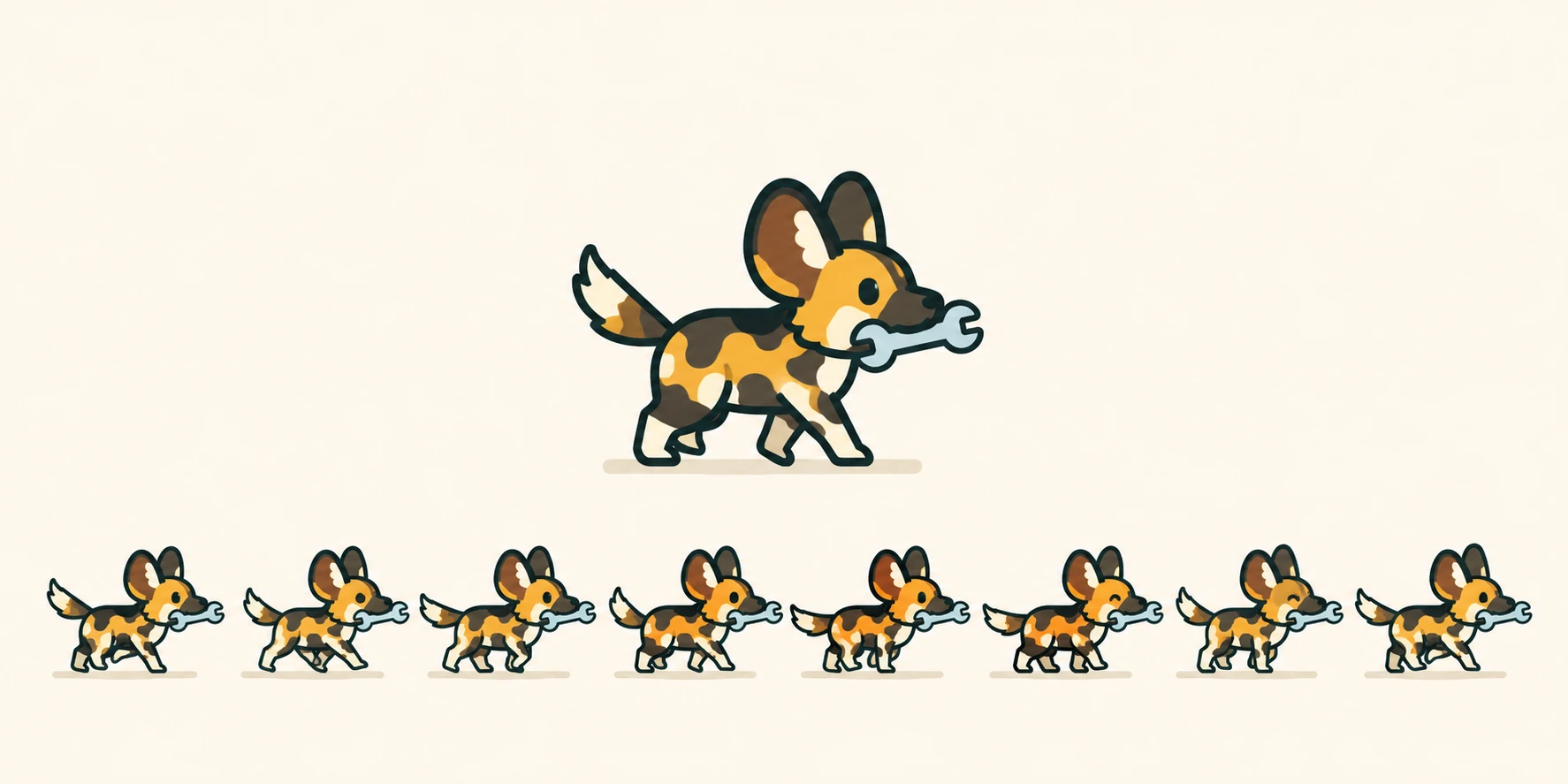
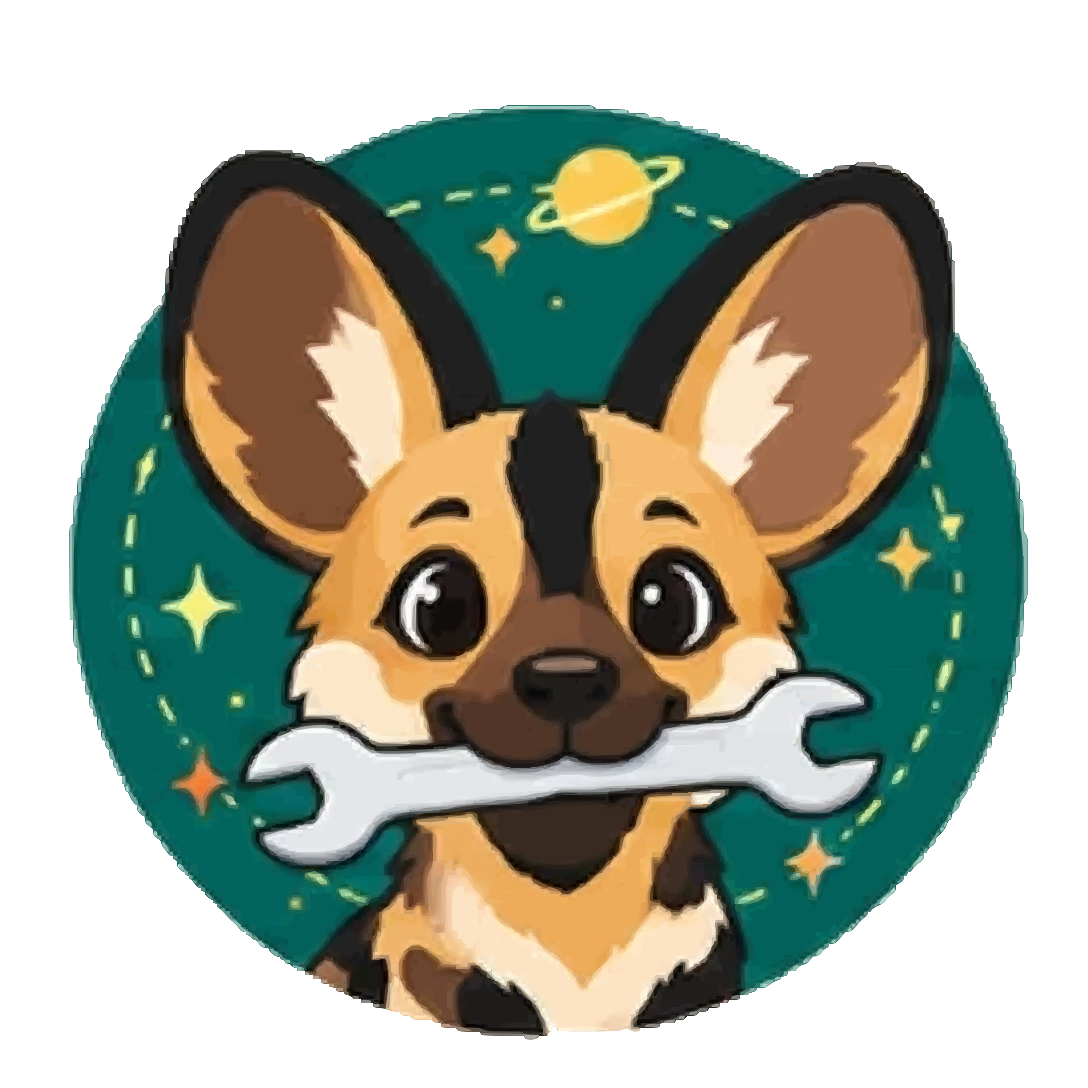
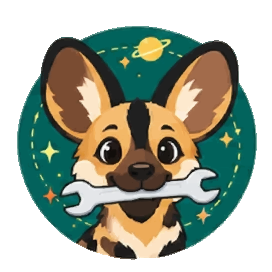
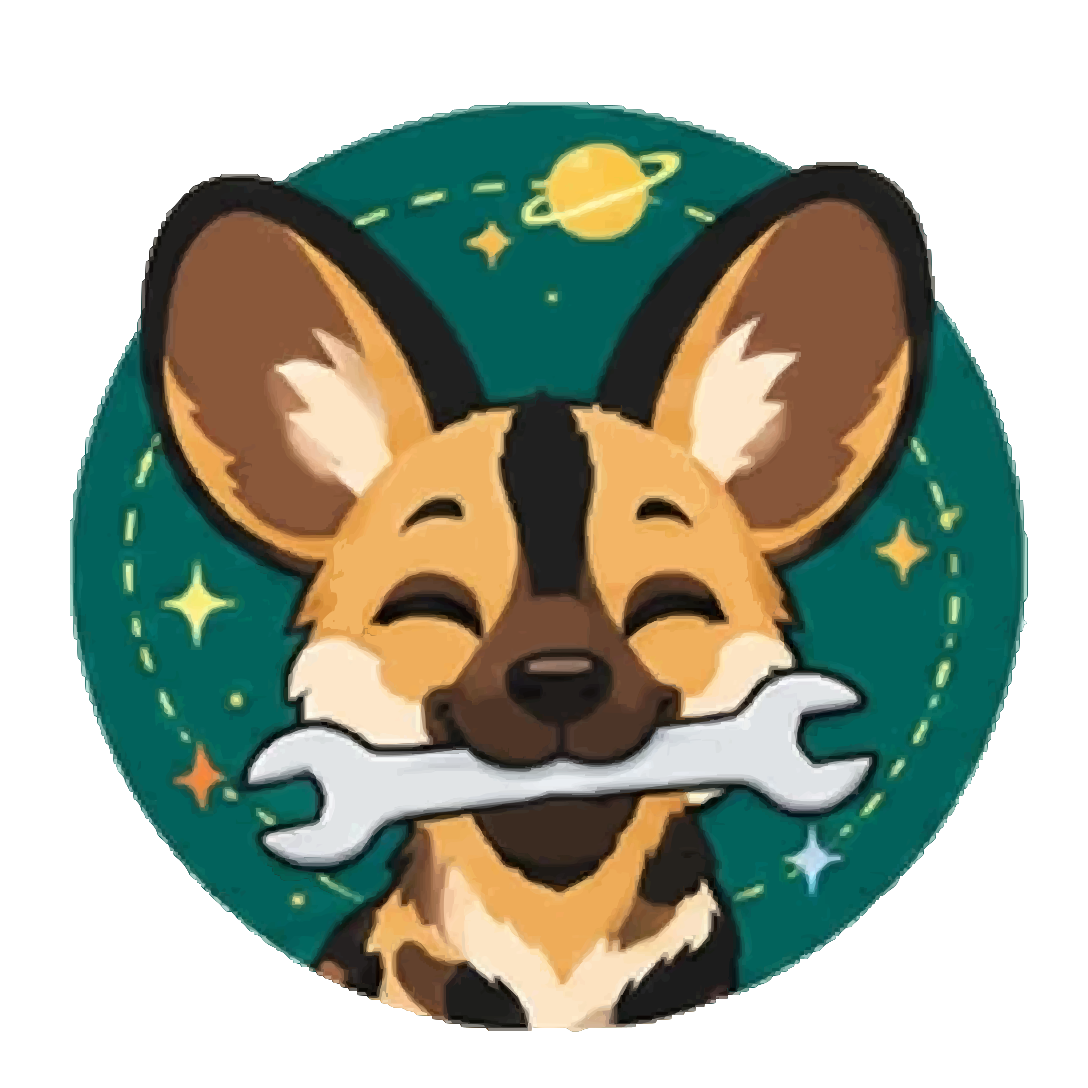
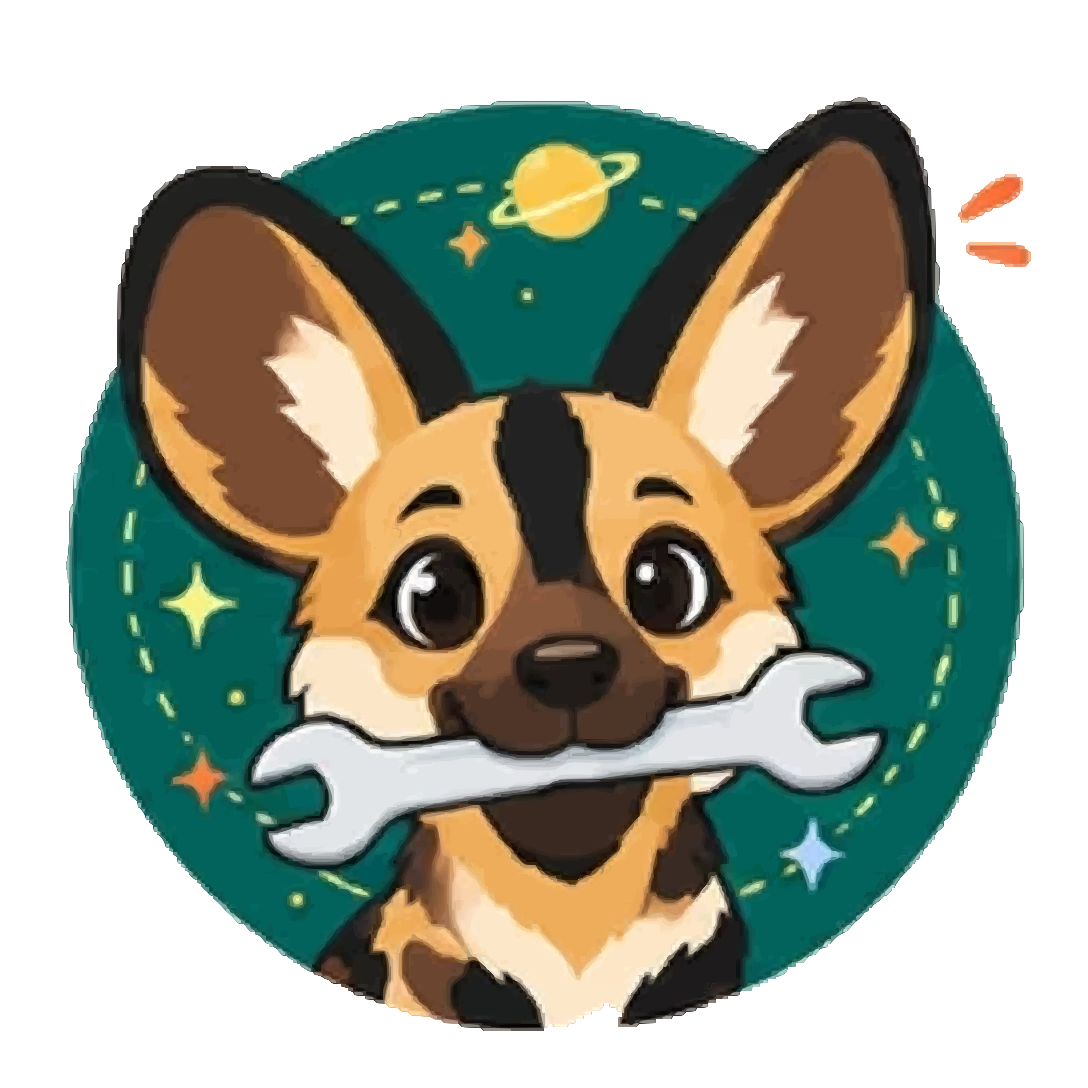
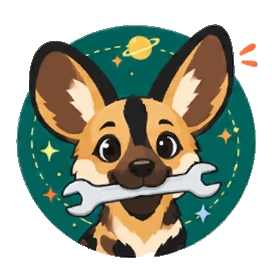
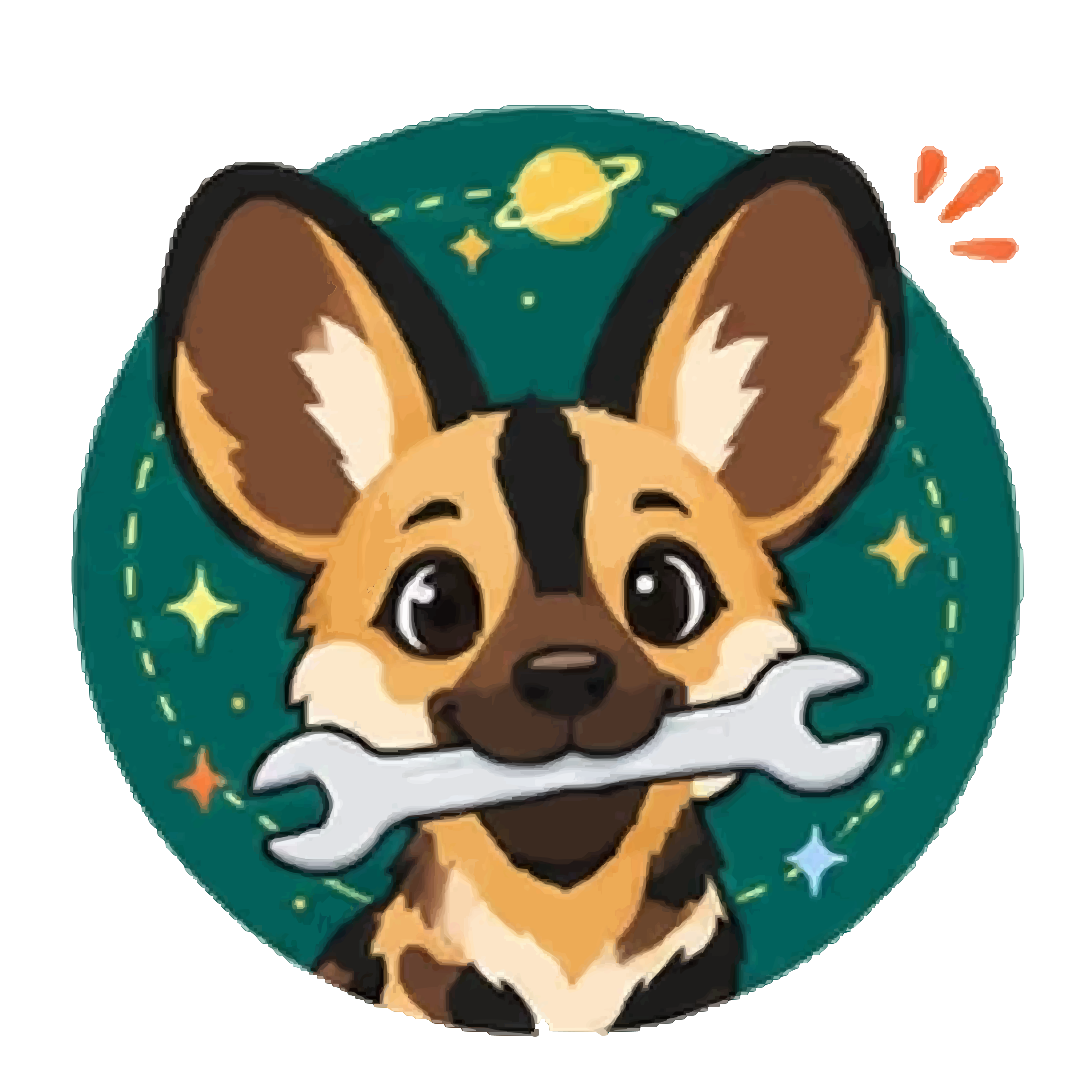
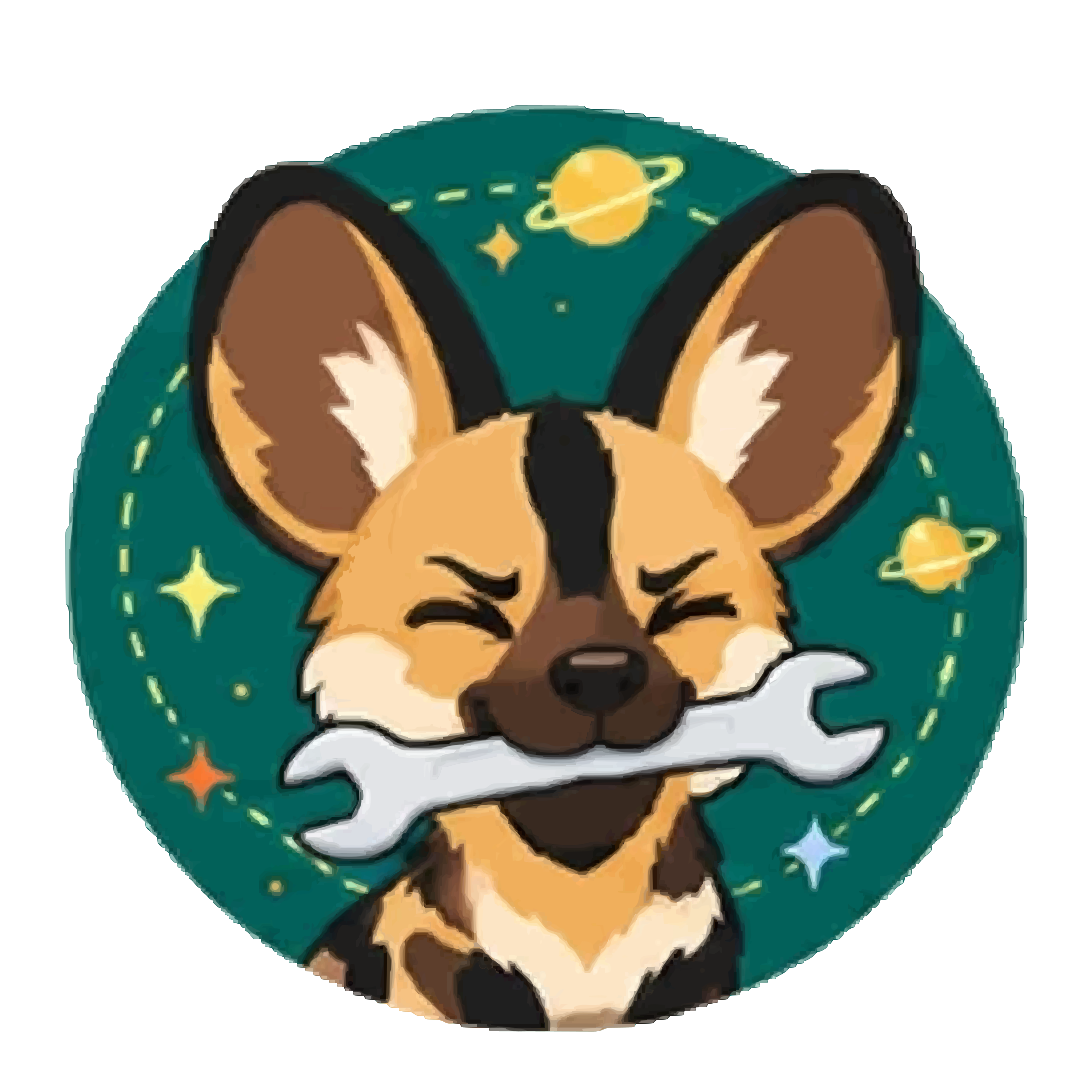
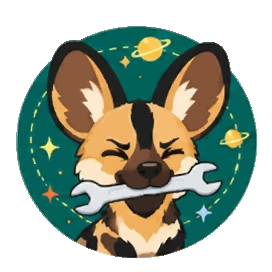
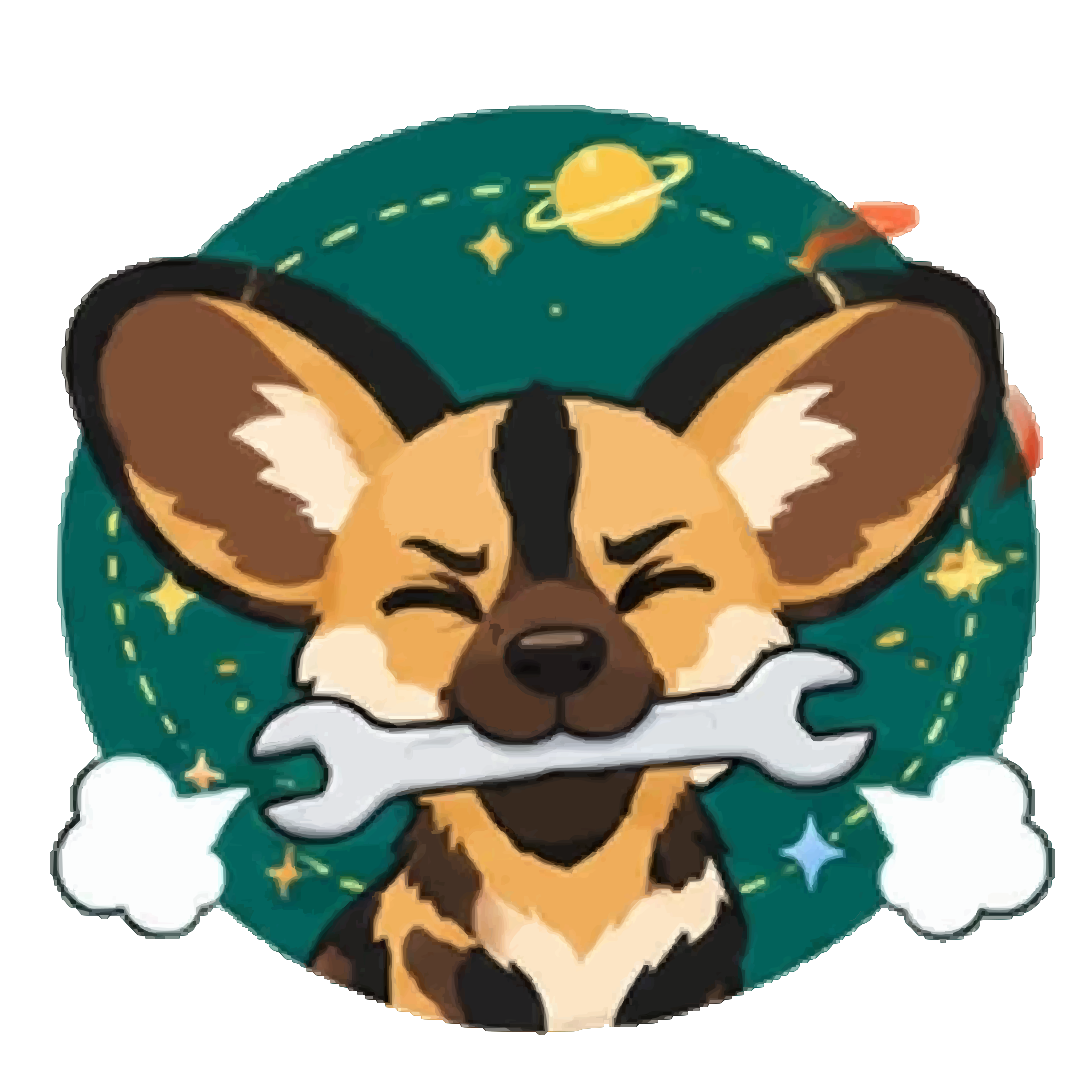
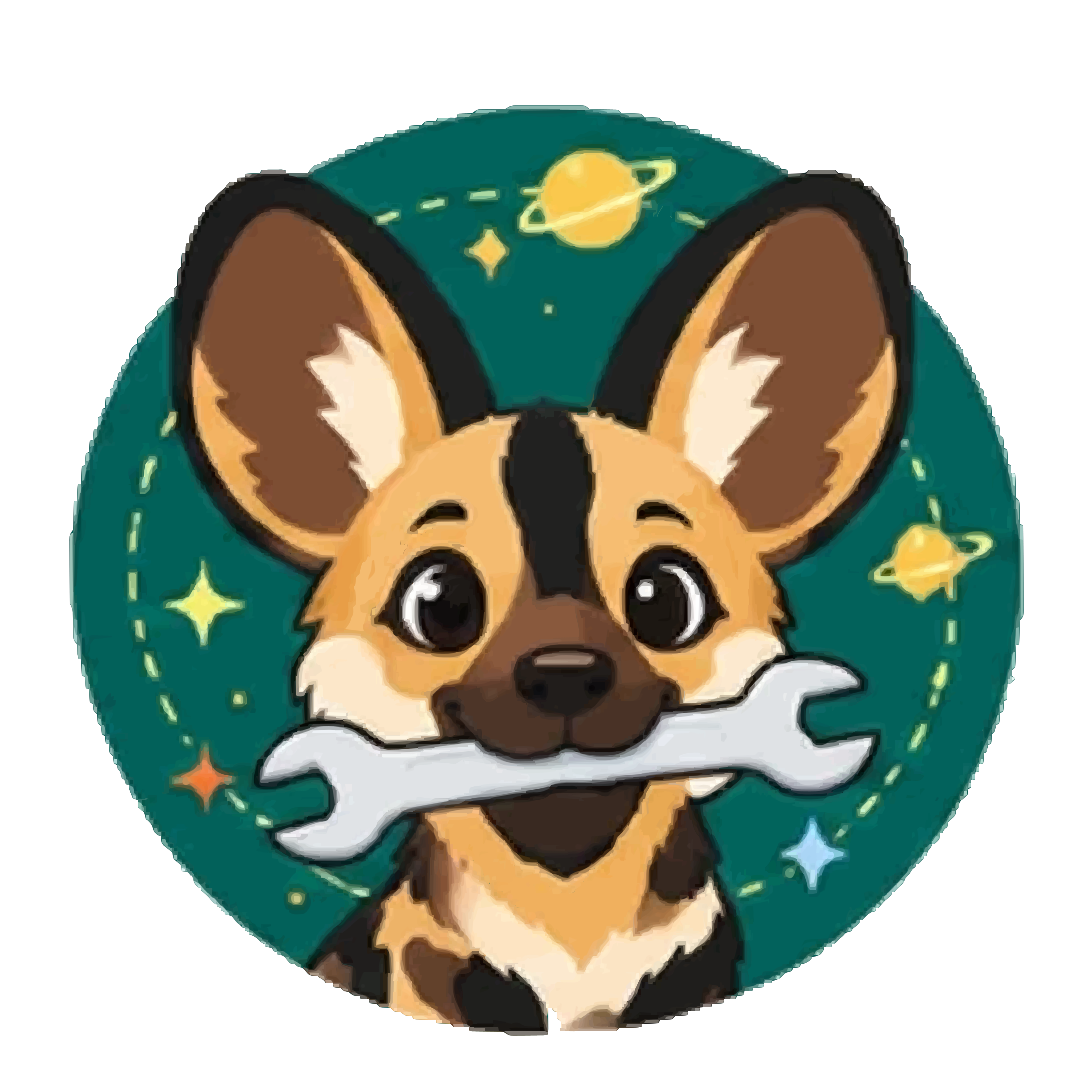
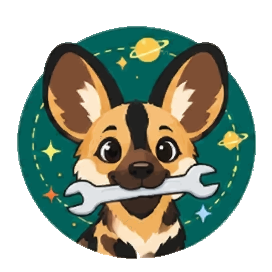
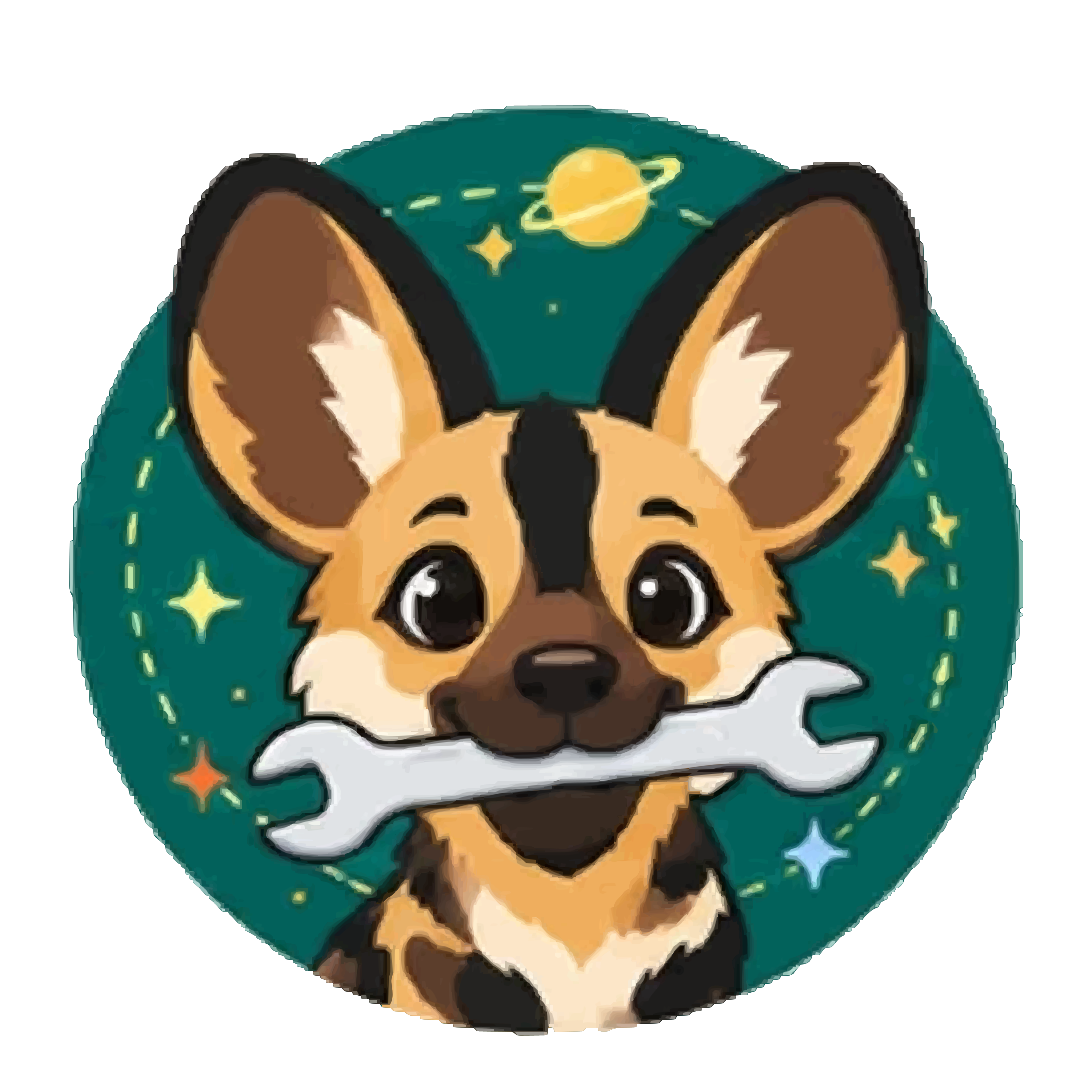
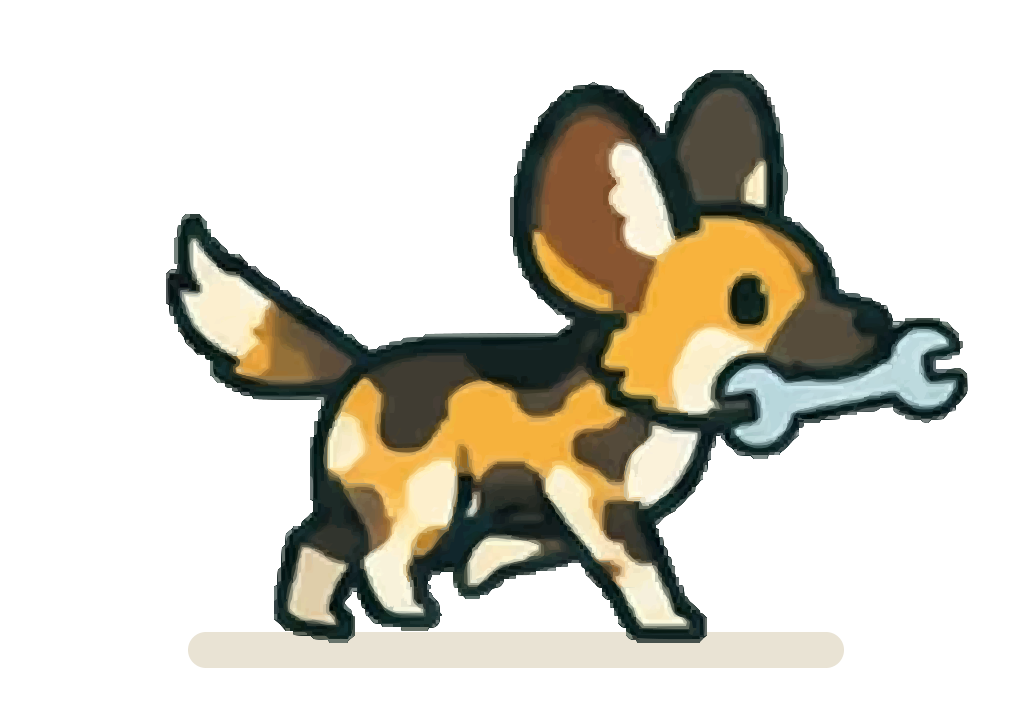

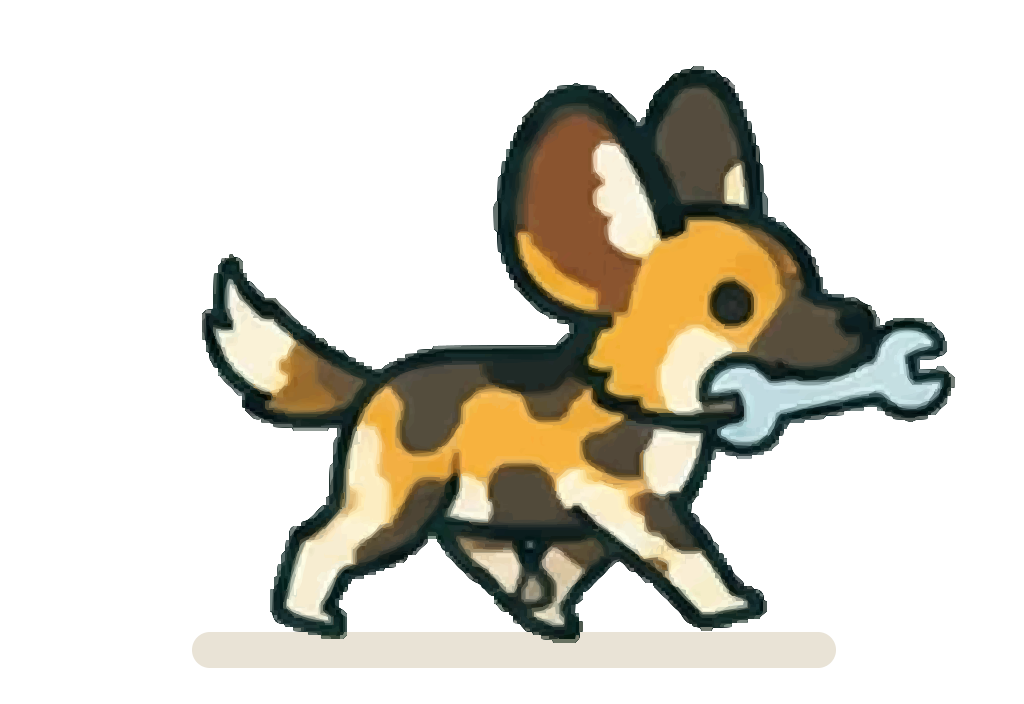

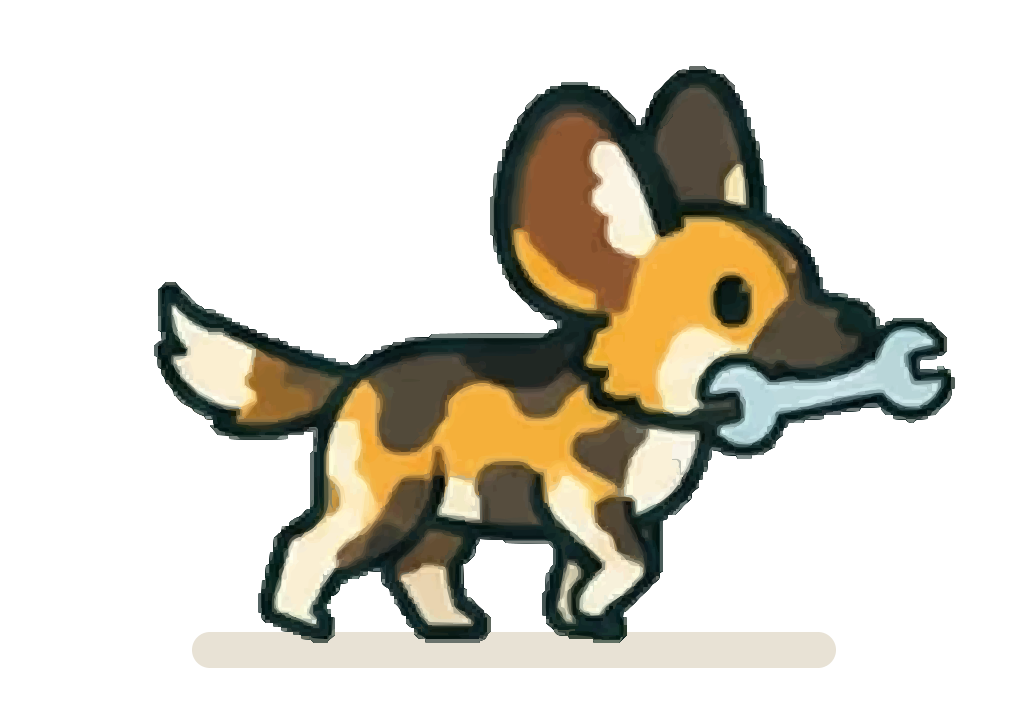

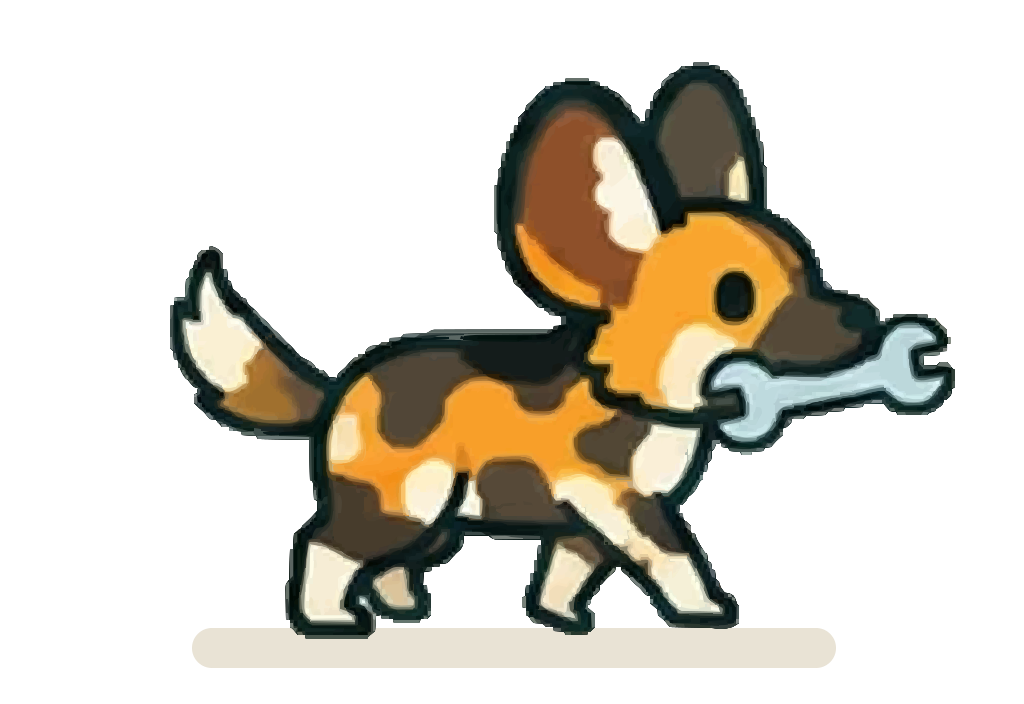

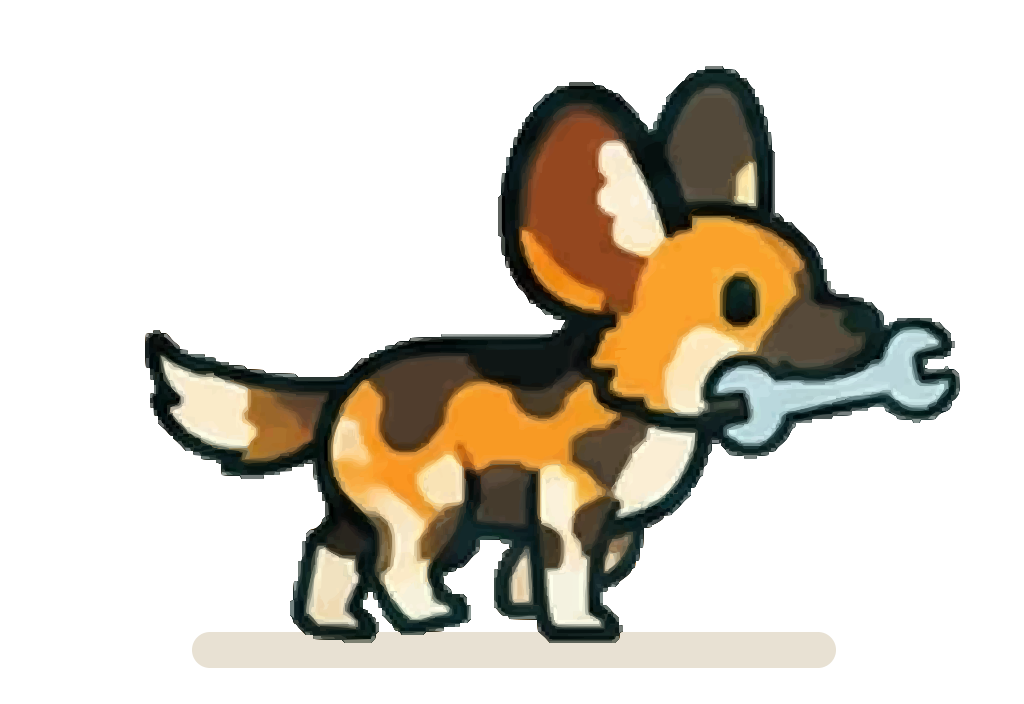

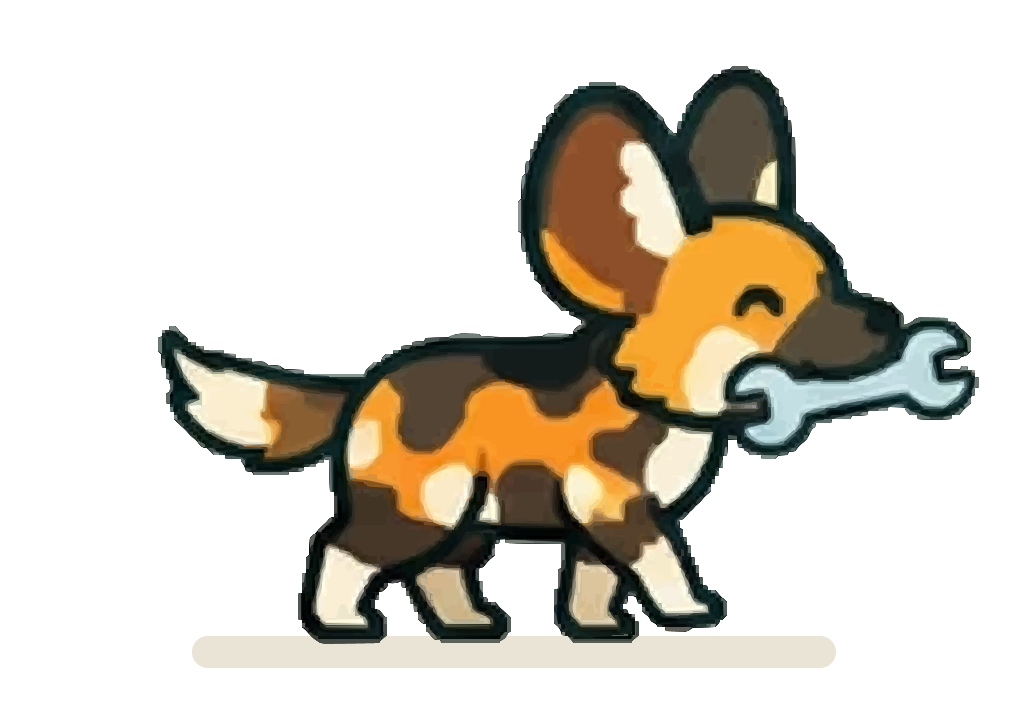

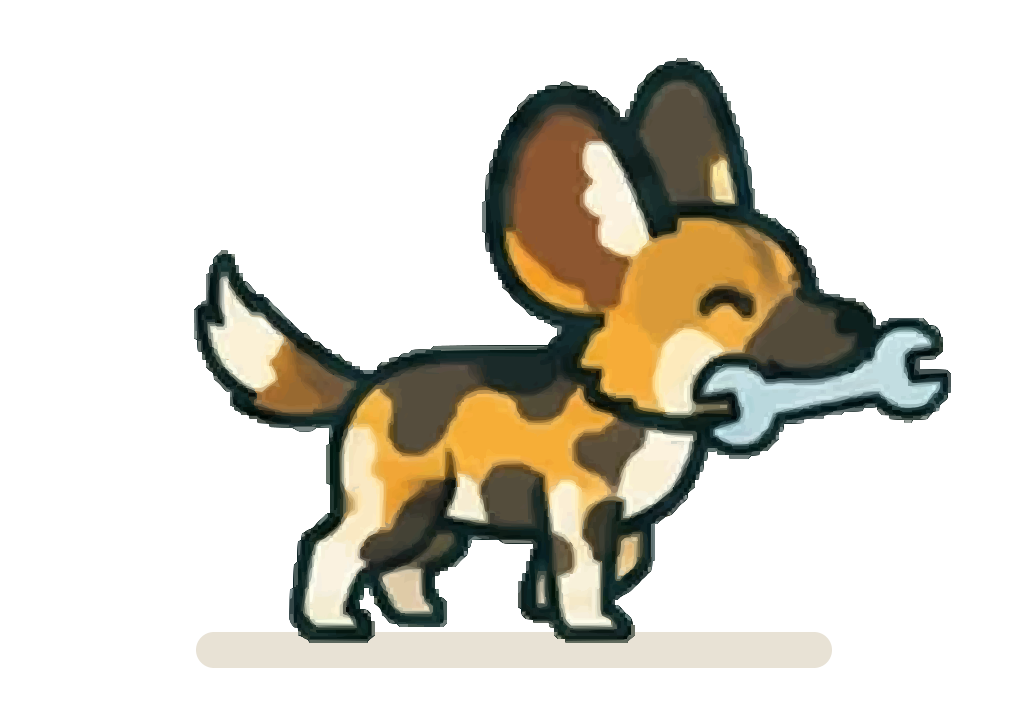

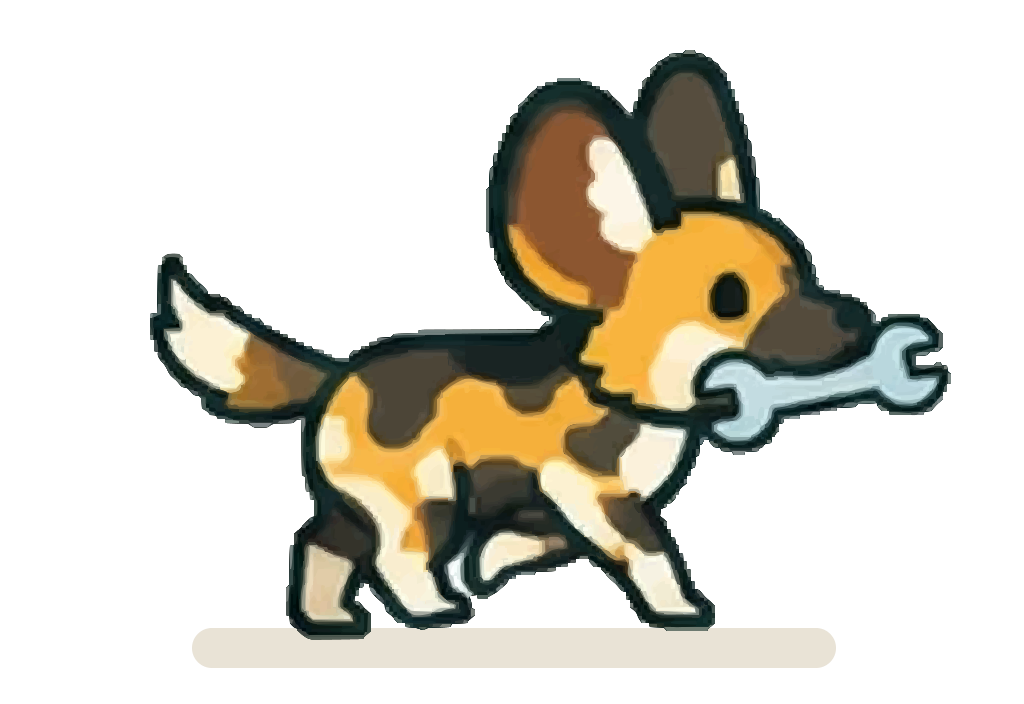

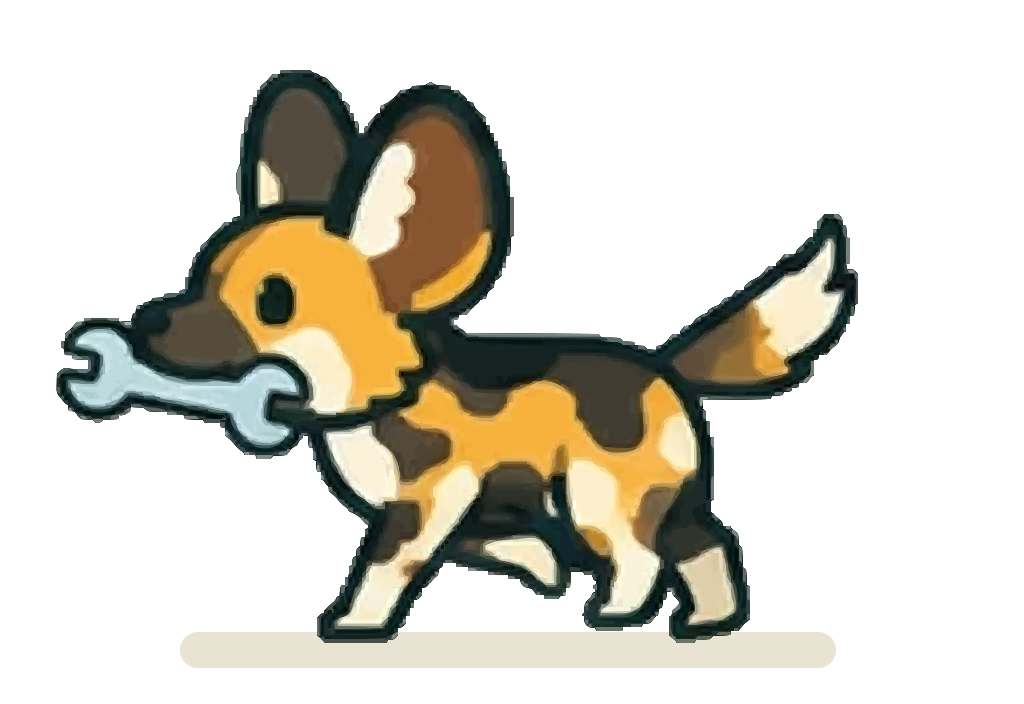

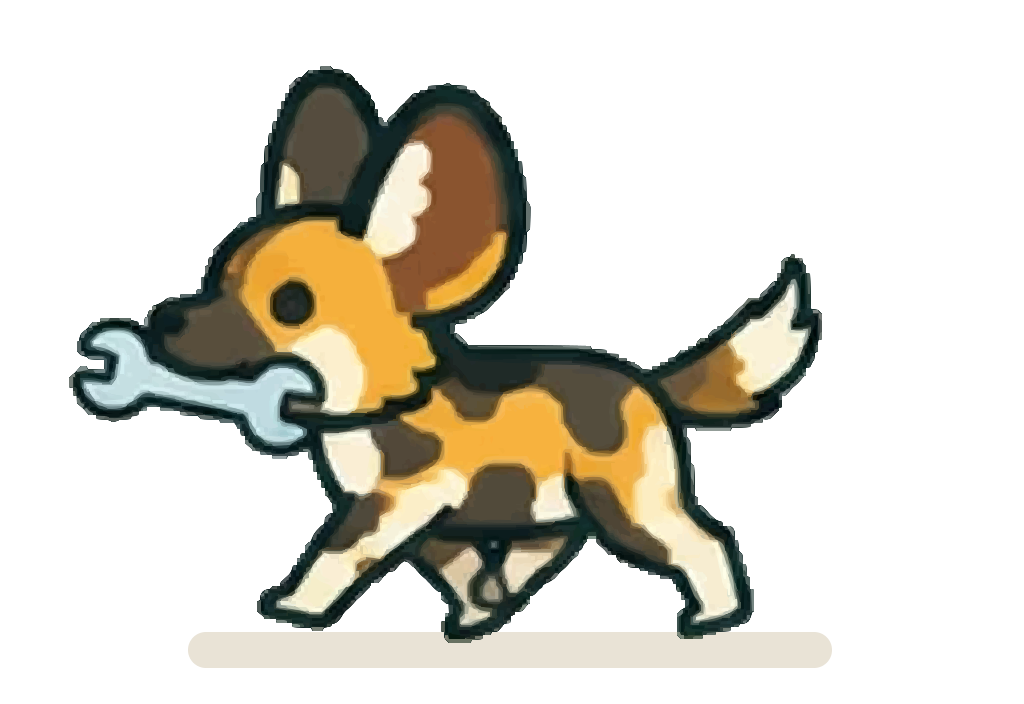

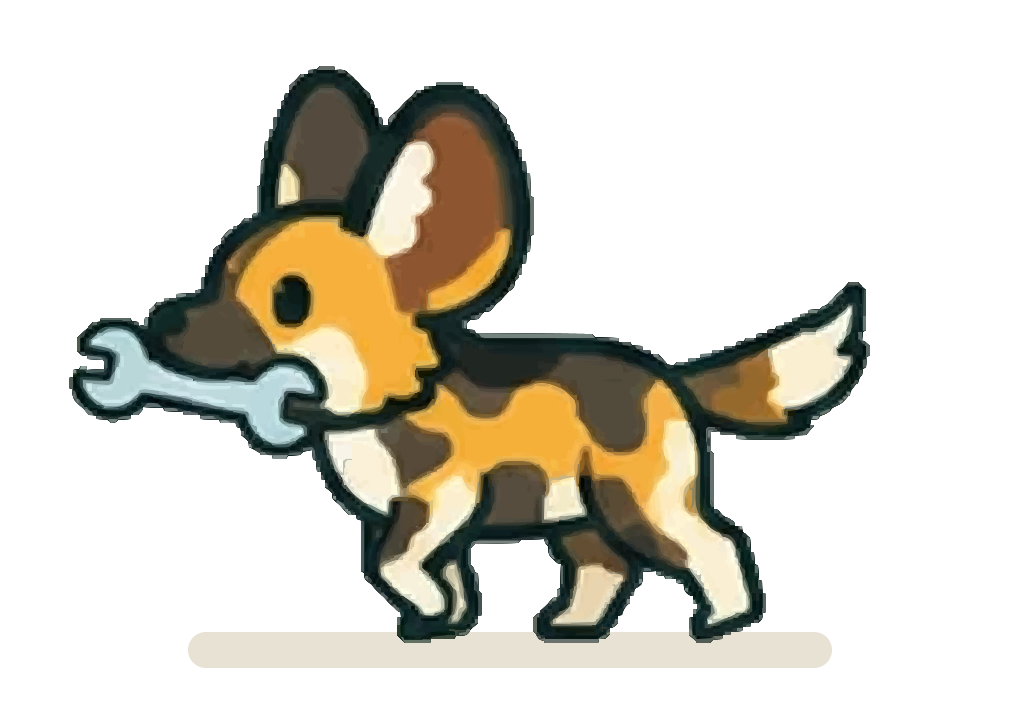

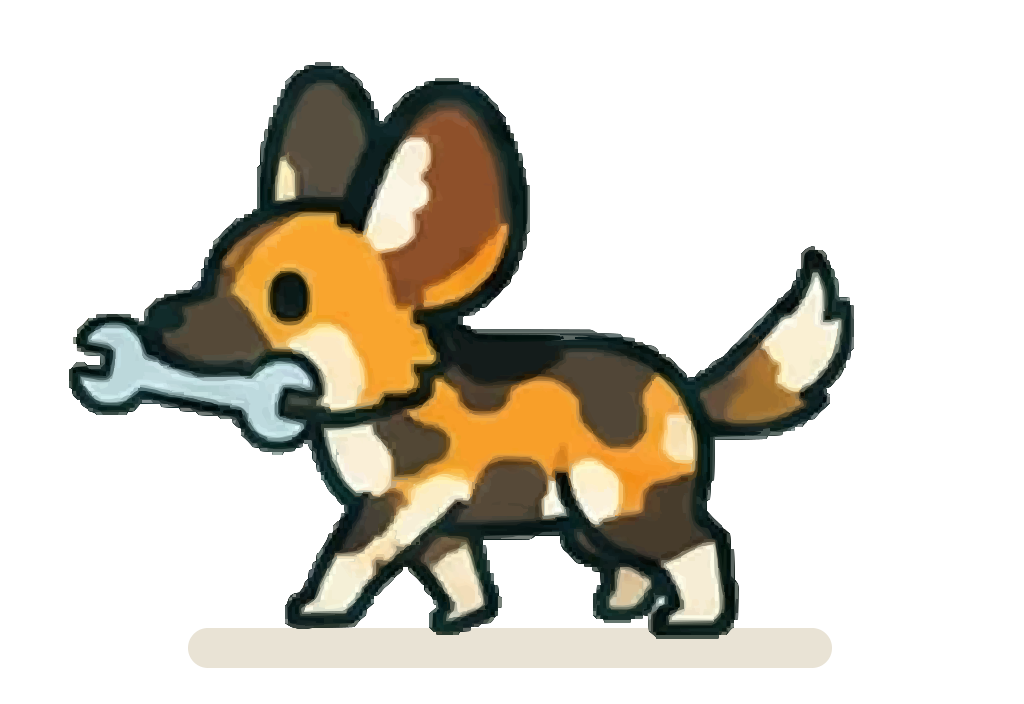

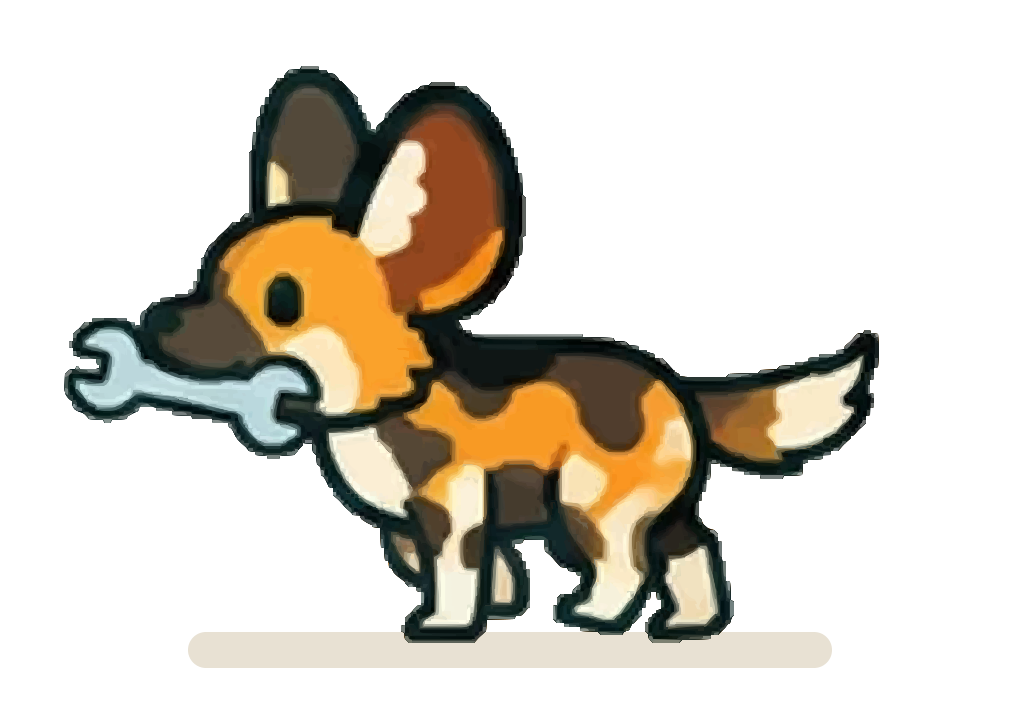

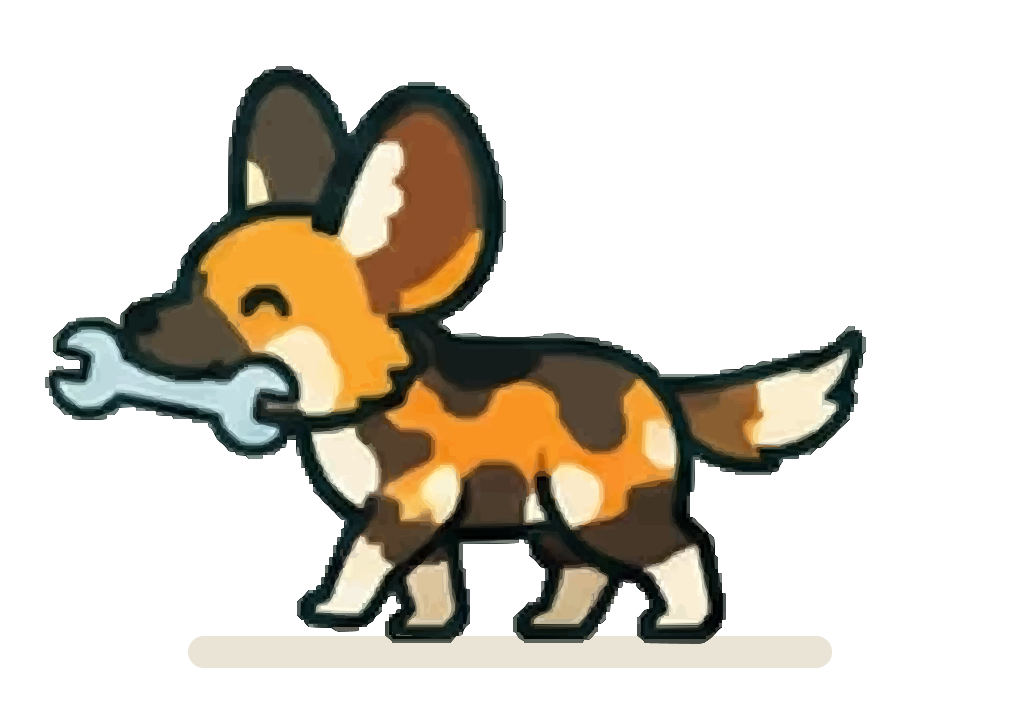

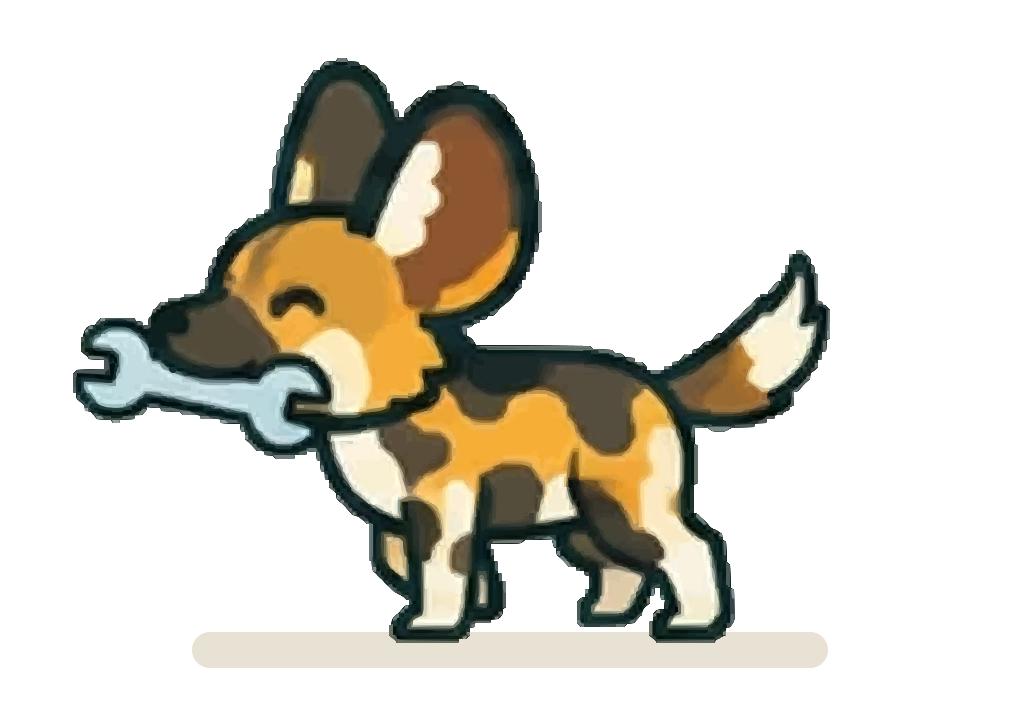

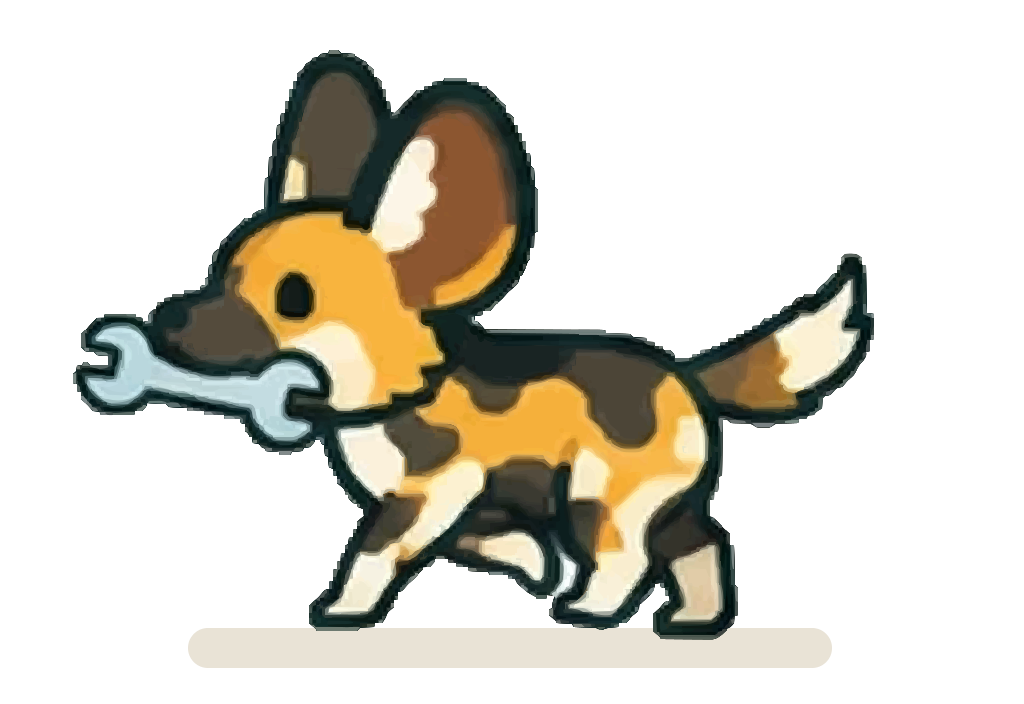

Every file is in mascot/, cut
from the two approved concept sheets
(pose and sneeze,
walk).
Nothing was redrawn. Each piece comes three ways, and again for dark surfaces:


| Folder | What it is | Use it for |
|---|---|---|
mascot/ |
Full vectors: traced at the most faithful settings measured, plus large PNGs and WebPs rendered from them, and GIFs of the loops | Big screens, print, merch, anything scaled up |
mascot/original/ |
The original pixels, cut from the sheet exactly and saved losslessly | Editing, retouching, new exports: nothing is lost |
mascot/compressed/ |
Compressed copies: a lighter SVG, the full SVG gzipped as .svgz, and a small animated WebP |
Product UI and anywhere size matters |
mascot/dark/ |
Patch for dark surfaces: every piece with a thin Warm Cream sticker border, as full SVGs, lossless PNGs and WebPs, and GIFs of the loops | Deep Ink and the dark theme’s panels only |
mascot/dark/compressed/ |
Compressed dark copies: lite SVGs, .svgz and small WebPs |
Product UI on dark surfaces |
| Piece | Files |
|---|---|
| Hero pose | patch.svg, patch.png |
| Sneeze loop | patch-animated.svg, patch-animated.webp, patch-animated.gif, and eight frames in frames/ |
| Walking pose | walk/patch-walk.svg, walk/patch-walk.png |
| Walk cycle | walk/patch-walk-animated.svg, walk/patch-walk-animated.webp, walk/patch-walk-animated.gif, and eight frames in walk/frames/ |
| Walking left | walk-left/patch-walk-left.svg, walk-left/patch-walk-left-animated.webp, walk-left/patch-walk-left-animated.gif, and eight frames in walk-left/frames/ |
| On dark surfaces | Every file above under the same name in dark/, for example dark/patch.svg, dark/patch-animated.gif and dark/walk-left/frames/ |
Walking left is the approved way to move Patch to the left. The script mirrors the walk cycle exactly, so it shows Patch’s other side; frame N lines up with walk frame N for a mid-stride turn.
The same names sit in original/, compressed/ and dark/. In product UI, use the animated WebPs;
they’re far lighter than the animated SVGs. Browsers only show .svgz when the server sends it
gzip-encoded, so use the plain .svg on web pages. The GIFs are for email and chat tools that can’t play
an animated WebP: GIF has only 256 colours and hard-edged transparency, so use the WebP or SVG wherever
they work.
On dark surfaces, Patch’s thick dark outline almost disappears against Deep Ink, so use the same file
from dark/: its thin Warm Cream die-cut border keeps Patch readable, and the art inside is untouched.
Frames and loops keep their canvas, so a dark file drops in for its light twin. On Warm Cream, white and
the light brand colours, use the plain files.
A vector is made of flat colour shapes, so it can’t hold soft shading: the subtle brown iris inside each
eye merges into the pupil. That detail is kept in original/. To rebuild everything after replacing a
sheet, run node scripts/cut-mascot.mjs, then node scripts/dark-mascot.mjs and
node scripts/gif-mascot.mjs, from site/.
Why a painted wolf
Section titled “Why a painted wolf”We wanted a mascot whose real behaviour matches what Space Works stands for.
| What painted wolves do | What it says about Space Works |
|---|---|
| No two coats are alike. | A community of very different makers, all one pack. |
| They vote by sneezing. Once enough of the pack sneezes, it moves (Walker et al., 2017). | The community decides together. Everyone gets a voice. |
| They look after everyone. Pups eat first; the pack brings food back for the injured, sick and old (Tsavo Trust). | A commons: access for everyone, nobody left behind. |
| They succeed as a team. | Collaboration over lone genius. |
| They are endangered. | A real story worth telling. |
Sneeze votes aren’t equal: about three sneezes do it when the dominant pair joins in, about ten otherwise. Say “everyone gets a voice”, not “one dog, one vote”.
The maker world is full of robots and skull-and-wrench marks, and we found no tool library with a mascot and no software brand using a painted wolf.
Why “Patch”
Section titled “Why “Patch””The patchwork coat that makes every painted wolf unique, patching things up in repair and maker culture, and a software patch. Short, friendly and easy to say in any language.
Colour
Section titled “Colour”The badge and accents use the brand colours: a Maker Teal badge, a Warm Yellow orbit and planets, and Citron, Workshop Orange and Sky Blue sparkles. The coat’s tans and browns and the silver wrench belong to the artwork; don’t reuse them as UI colours.
Animation
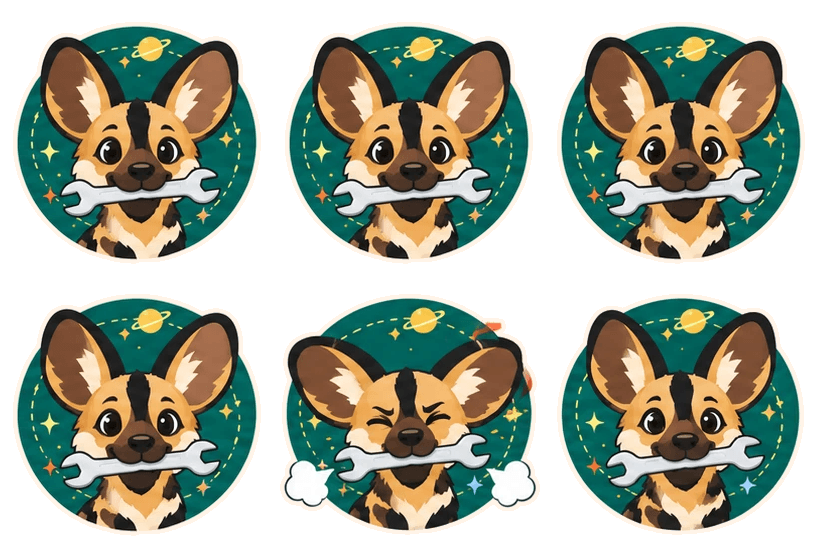
Section titled “Animation”The concept sheet’s 7-second loop, frame by frame. Between moments Patch holds the idle frame. The walk cycle plays its eight frames at 120 ms each.
| Time | Frame |
|---|---|
| 0.0 s | Idle (breathing) |
| 2.0 s | Blink |
| 3.5 s | Left ear twitch |
| 4.0 s | Right ear twitch |
| 5.3 s | Sneeze (prep) |
| 5.6 s | Sneeze! The sneeze vote |
| 6.0 s | Recover |
| 6.6–7.0 s | Back to idle |
With reduced motion turned on, the SVG shows the idle frame. In product, save the sneeze (frames 5 to 7) for moments when the community acts together: a vote passing, a project filling up, a tool coming back to the shelf.
Where Patch shows up
Section titled “Where Patch shows up”Patch is the friendly face. The box symbol is still the logo.
| Use Patch for | Use the logo for |
|---|---|
| Empty states, onboarding, loading, success, 404 and error pages | The app header, favicon and app icon |
| The website hero, docs, social posts | Legal pages and formal documents |
| Stickers, merch and event signage | Anywhere the brand must be identified |
Patch counts as the layout’s one bold moment. Don’t put Patch inside or beside the box symbol as a combined mark.
Keep Patch intact
Section titled “Keep Patch intact”- Don’t recolour, filter or redraw Patch. Use these files as they are.
- Don’t stretch, skew or mirror Patch. The coat is asymmetric on purpose. To head left, use the
walk-left/files; never flip the others with CSS. - Don’t add effects such as shadows, glows, gradients or outlines. The one exception is the Warm
Cream sticker border of the approved
dark/files; don’t draw your own. - Don’t make Patch fierce. No bared teeth, angry brows or hunting poses.
- Don’t scale up the PNGs or WebPs. Use the full SVGs when you need bigger.
- Keep clear space of a quarter of the badge height on every side.
- Use the
dark/files on dark surfaces. Patch’s dark ear rims sit close to Deep Ink. Warm Cream, white, Citron, Sky Blue and Workshop Orange surfaces all work with the plain files.